

Get started
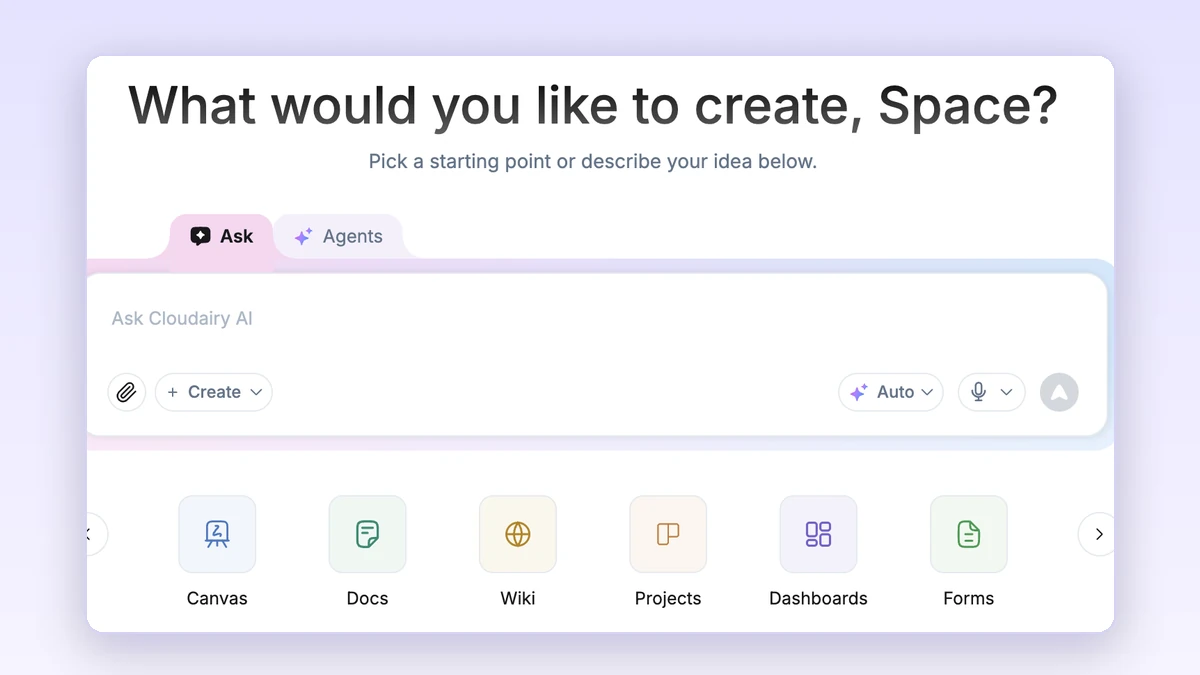
Cloudairy is one workspace where you make diagrams, docs, wikis, sites, slides and more, by hand or with Cloudairy AI, and hand repeat work to AI agents.
Get set up
Create your account, learn your way around the app and pick the way of working that suits you.
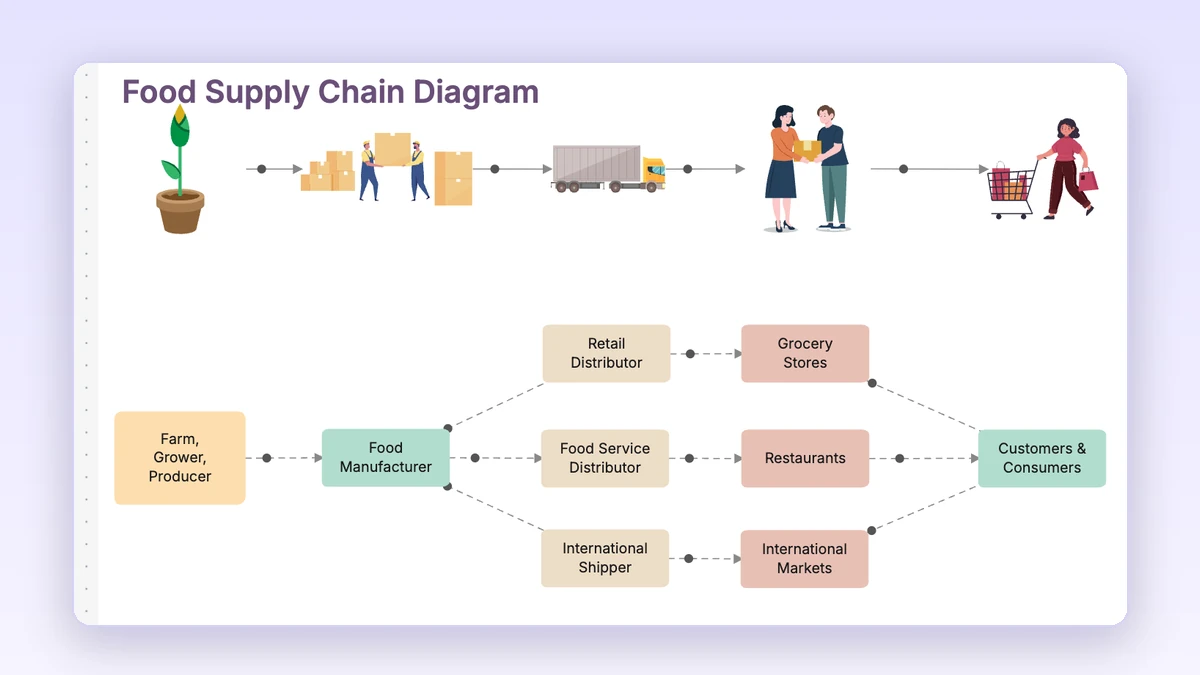
Build your first thing
Five short tutorials that each end with something finished: a board, a doc, an AI result, an agent and a wiki.
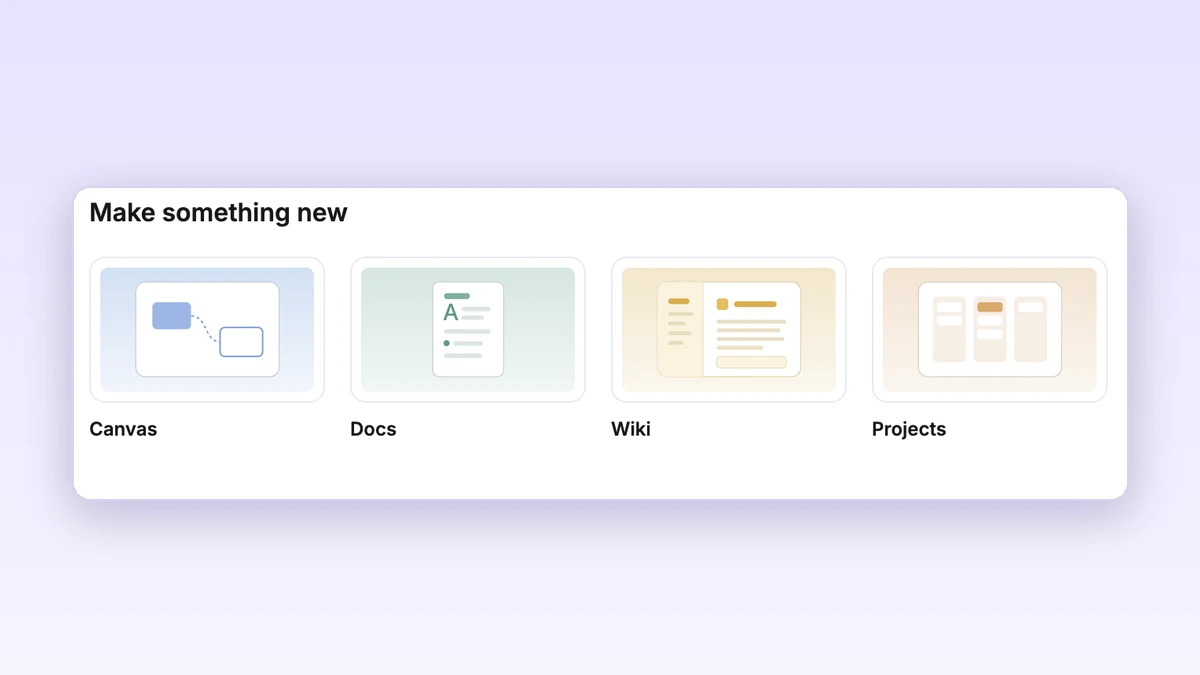
Make anything
Learn the everyday skills that work across every artifact: starting new work, finding your files, templates and AI inside the editor.
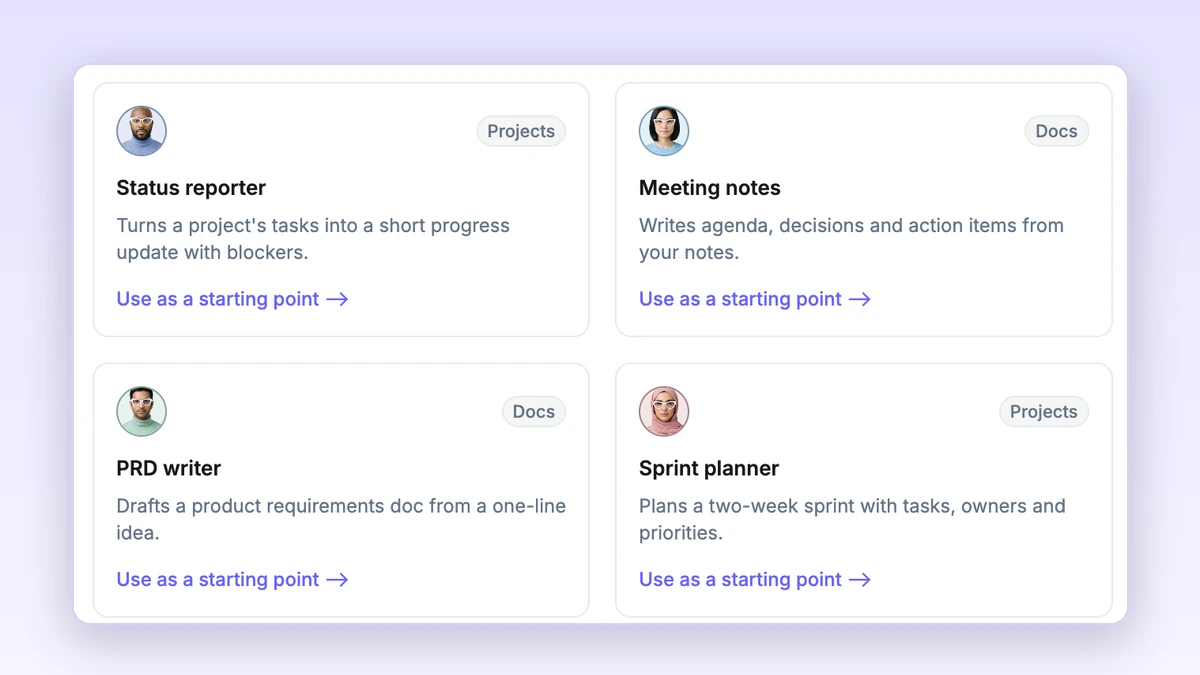
Hand work to agents
Describe a job once and an agent does it for you, on demand or on a schedule.
Connect your tools
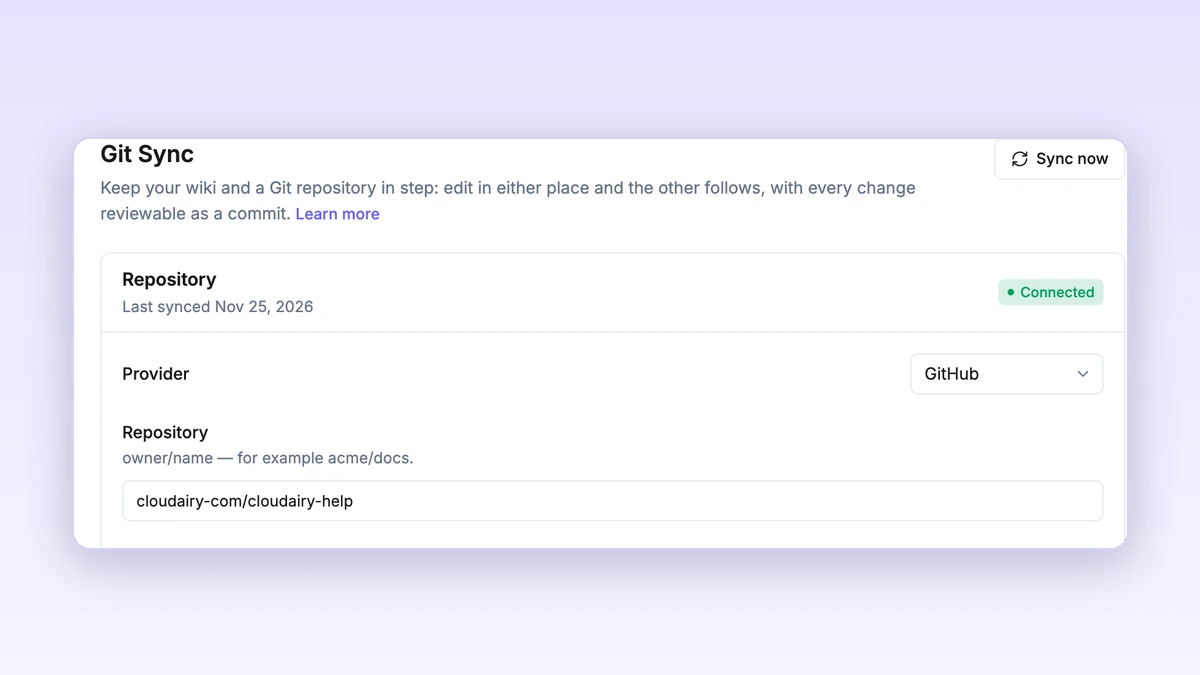
Bring the apps you already use into Cloudairy, save to Google Drive or OneDrive, and keep a wiki in step with Git.
Run your workspace
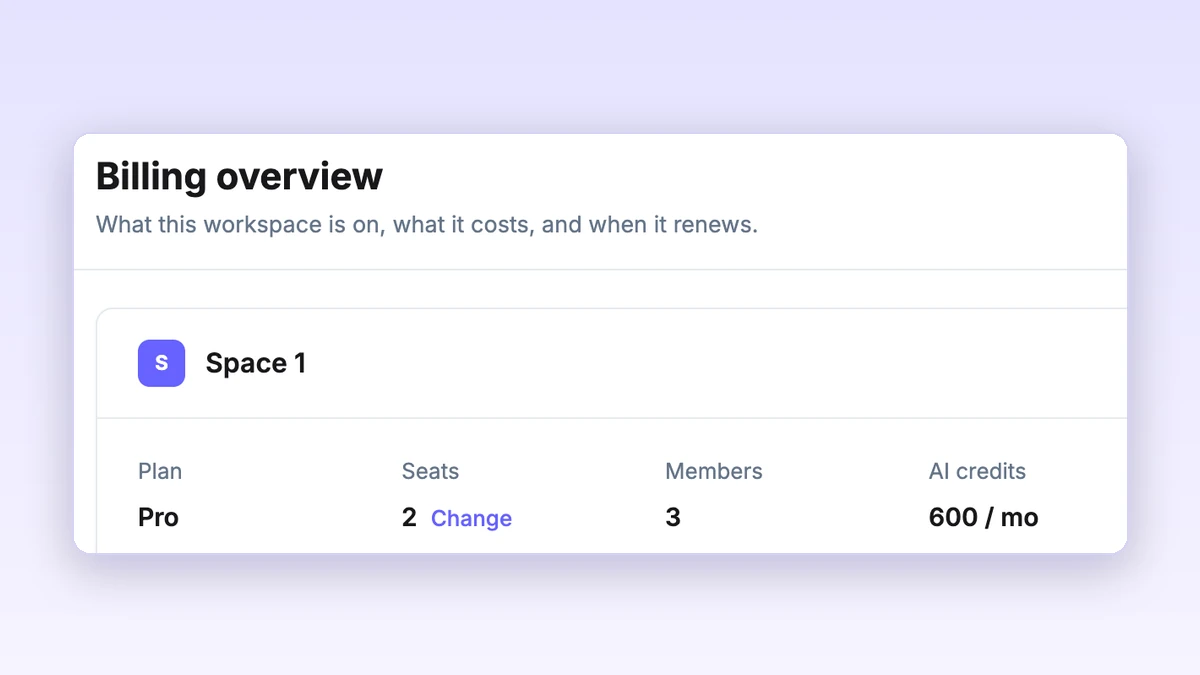
Invite your team, choose a plan, manage seats and billing, and set up security.
Find your path
Follow a reading order made for your role, and look up the words Cloudairy uses.

The 14 artifacts
Cloudairy calls everything you make an artifact. Each one has its own page in the Artifacts catalog.
| Artifact | What you make |
|---|---|
| Canvas | Diagrams and flowcharts on an infinite board you can edit by hand or with AI. |
| Whiteboard | A free-form board for brainstorms and workshops, in the same editor as Canvas. |
| ERD | Database tables and their relationships, with the SQL to match. |
| Docs | Documents, specs and notes with rich blocks and AI next to you. |
| Wiki | A docs site or help centre with spaces, pages, a theme and publishing. |
| Projects | A project with task boards, docs, forms and dashboards. |
| Forms | Forms whose answers land on your board as items. |
| Dashboards | Charts from a spreadsheet, or live charts across your boards. |
| Sites | A live, publishable website built from a description. |
| Code | Code projects you build and change with AI. |
| Slides | AI-built presentations you can fine-tune and present. |
| Infographics | Posters and visual summaries, built by AI and fully editable. |
| Wireframes | Clickable app screens for mobile, tablet and desktop. |
| Clips | Screen recordings with transcripts, chapters and comments. |
Not sure where to begin? Read Choose how to use Cloudairy.