

Get started›Learning paths
Learning paths
A reading order for your role, from your first day to the features that save you the most time.
Every path starts the same way: sign up, take the tour and read Choose how to use Cloudairy. Then pick your role.
| Role | You mostly make | Path |
|---|---|---|
| Designer | Diagrams, wireframes, infographics, slides and sites | Designer |
| Product manager | Specs, project boards, forms and dashboards | Product manager |
| Engineer | Architecture diagrams, database designs and code | Engineer |
| Team lead | Spaces, plans, sprints and reports for a team | Team lead |
| Docs writer | Docs, wikis and help centres | Docs writer |
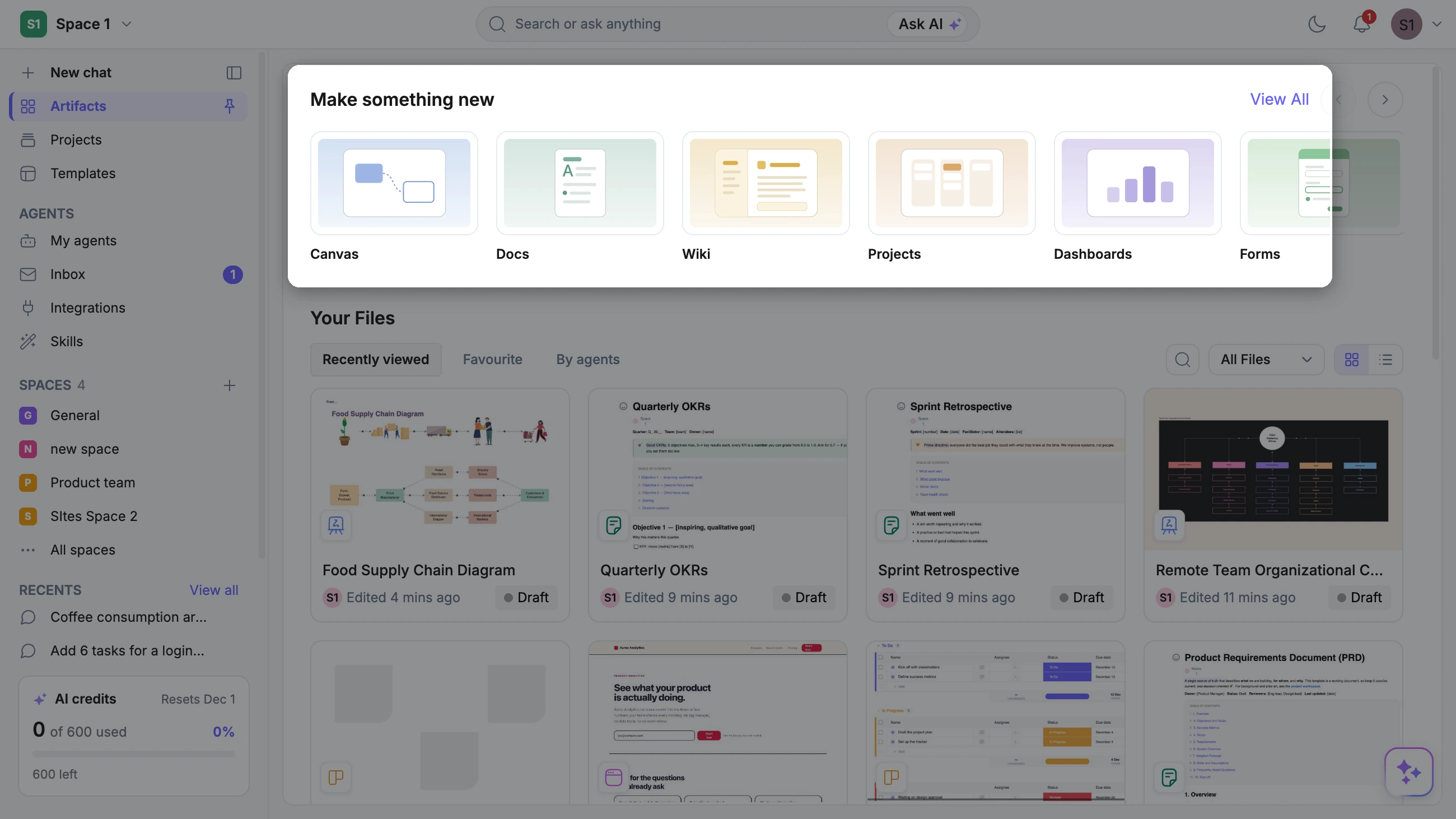
Each path has three stages:
First day: one tutorial that gets you a finished result.
First week: the artifacts you will use most, and how AI helps with them.
Go further: agents, templates and connections that take repeat work off your plate.
Next steps
Was this helpful?