

Team lead
A reading order for team leads who set up a workspace for their team, plan work and keep everyone informed.
First day
Sign up and set up your workspace, then invite your team from the profile menu with Invite members. Can edit uses a paid seat. Can view is free.
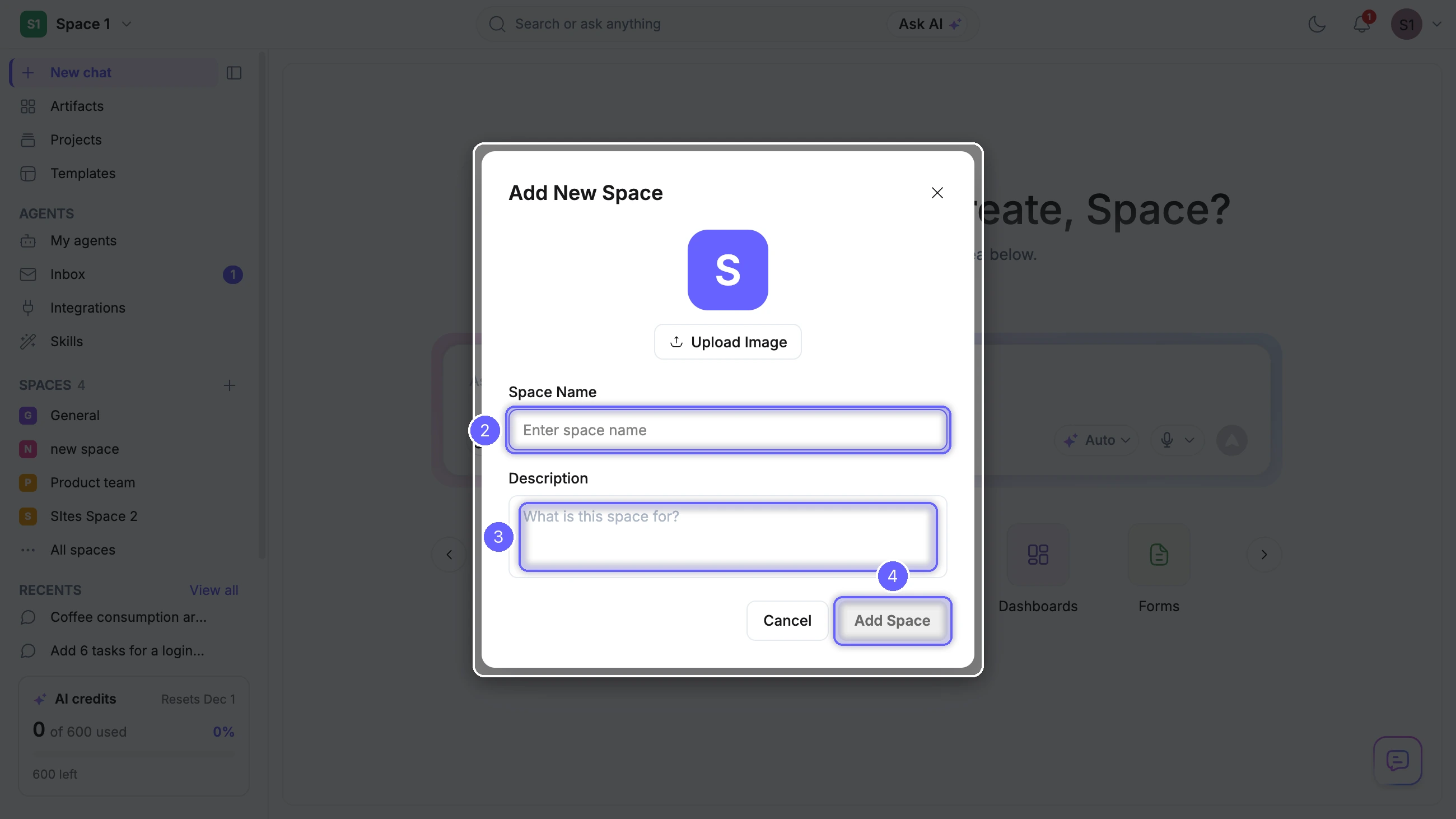
Create a space for your team: click + next to Spaces in the left sidebar. Everything for one team or topic then lives in one place.
First week
Plans and seats. Compare what each plan includes in Plans at a glance. Roles, permissions and guest access come with Business.
Project boards. Plan sprints, set a board's health (On track, At risk, Off track) and see the load on each person in the Workload view. Read Projects.
Inbox. Follow mentions, assignments and approvals in one list. Read Agents for agent approvals.
Dashboards. Put progress across boards on one page. Read Dashboards.
Go further
Agents for the team. Start from the prebuilt Status reporter, Meeting notes or Onboarding guide, and share an agent with the whole workspace. Read Agents.
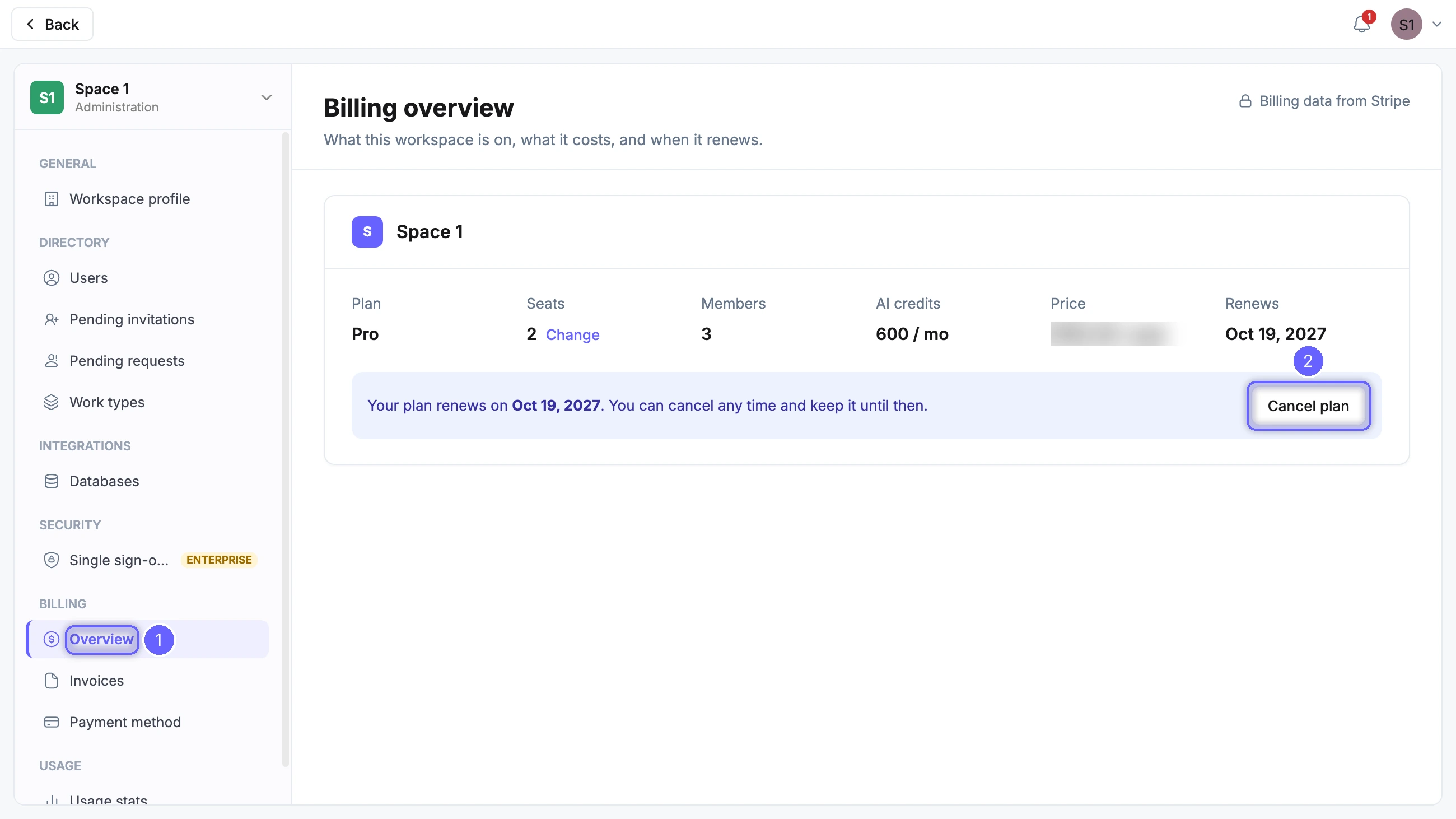
Administration. Manage users, pending invitations, work types, billing, invoices and usage stats. Read Administer.
Integrations. Connect the apps your team uses, such as Slack, Google or Microsoft 365. Read Connect.
Templates for the team. Publish a board as a template for the entire workspace with Convert to Template. Read Build.