

Product manager
A reading order for product managers who write specs, plan work, collect feedback and report progress.
First day
Write your first doc. Try Generate with AI with the Project brief chip, or the PRD chip in the doc's AI panel.
Try Create something with Ask AI and pick Projects to get a project with its board, docs and diagrams.
First week
Docs. Use the / menu for tables, callouts, task views and Mermaid diagrams. Ask for feedback with comments and Suggest edits, and export as PDF, Word or Markdown. Read Docs.
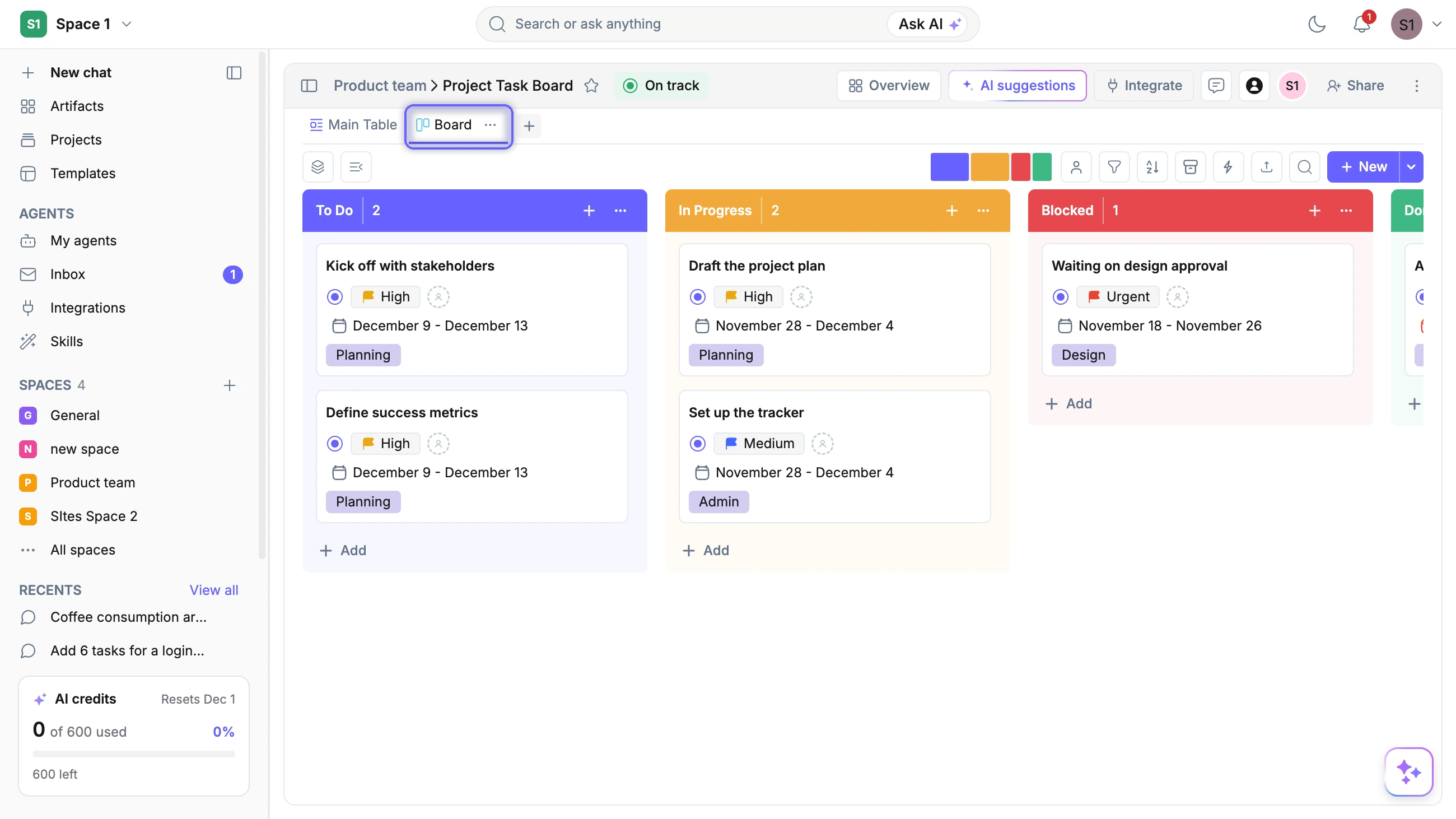
Projects. Create a task board from a template such as Product launch or Quarterly roadmap, or describe it to AI. Switch between views such as Table, Board, Calendar, Timeline, Gantt and Sprints. Read Projects.
Forms. Collect requests or feedback with a form whose answers land on your board as items. Read Forms.
Dashboards. Chart progress across your boards, or turn a spreadsheet into a dashboard. Read Dashboards.
Go further
Agents. Start from the prebuilt PRD writer, Sprint planner or Status reporter under My agents > Prebuilt agents. Read Agents.
Automations. Set rules on a board: when something happens, then do something. Read Projects.
Clips. Record a walkthrough with transcripts and chapters, and turn it into a report, a diagram or a task board. Read Clips.
Projects in the sidebar. Keep the AI chats and files for one goal together, so Cloudairy AI knows the background. Read Key concepts.