

Connect
Link Cloudairy to the AI apps, drives, repositories and tools you already use, and move your work in and out.
Connect AI apps over MCP
Let Claude and other AI apps find, read and create Cloudairy diagrams for you, signed in as you.
Integrations for agents
Connect Gmail, Slack, Jira and other apps so your agents can read from them and act in them.
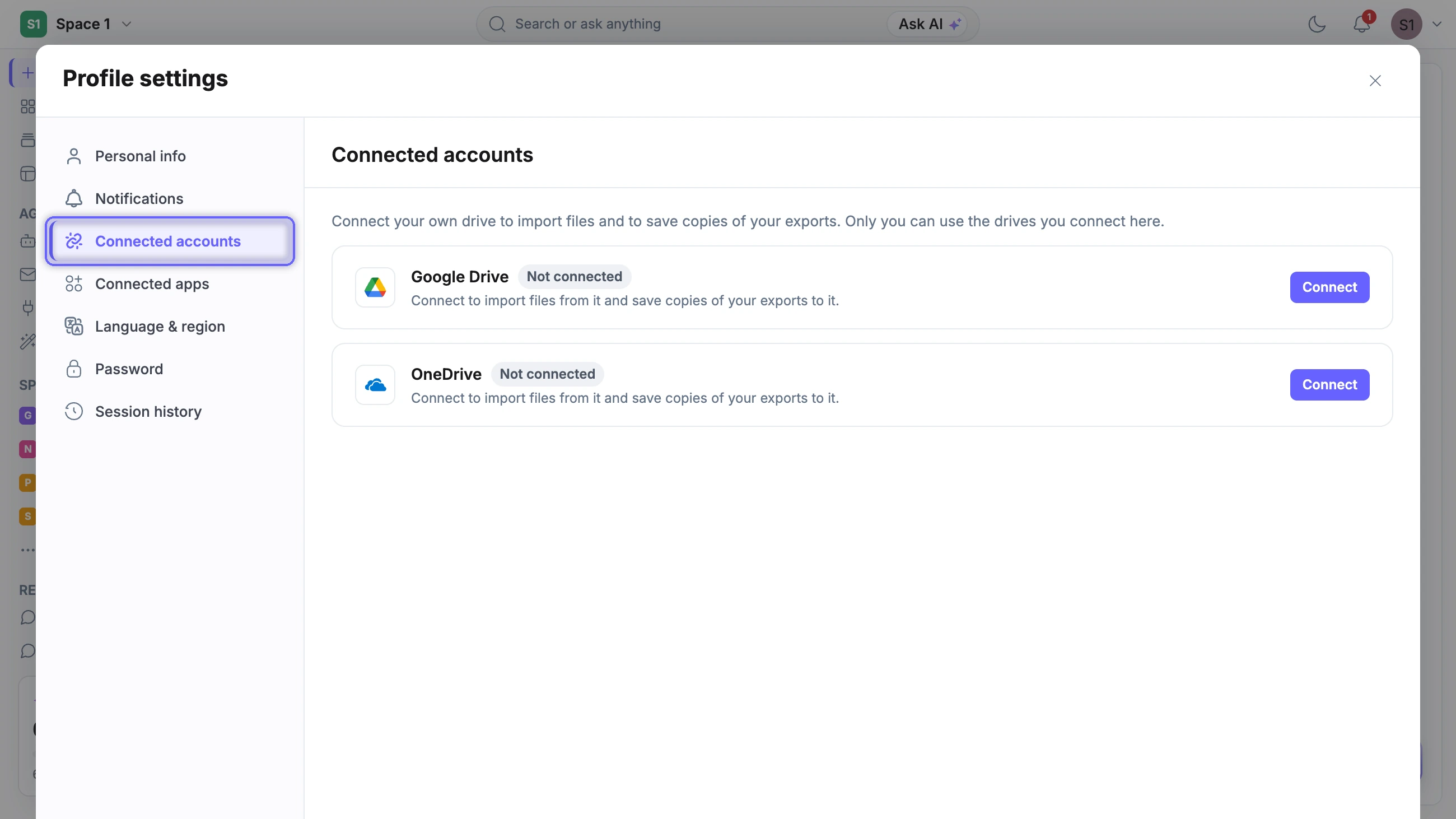
Google Drive and OneDrive
Save copies of your exports to your own drive, and import files from it.
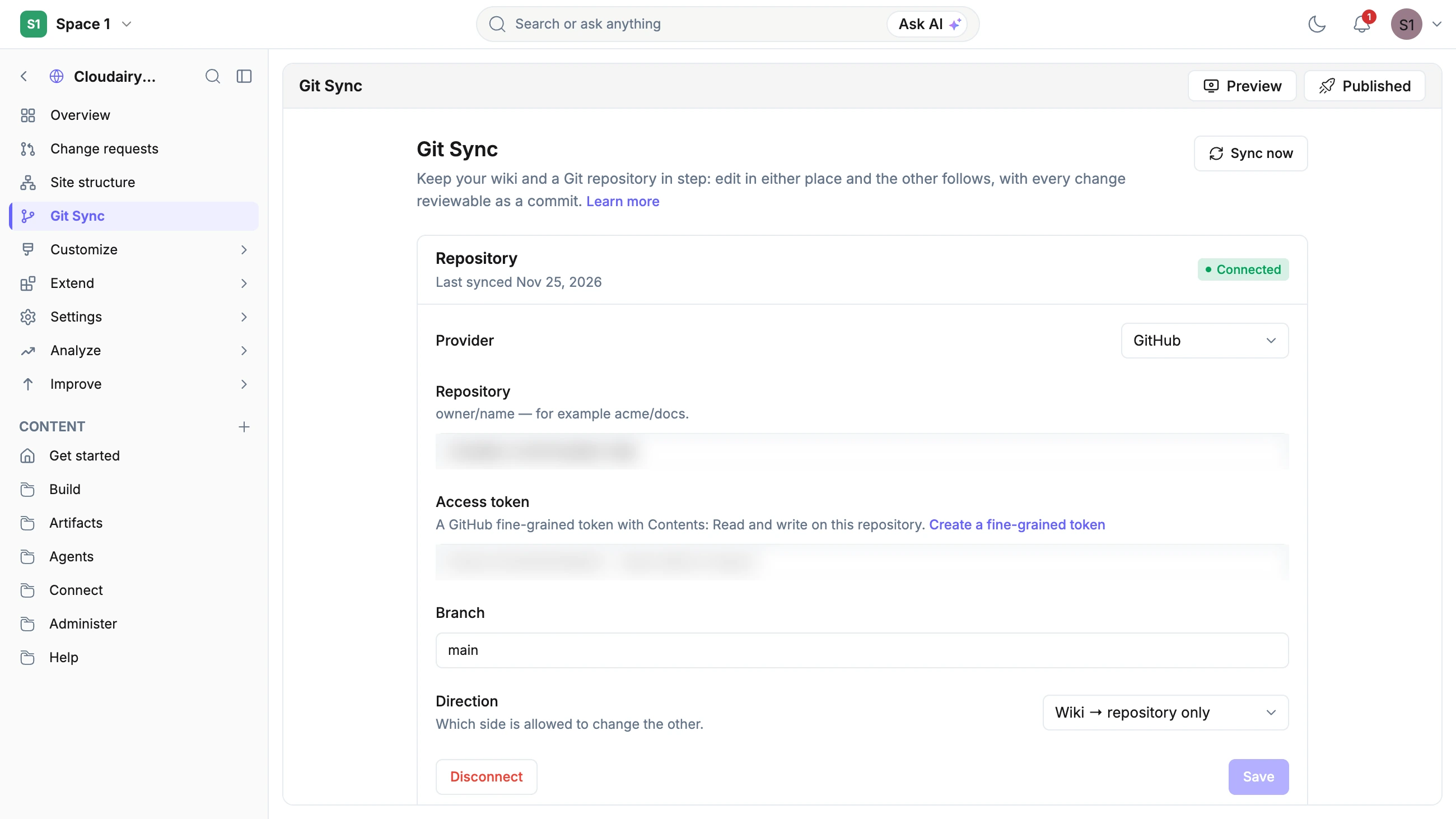
Git Sync for wikis
Keep a wiki's pages in step with a GitHub or GitLab repository.
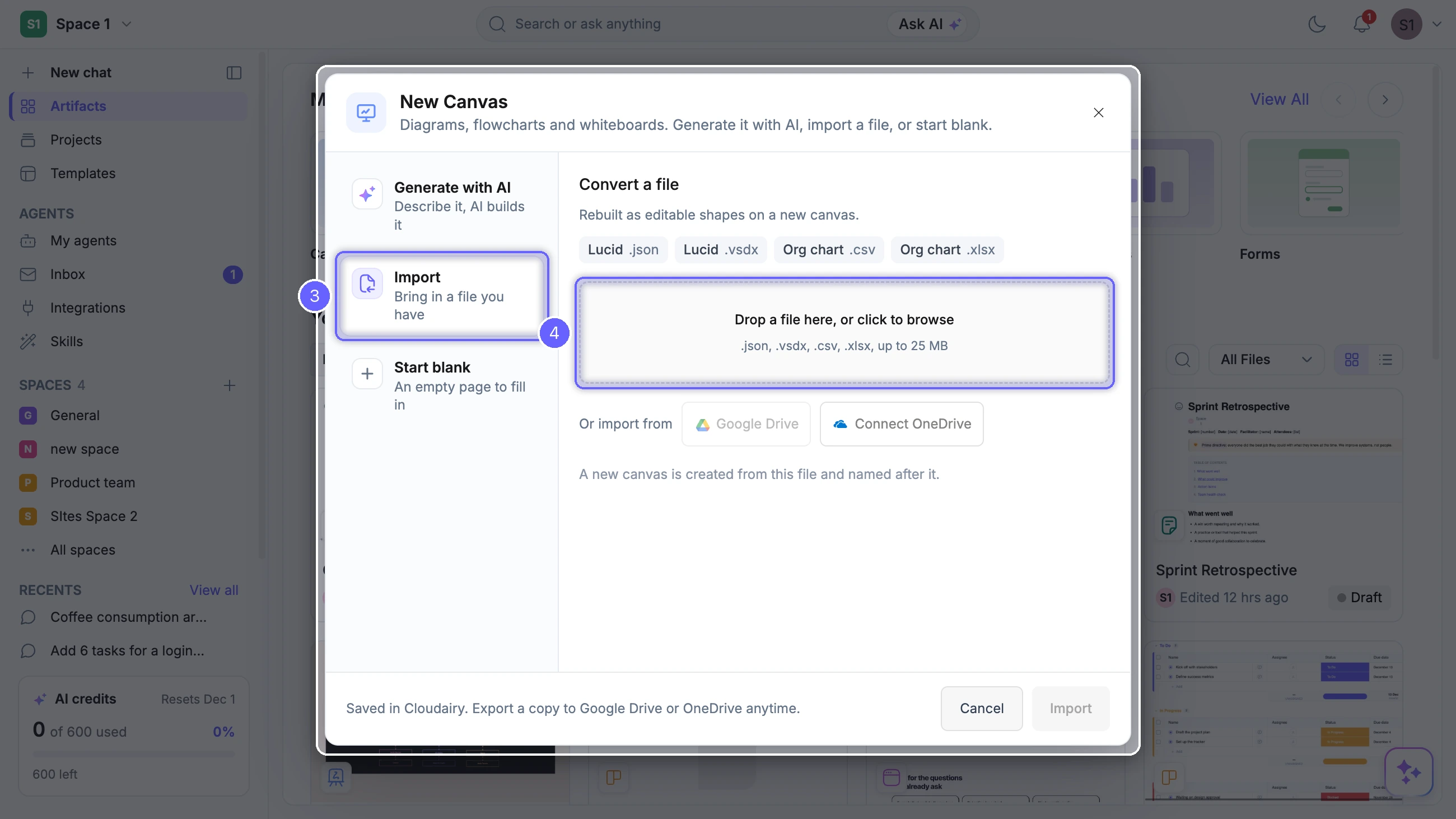
Import your work
Turn files and exports from other tools into Cloudairy docs, canvases, ERDs, dashboards, project boards and wikis.
- Ways to import
- Import a file into a new artifact
- Import data into a project board
- Import docs into a wiki
- Import inside an open artifact
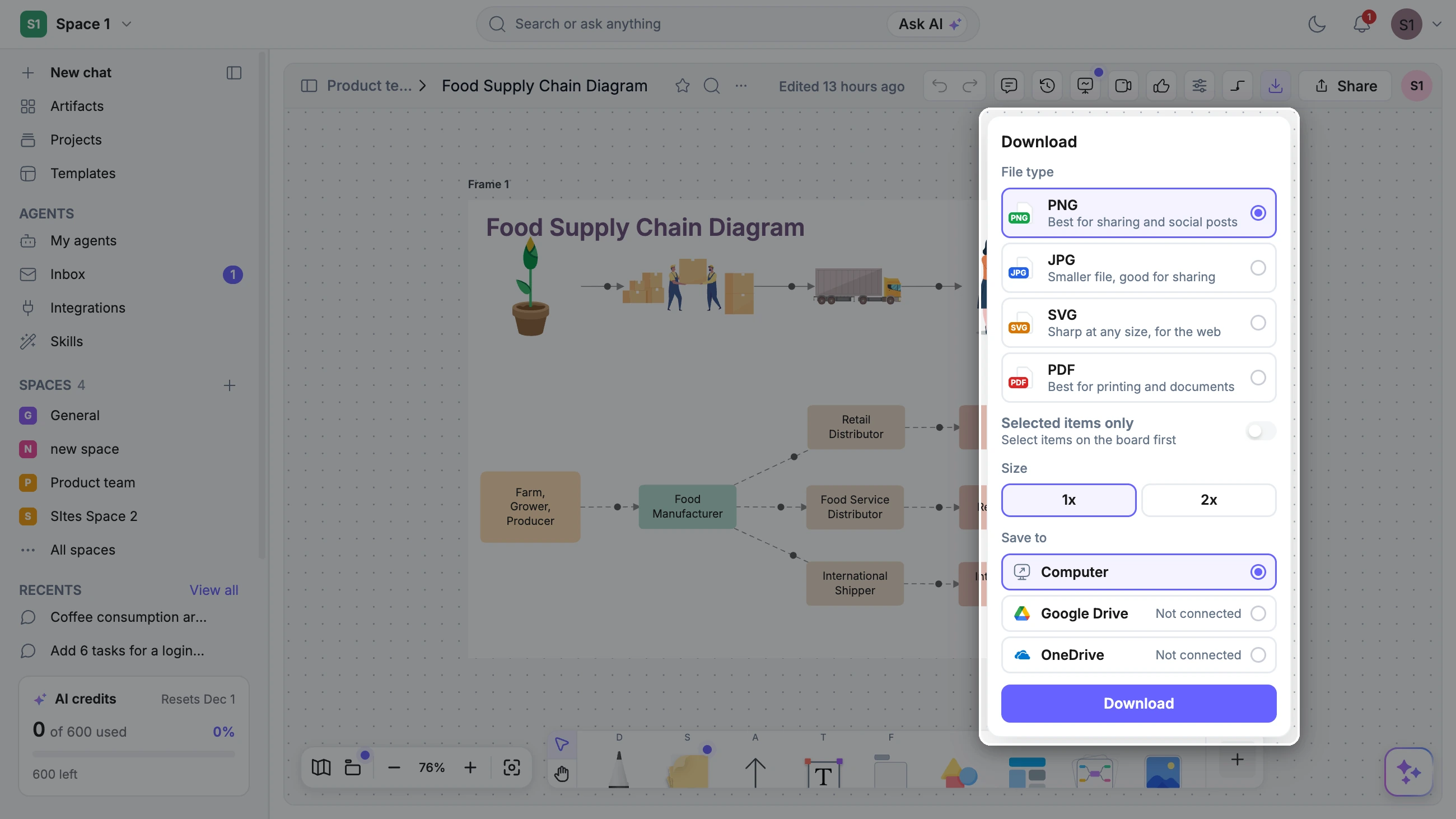
Export your work
Download a copy in the format you need, from PNG and PDF to Word, PowerPoint and SQL.
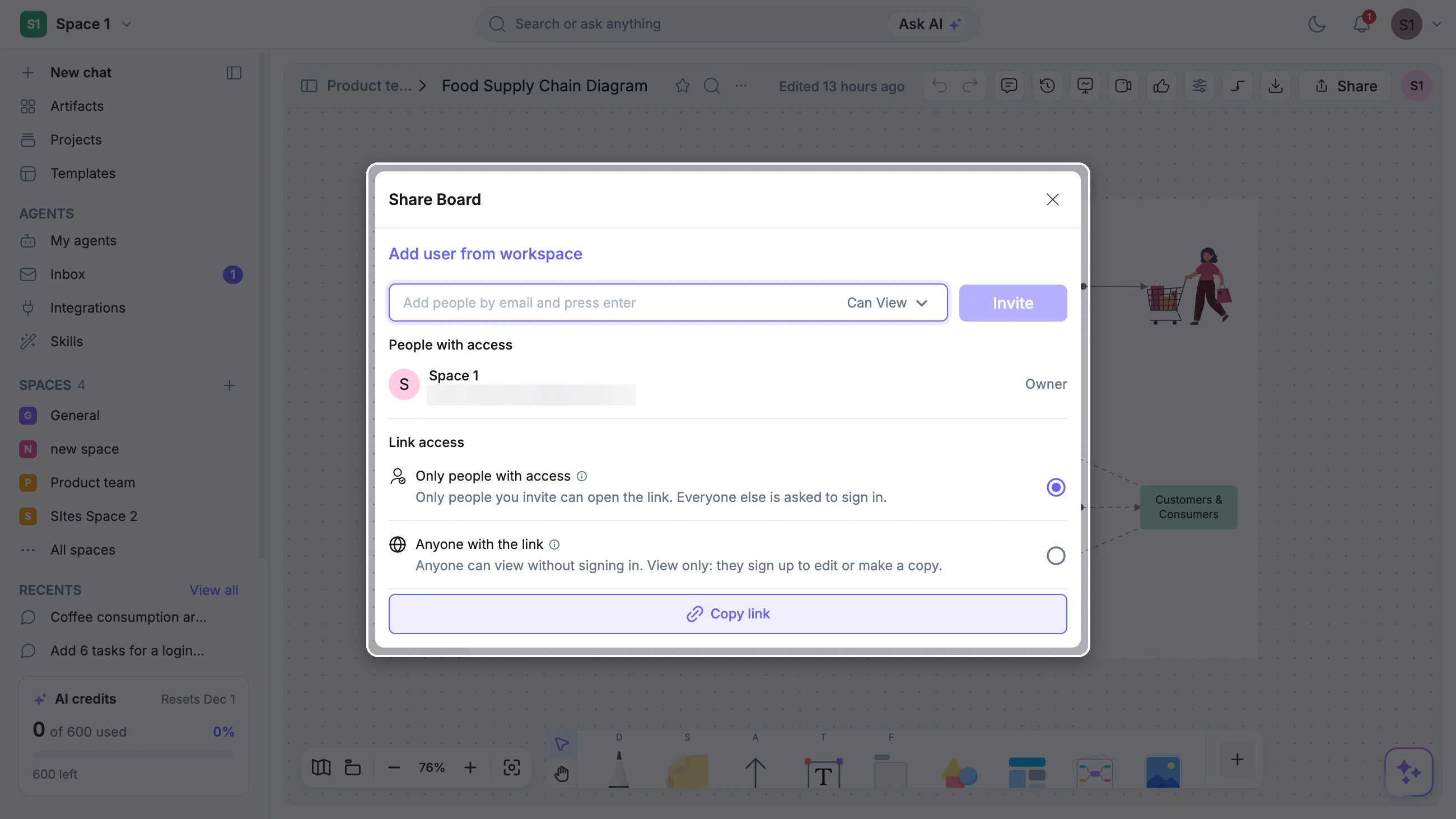
Public links and embeds
Show your work to anyone with a view only link, or put it inside another website.
Get support
Ask the Cloudairy support assistant, and reach the team when you need a person.