

Build›Manage your files
Favourites, recents and pins
Star the files you use most, jump back to what you opened last, and pin products and chats to the top of the sidebar.
Star a file
Use whichever is closest:
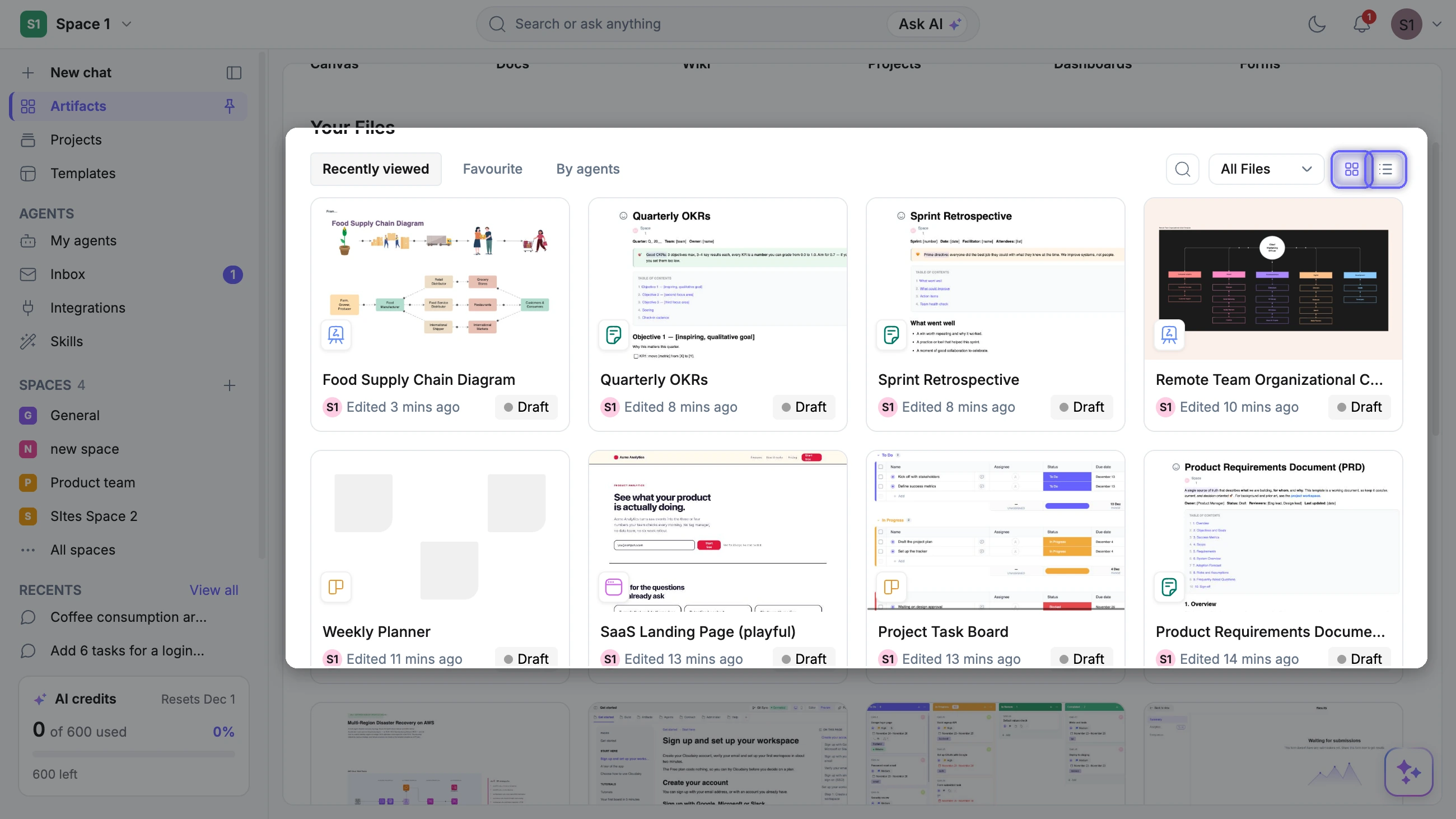
- On a card in Your Files, click the star.
- On any file, click ⋯ › Add to Favourite.
- In an open canvas or doc, click the star next to its name.
- In Your Files list view, tick several rows and click Add to favourites.
To remove it, click the star again, or choose Remove From Favourite in the same menu.
Find your favourites
| Where | How |
|---|---|
| Artifacts page | Your Files › Favourite tab |
| A space | Open the space › Favourites tab. It shows the files you starred in that space. |
| A project | Open the project › Favourites tab |
| A space's filters | Filters › Favorites only |
An empty Favourites tab in a space says No favourites yet.
Find what you opened recently
| Where | How |
|---|---|
| Artifacts page | Your Files › Recently viewed (opens first) |
| A space or project | The Recents tab |
| AI chats | Left sidebar › RECENTS, and View all for every chat |
Pin products and chats in the sidebar
Hover Artifacts, Projects or Templates in the left sidebar, or a chat under RECENTS.
Click the pin. (With the keyboard: focus the row and press Enter or Space.)
Pinned products show a purple pin and can be dragged into the order you like. Pinned chats move into a PINNED group above RECENTS.
Next steps
Was this helpful?