Star the files you use most, jump back to what you opened last, and pin products and chats to the top of the sidebar.
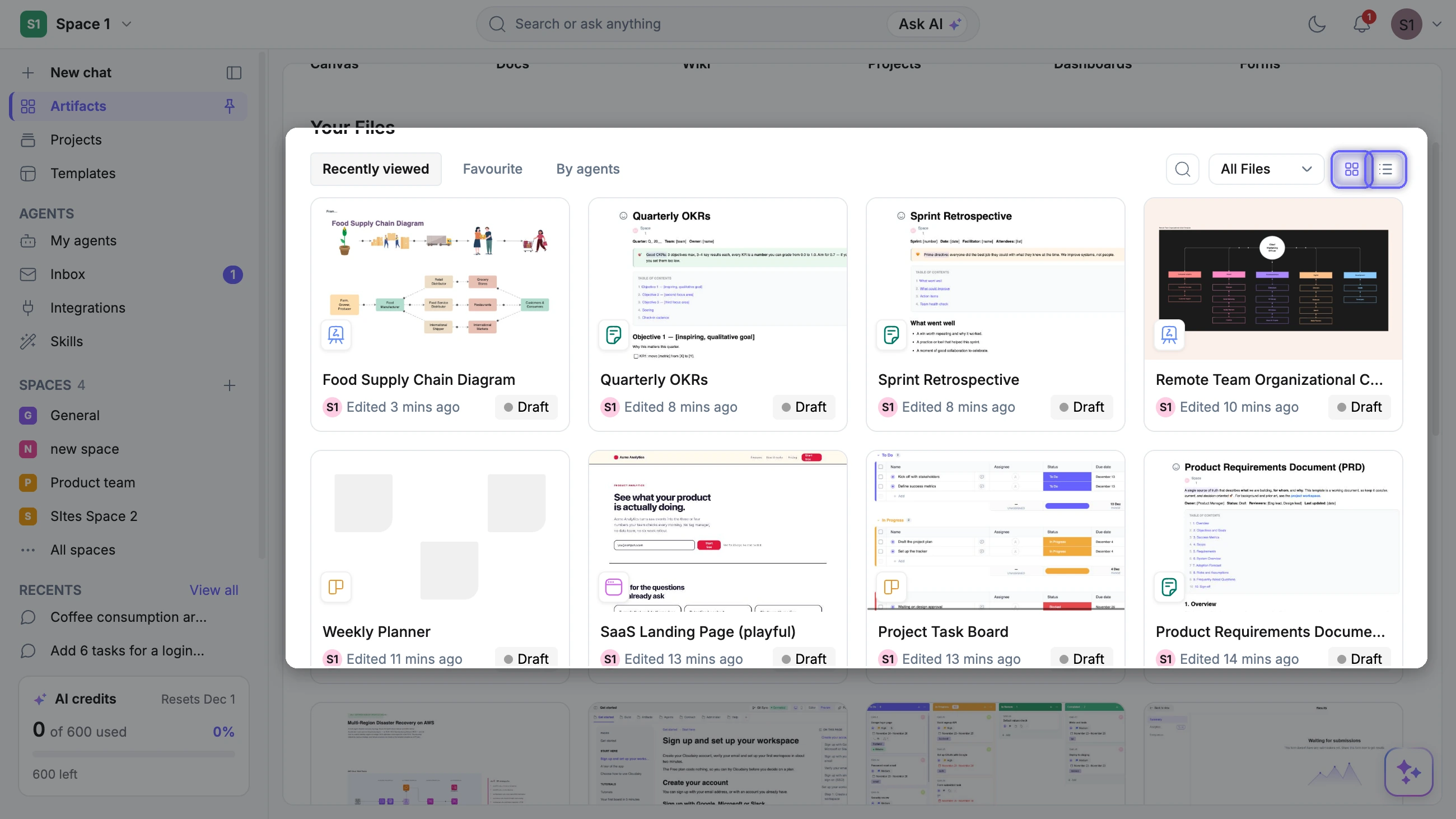
Use whichever is closest:
To remove it, click the star again, or choose Remove From Favourite in the same menu.
| Where | How |
|---|---|
| Artifacts page | Your Files › Favourite tab |
| A space | Open the space › Favourites tab. It shows the files you starred in that space. |
| A project | Open the project › Favourites tab |
| A space's filters | Filters › Favorites only |
An empty Favourites tab in a space says No favourites yet.
| Where | How |
|---|---|
| Artifacts page | Your Files › Recently viewed (opens first) |
| A space or project | The Recents tab |
| AI chats | Left sidebar › RECENTS, and View all for every chat |
Hover Artifacts, Projects or Templates in the left sidebar, or a chat under RECENTS.
Click the pin. (With the keyboard: focus the row and press Enter or Space.)
Pinned products show a purple pin and can be dragged into the order you like. Pinned chats move into a PINNED group above RECENTS.