

Build›Ai in artifacts
AI inside your work
Cloudairy AI doesn't stop once an item exists: you can chat with it beside a canvas or doc, fix text in place, fill a table column, and keep chats together in Projects.
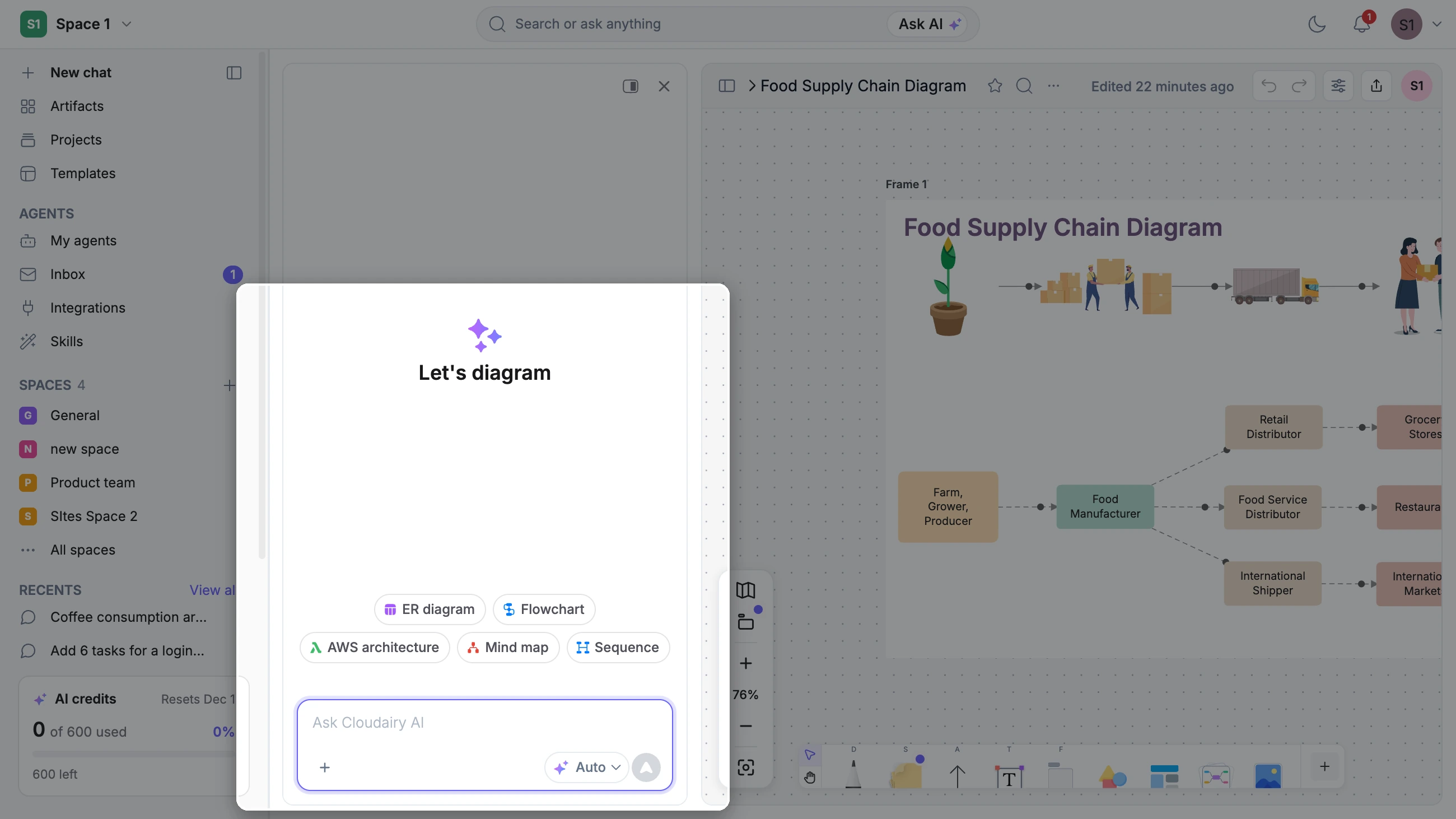
Where AI is waiting for you
| In… | What AI can do | How to open it | Page |
|---|---|---|---|
| A canvas | Draw and change diagrams from a chat; fix, rewrite, change the tone of or translate text; make an image | Show AI chat (top left); AI on a selected shape | AI on a canvas |
| A doc | Write and edit the doc from a chat; write a new section in place; improve selected text | Show AI chat (top left); / › Create with AI; AI actions on a selection | AI in Docs |
| A project board, a clip, Your Files | Fill a table column, suggest work, summarise and polish a clip, summarise a file | Inside each one | AI in boards, clips and files |
| An AI chat | Keep refining a result, rate it, read it aloud, export it | Left sidebar › RECENTS | Work with an AI chat |
| Projects (sidebar) | Keep chats, files and instructions for one goal together | Left sidebar › Projects | Projects: group your AI chats |
Good to know
- Credits. Every AI request uses AI credits, inside an artifact as much as on the app home. Each chat answer shows the credits it used. See AI credits.
- Access. People with Can view access can't change an item, with or without AI.
- Check the result. AI may generate inaccurate results. Read what it wrote before you share it.
- The model. The AI chat on a canvas has the same Auto model pill as the Ask AI box. See Choose an AI model.
Next steps
Was this helpful?