

Administer›Billing
Usage stats
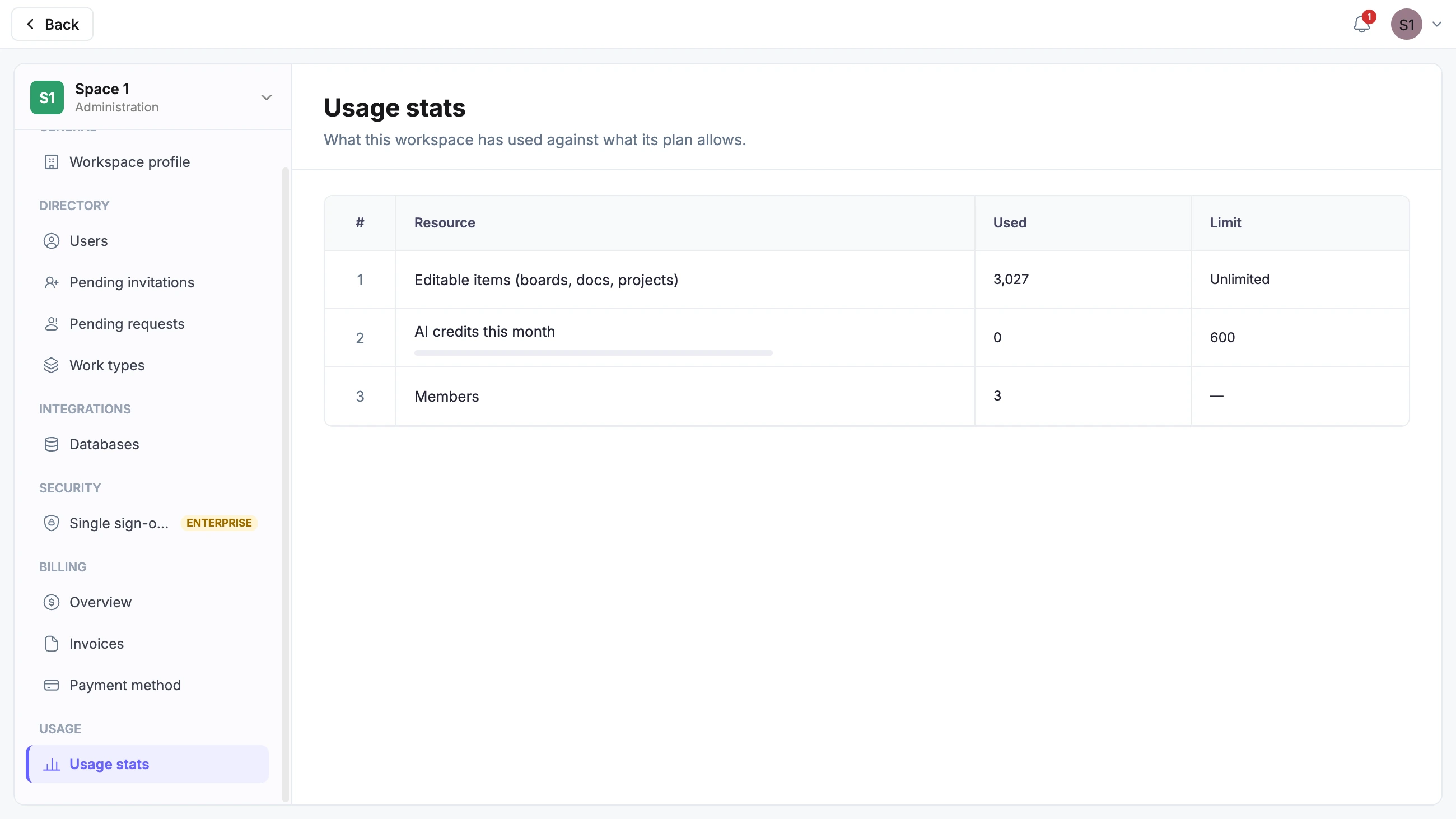
Usage stats shows what your workspace has used against what its plan allows.
Open Usage stats
Click your avatar in the top bar, then click Administration.
Under Usage, click Usage stats.
What the table shows
Each row has Resource, Used and Limit.
| Resource | What it counts |
|---|---|
| Editable items (boards, docs, projects) | How many items the workspace has. Free allows 3 in total. |
| AI credits this month | Credits used so far this month, against the monthly limit. |
| Paid seats | Paid seats in use, against the seats you pay for. On some workspaces this row is Members instead. |
Unlimited means the plan has no limit for that row.
When you are close to a limit
- Out of items on Free? Upgrade to Pro for unlimited items.
- Out of AI credits? Buy a credit pack (paid plans) or upgrade.
- All seats filled? Add seats.
Next steps
Was this helpful?