

Invitations and access requests
See invites that have not been accepted, and approve or decline people who ask for access or edit rights.
Both pages are under Directory in Administration and need a paid plan.
Pending invitations
Click your avatar in the top bar, then click Administration.
Under Directory, click Pending invitations.
The table shows each invite's Email, Role, Invited by and Sent date. Click a column heading to sort. Once someone accepts, they move to Users. With nothing waiting you see No pending invitations.
Pending requests
People can ask to join your workspace, or ask for edit rights (a licence). Their requests wait here.
Under Directory, click Pending requests.
Check the Requester, what they asked for under Request, and when (Requested).
Click Approve to accept, or Decline.
You see Request approved. or Request declined.
When you approve edit access, the person becomes an editor and uses a paid seat.
How people ask
- For edit access to an item: someone with view access opens the item and clicks Ask to edit in the View only banner. The button then reads Requested.
- For a licence: a guest who tries to create something is asked to request a licence.
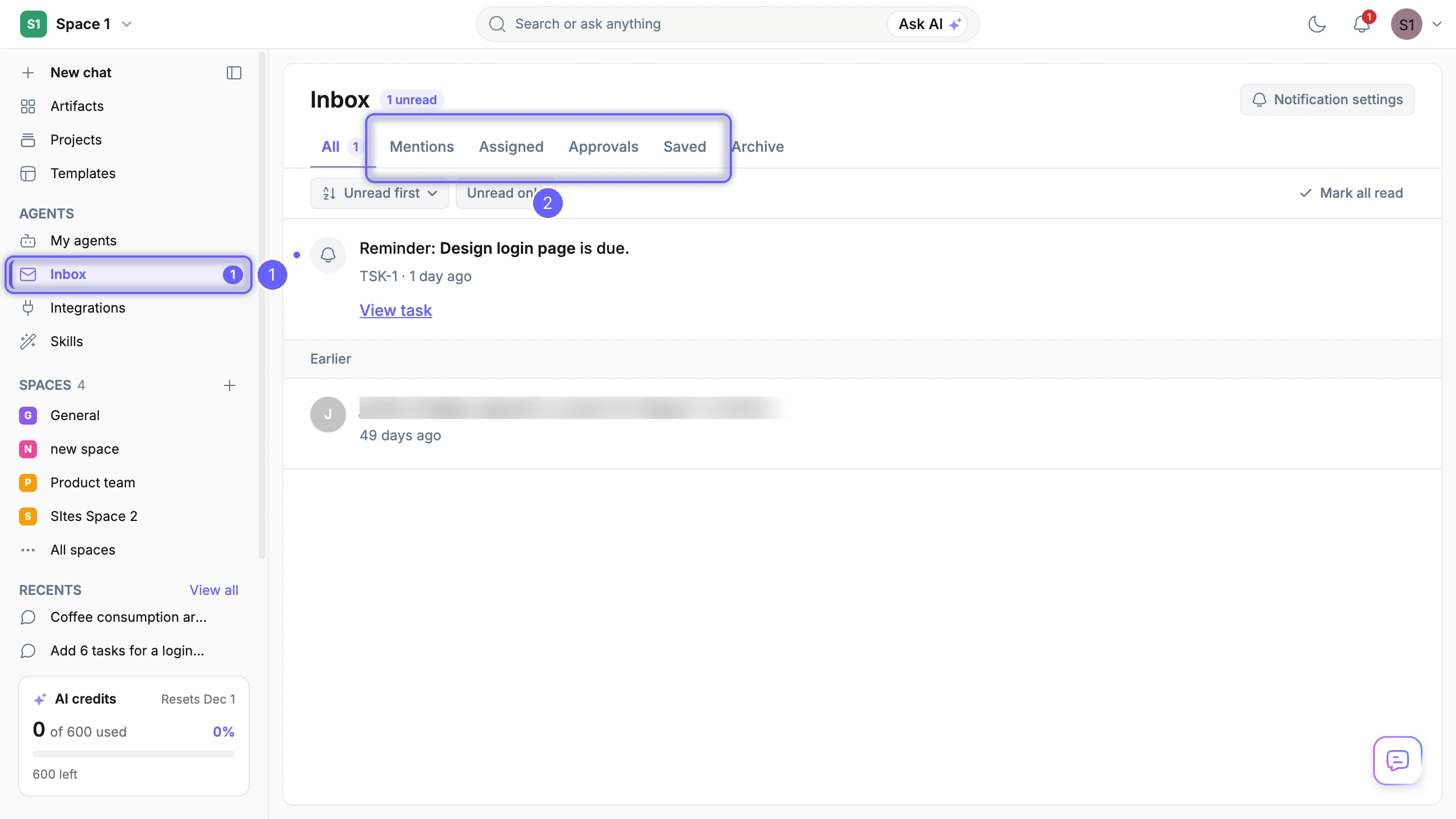
Answer from your Inbox
Requests also reach your Inbox as Someone asks me for access or Someone asks for a licence. These alerts always show in the Inbox, so a request is not missed.
Click Inbox in the left sidebar, or the bell in the top bar.
Find the request and click Accept or Decline.
The person who asked gets an alert either way. If you see You do not have access to approve this person. Please contact the administrator., ask a workspace admin to approve it.