

Connect›Import
Ways to import
Bring work you already have into Cloudairy, from your computer, your drive or an export of another tool.
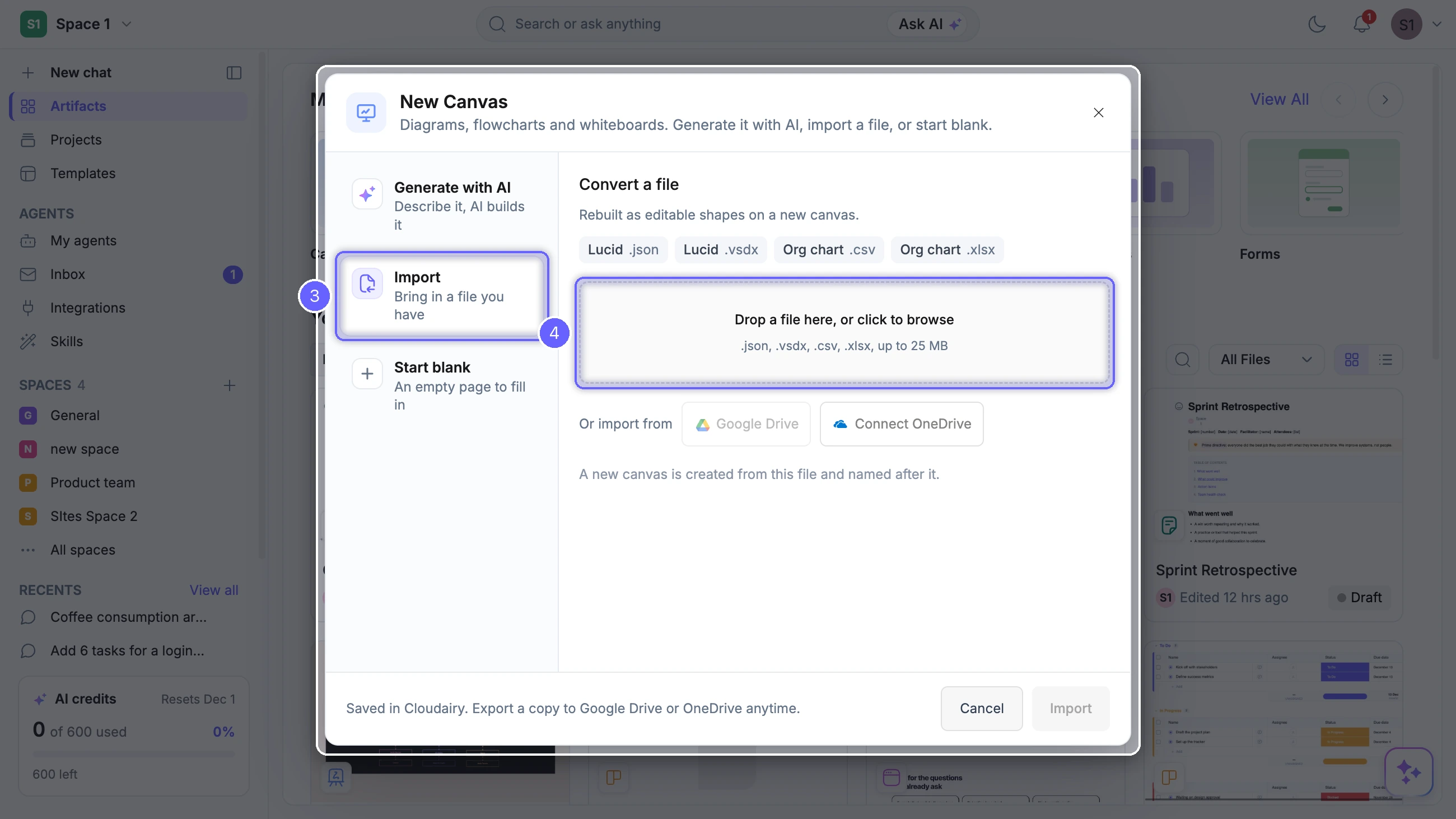
Pick the right way in
| You have | Import it with | Becomes |
|---|---|---|
| A Markdown, Word, CSV, Excel or PDF file | Artifacts → Docs → Import | A new doc |
| A Lucid file (.json or .vsdx), or an org chart in CSV or Excel | Artifacts → Canvas → Import | A new canvas with editable shapes |
| A schema in Excel, CSV or SQL | Artifacts → ERD → Import | A new ERD with tables and relationships |
| A spreadsheet, or an export from Asana, Trello, Jira and others | A space → + → Import data | A project board |
| Markdown, HTML, Word or ZIP files, a folder, or a public docs site | A new wiki → Import | Wiki spaces, groups and pages |
| A file to add to something already open | The editor's own import | Shapes, tables, a chart or doc content |
Each way is a step by step page:
- Import a file into a new artifact
- Import data into a project board
- Import docs into a wiki
- Import inside an open artifact
Good to know
- Files can be up to 25 MB in the new artifact popup. A data dashboard takes CSV or Excel up to 50 MB.
- You can pick a file from your own Google Drive or OneDrive instead of your computer. See Import a file from your drive.
- Importing into a new canvas or ERD is on paid plans.
Agents and skills
You can also import an agent from a package file, or a skill from a GitHub folder. See Import an agent and Create a skill.
Next steps
Was this helpful?