

The Free plan item limit
Understand the 3 item limit on Free, check how many items you have used, and get more.
What counts as an item
On Free you can have 3 items in total, across all 13 artifact types. A canvas, a doc, a wiki, a Kanban project, a dashboard, a form, a website, a code project, an ERD, a clip, an infographic, a slide deck and a wireframe each count as one item.
When you try to create a fourth item, you see a popup titled You've used all 3 items on Free. It says: "Free keeps 3 editable items. Upgrade for unlimited canvases, docs, sites, wikis and projects."
Pro, Business and Enterprise have unlimited items.
Check how many items you have used
If you are the workspace owner or an admin:
Click your profile picture at the top right of the screen.
Click Administration.
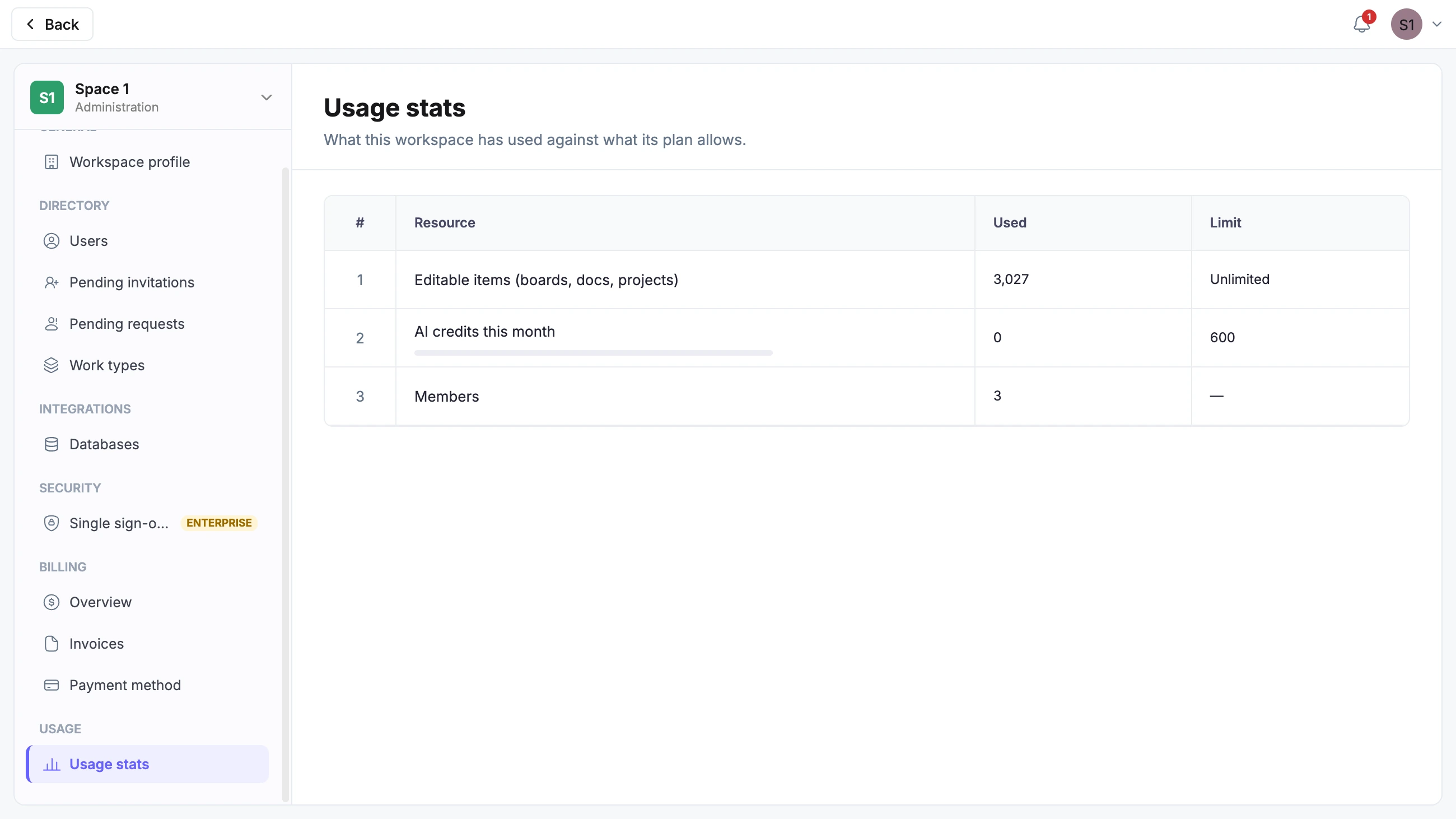
In the left menu, click Usage stats.
Look at the row Editable items (boards, docs, projects). It shows Used and Limit.
The bar under each row turns amber when you are close to the limit.
Get more items
You have two choices:
- Try Business free for 14 days. If your workspace can still start a trial, the popup offers Start my 14-day trial. A credit card is required, and nothing is charged for 14 days.
- Upgrade. Click Upgrade in the popup, or click your profile picture and then Upgrade. On the Plans and Pricing screen, pick Pro or Business.
Pro costs $19 per seat a month billed yearly, or $23 per seat billed monthly. See Administer for every plan.
Free is for one person
Free is for one person, so you cannot share items or invite members on it. To work with your team, move to a paid plan.