

A shared link does not open
Fix a link that asks you to sign in, says it is off, or opens as view only.
How sharing works
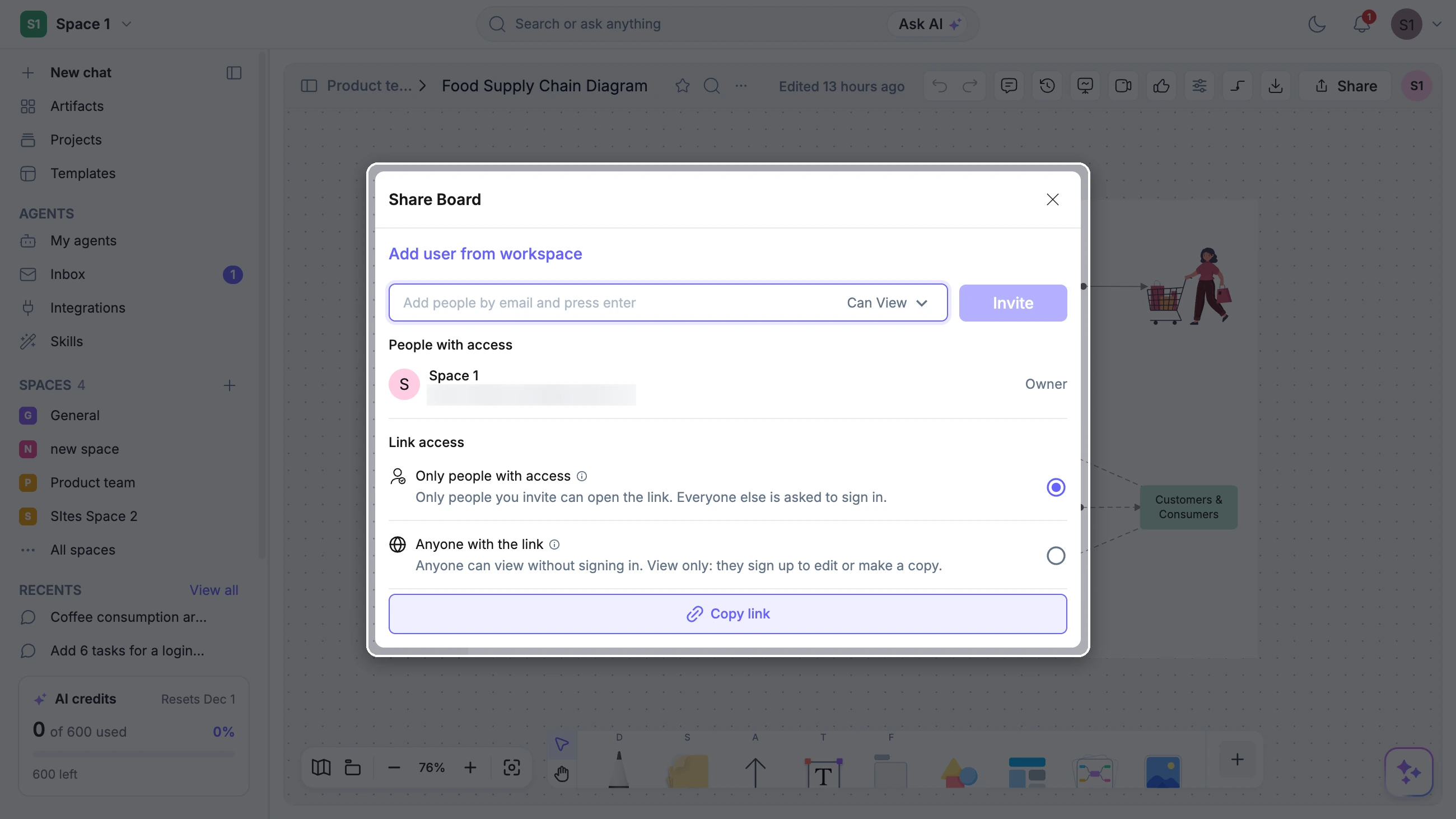
Each item has a Link access setting in its Share popup:
| Setting | Who can open the link |
|---|---|
| Only people with access | Only people you invite. Everyone else is asked to sign in. |
| Anyone with the link | Anyone can view without signing in. View only: they sign up to edit or make a copy. |
Most link problems come from this setting. For the full guide, see Connect.
The link asks me to sign in
The item is set to Only people with access, and you are not on its list.
- If you were invited, sign in with the same email address the invite was sent to.
- If you were not invited, ask the owner to invite you, or to switch the link to Anyone with the link.
"This link is off or no longer exists."
The owner turned the public link off, or deleted the item. Ask the owner to share it again.
For a wiki, the owner may have set it to Private, which switches the public link off.
"This link isn't valid."
The link is incomplete. This often happens when a long link wraps across two lines in an email.
Ask the sender to copy it again with Copy link in the Share popup.
Paste the whole link into your browser.
The link opens but I cannot edit
Anyone with the link is view only. To edit:
Sign in, or sign up for a free account.
Click Request edit access if you see it. The button changes to Requested.
The owner approves your request from their Inbox.
I'm the owner and I can't share on Free
On Free you may see a popup titled Sharing is on paid plans. Free is for one person. To share items with your team, move to a paid plan. See Limit reached and upgrade popups.