What to do when a panel shows a "could not load" message instead of its content.
| Message | Where |
|---|---|
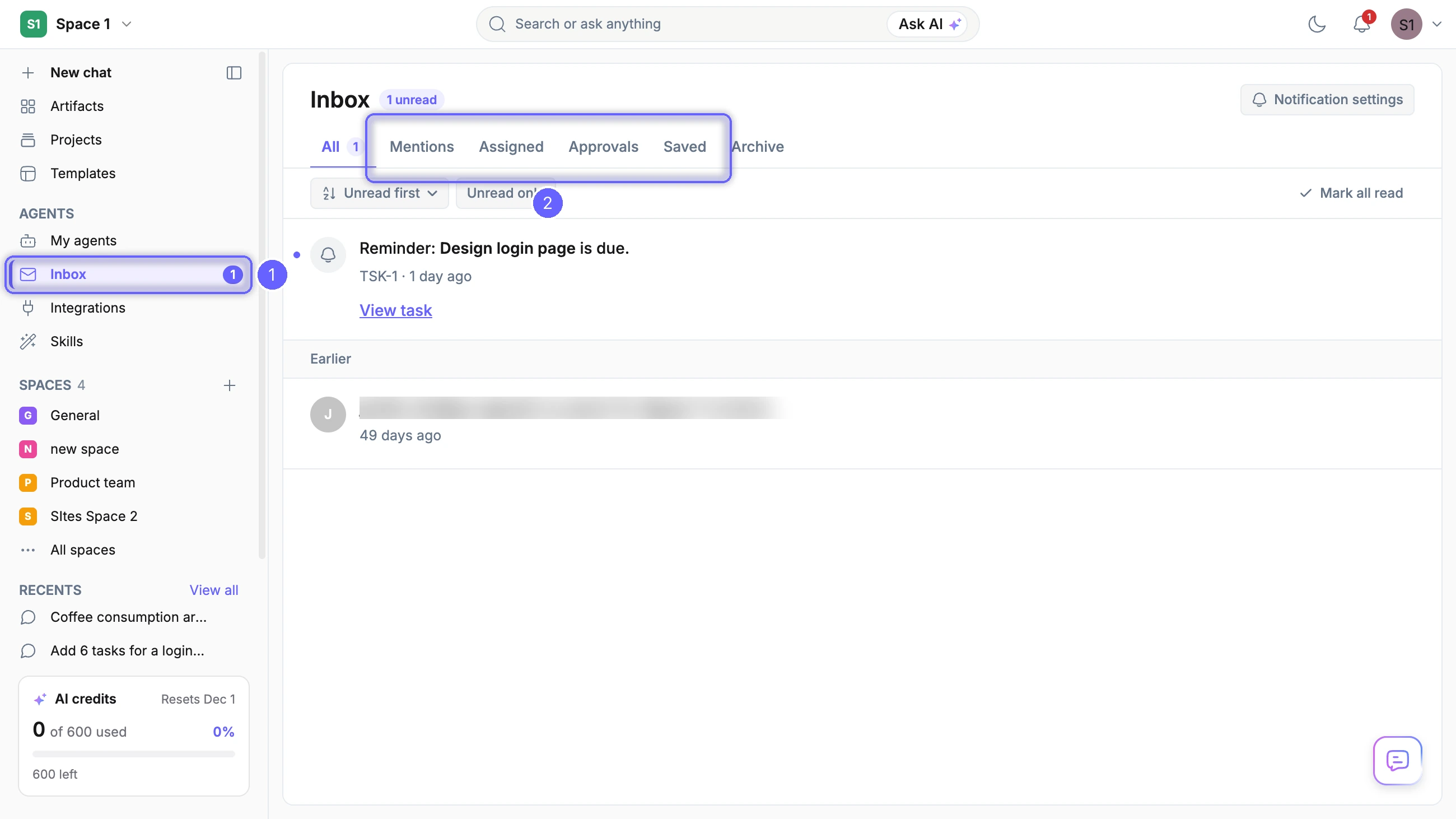
| Could not load your inbox | The bell panel or the Inbox page |
| Your notification settings could not be loaded. | My profile, Notifications tab |
| Couldn't load members | Profile menu, Teams |
| A red card with Try again | Administration, Payment method |
| New tickets can't be opened here right now. Ask in the support chat instead. | Ask Support, New ticket |
These messages mean Cloudairy could not get that one piece of data. The rest of the app keeps working.
Click Try again if the message has it.
Check your internet connection. If you see "You're offline. Please check your network connection.", see The offline notice.
Refresh the page.
If the ticket form will not open, ask your question in the Ask Support chat instead. The assistant passes it to the team.
Wait a few minutes and try again. If the message stays, Ask Support from the Home screen and say which screen shows it, or email support@cloudairy.com.