The ideas Cloudairy is built on: workspaces, spaces, artifacts, templates, chats, projects, agents, AI credits, plans and roles, explained in one place.
A workspace is where you and your team work in Cloudairy. It holds your spaces, your artifacts and your members, and it has one plan.
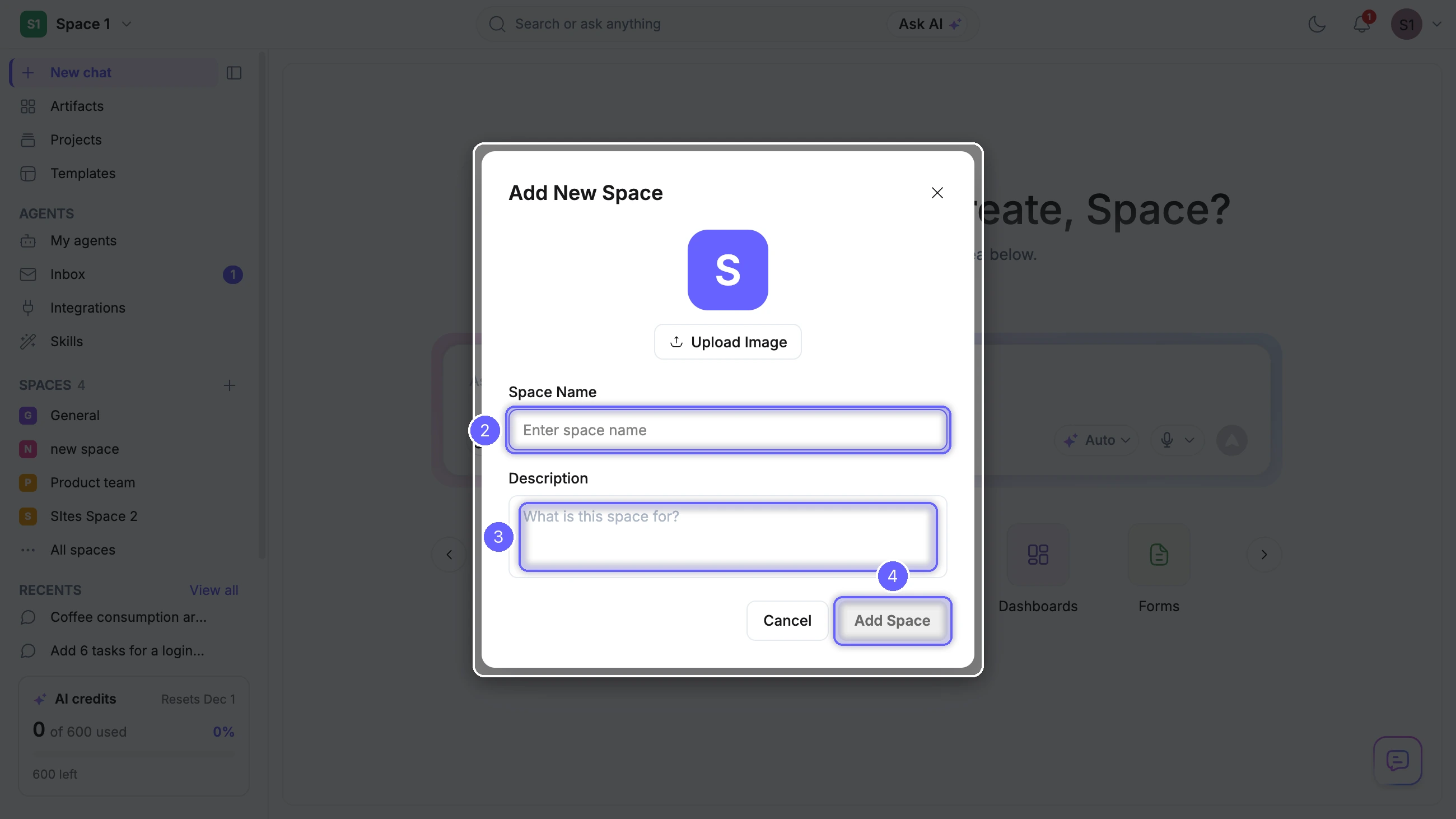
A space groups related work inside a workspace, for example one space per team, client or topic.
An artifact is anything you make in Cloudairy. Each one you create is an item. You find them all under Artifacts in the left sidebar, and you start new ones from Make something new.
There are 13 artifact types on the Artifacts page: Canvas, Docs, Wiki, Projects, Dashboards, Forms, Sites, Code, ERD, Clips, Infographic, Slides and Wireframes. A Whiteboard is a canvas started blank or from a whiteboard template. The plans screen calls Projects Kanban and Sites Website.
A template is a ready made artifact you copy and change, so you do not start from a blank page. Browse them from Templates in the left sidebar. The New Canvas and New Doc dialogs also offer a few under Start blank.
A chat is a conversation with Cloudairy AI. You start one from the Ask AI box on the home page. Your chats are listed under Recents in the left sidebar.
The word means two things in Cloudairy:
An agent is an AI helper that does a repeat job for you. Describe the job on the Agents tab of the home page, and Cloudairy builds the agent. Your agents are under My agents. See Your first agent.
A skill is reusable, written know-how that every agent in your workspace can use. Find them under Skills in the left sidebar, where a library has ready skills for sales, product, research, marketing and productivity, and you can write your own.
AI credits pay for Cloudairy AI's work. Each AI request uses some credits, and larger AI models can use more per request.
Your workspace's plan sets your limits and features: Free, Pro, Business or Enterprise. See Plans at a glance.
Each person in a workspace has a role and an access level.
| Role | What it means |
|---|---|
| Account Owner | Created the workspace. Manages the plan, billing and members. |
| Admin | Helps manage the workspace and its members. |
| Member | A regular member of the workspace. |
| Guest | A person invited for free, who starts with Can view access. |
| Access | What it means |
|---|---|
| Can edit | Can create and change work. Uses a paid seat. |
| Can view | Free. Can look at everything, but cannot edit, create or use AI. |
You can also give someone access to a single item or space when you share it, with Can Edit or Can View.
Archive, in the profile menu, is where you restore archived work or delete it forever.