A reading order for designers who draw diagrams and screens, and turn ideas into slides, posters and sites.
Try Create something with Ask AI with a photo of a sketch. Attach it, and Cloudairy AI turns it into a clean diagram.
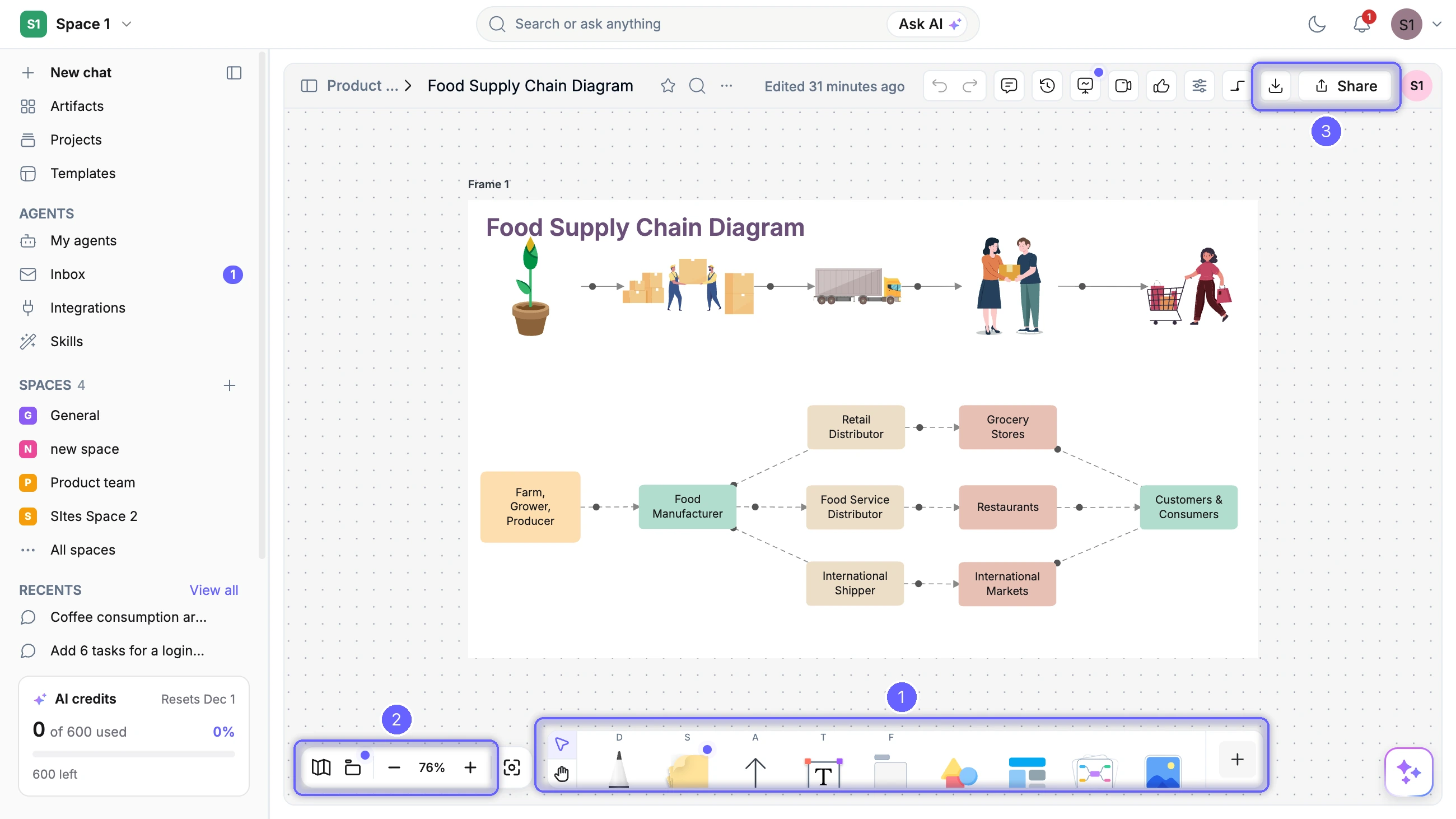
Canvas. Learn the bottom toolbar: shapes and lines, sticky notes, connectors, frames, mind maps and images. More shapes opens libraries such as Flowchart, BPMN, UML and cloud architecture icons. Present your frames as slides with Present. Read Canvas.
Whiteboard. Run a brainstorm or a retro on a free-form board, with sticky notes, frames and the ready-made widgets under + in the toolbar. Read Whiteboard.
Wireframes. Describe an app and get clickable screens. Add Mobile, Tablet or Desktop screens and pick a style: Clean, Sketch, Blueprint or Mid-fidelity. Read Wireframes.
Infographics. Build a poster with AI, then change images, icons, text, shapes and the theme. Export as PNG, JPG, PDF, WebP or SVG. Read Infographics.
Slides. Let AI build a deck, then pick a design, theme and fonts. Present full screen or with presenter view, and download as PDF or PowerPoint. Read Slides.
Sites. Describe a website, use your own brand and style, edit text and pictures in place, then publish. Read Sites.
Templates. Start from the Product & UX or Diagrams categories, and turn a finished board into your own template with Convert to Template. Read Build.
Version history and comments. Get feedback with comments and @mentions, and restore an earlier version when you need to.