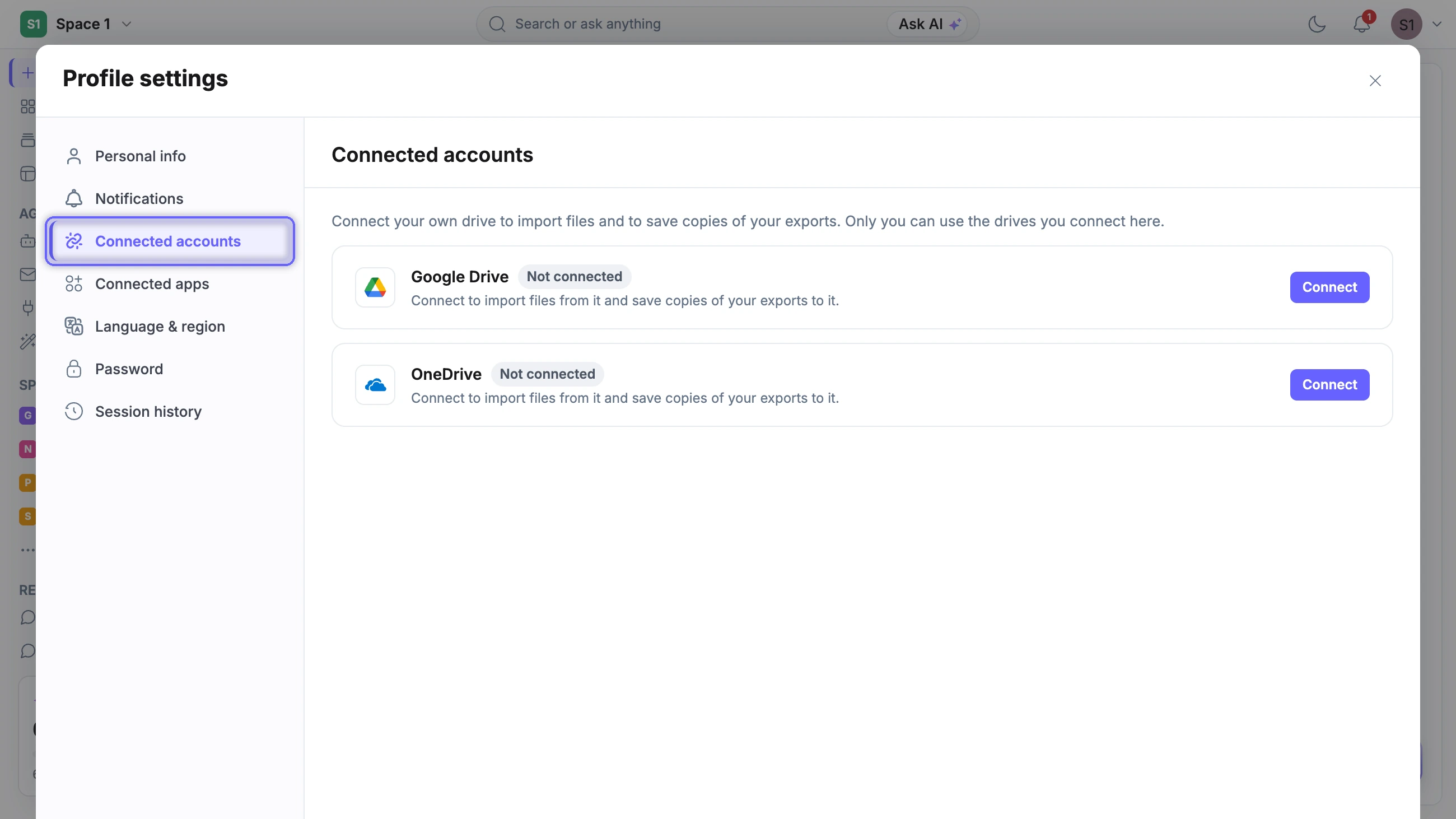
Cloudairy has four kinds of connection, each in its own place; this table tells them apart.
| You want to | Use | Where |
|---|---|---|
| Ask Claude or another AI app to read and create your Cloudairy diagrams | Connected apps (MCP) | The AI app's connector settings. Manage them in My profile → Connected apps. |
| Let your agents read from and act in Gmail, Slack, Jira and other apps | Integrations | Left sidebar → Integrations |
| Save exports to, or import files from, your own Google Drive or OneDrive | Connected accounts | My profile → Connected accounts, or Save to in an export |
| Keep a wiki's pages in step with a GitHub or GitLab repository | Git Sync | Open the wiki → Git Sync in the wiki sidebar |