In the left sidebar, click Artifacts.
Under Make something new, click the Docs, Canvas, ERD or Dashboards card.
In the popup, choose Import.
Under Or import from, pick Google Drive or OneDrive.
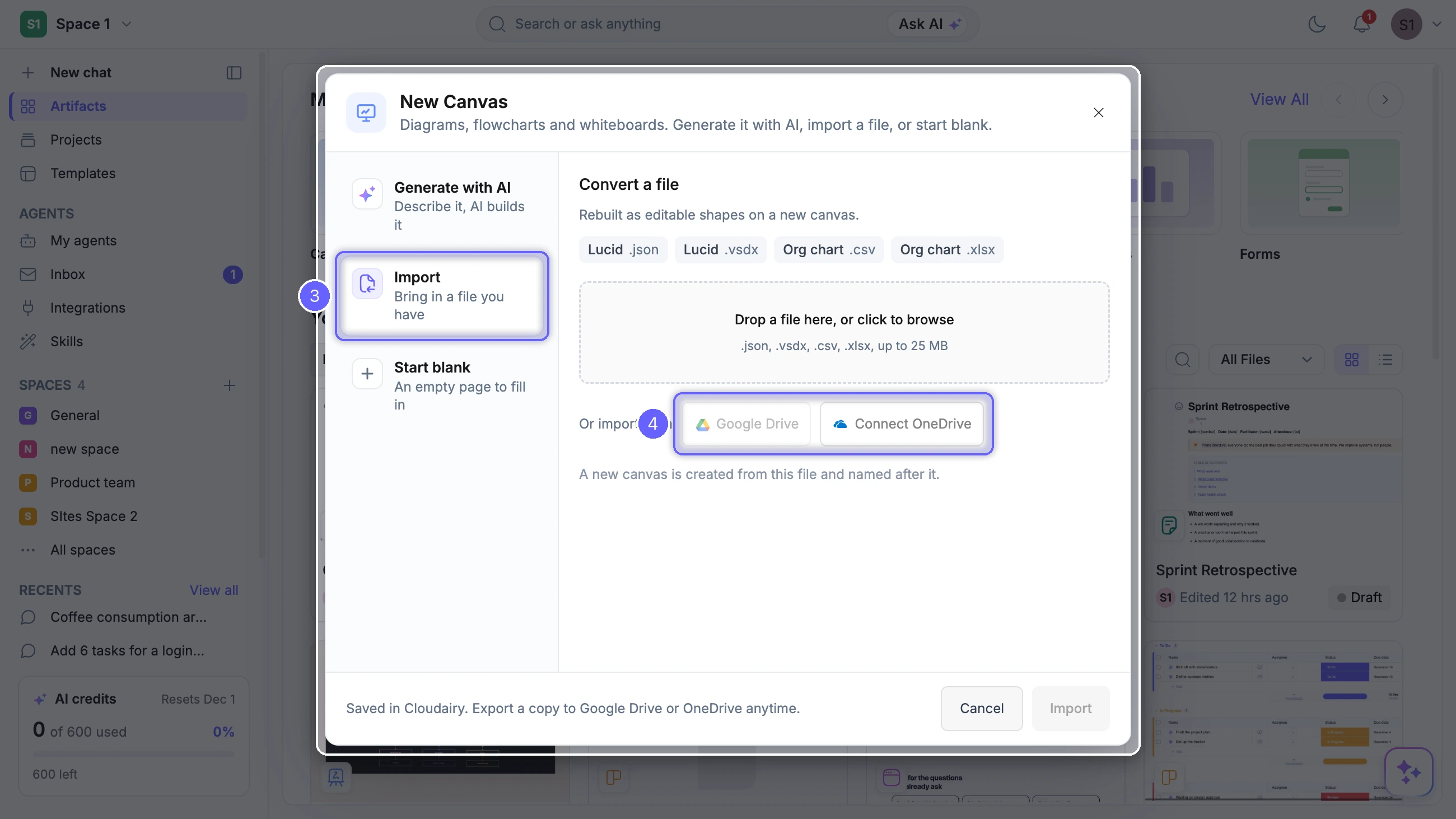
The first time, the button reads Connect Google Drive or Connect OneDrive. Click it, sign in to your drive and allow access. You come back to the same popup.
Pick the file in your drive, and follow the prompts to finish.