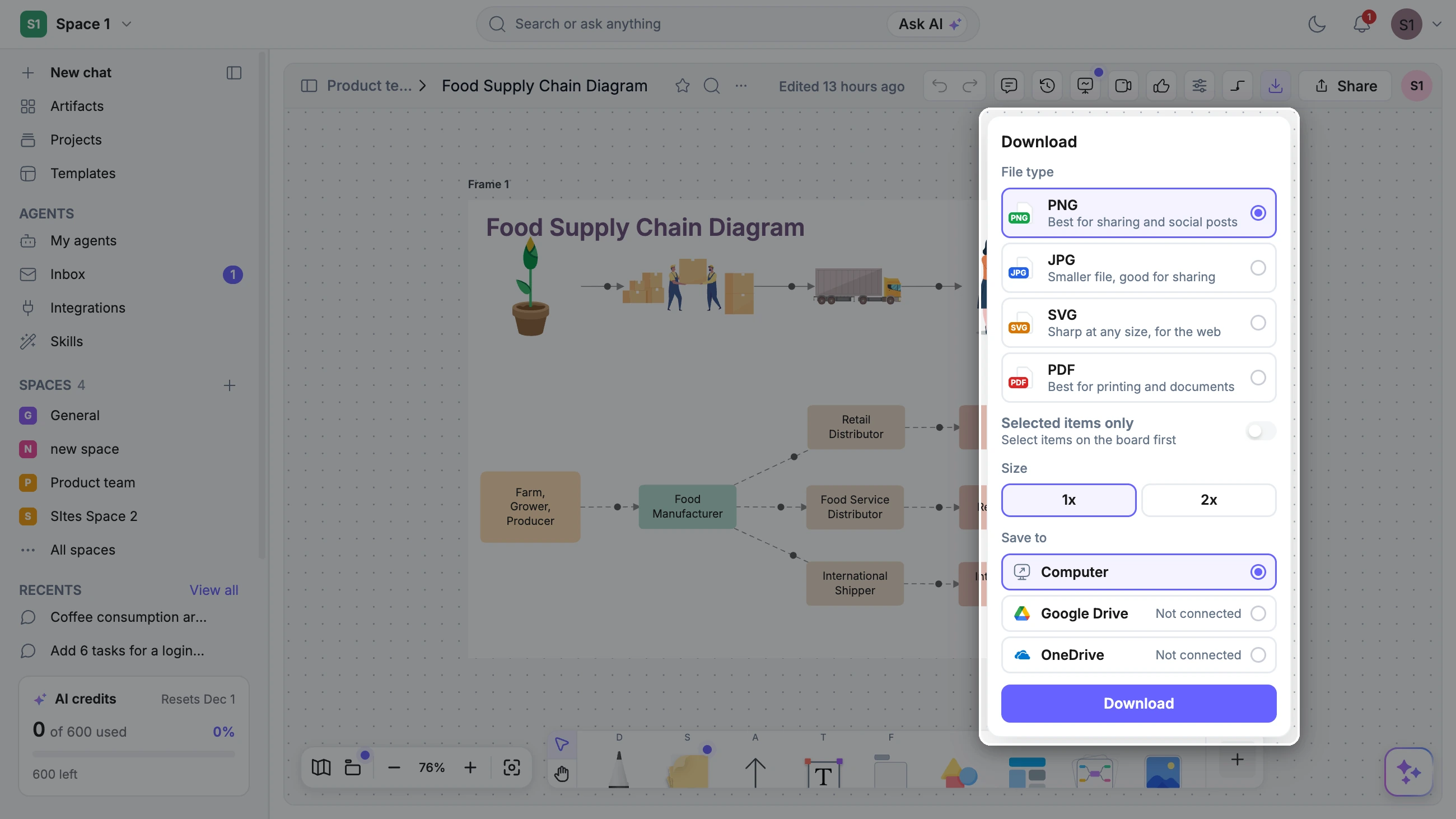
Every artifact exports from its own editor; this table lists the formats each one offers.
| Artifact | Formats | Save to a drive |
|---|---|---|
| Canvas | PNG, JPG, SVG, PDF. An editable board backup. | Yes |
| ERD | PNG, JPG, SVG, PDF. SQL for PostgreSQL, MySQL, MariaDB, SQLite or SQL Server. | Yes |
| Doc | PDF, Word (.docx), Markdown | Yes |
| Wiki | A page as PDF. The whole wiki as a ZIP. | No |
| Slides | PDF, PowerPoint (.pptx) | Yes |
| Infographic | PNG, JPG, PDF, WebP, SVG | Yes |
| Wireframes | No | |
| Project board | Excel. The table view also exports JSON and CSV. | No |
| Form | Its submissions | No |
| Site | The site's files as a .zip | Yes |
| Code project | A .zip of the project | No |
| Clip | The video. Captions as .txt, .srt or .vtt. | Captions as .txt |
| AI chat | The chat, from its ⋯ menu | No |
On Free, SVG and PDF show a crown on a canvas and on an infographic. Choosing one tells you why, with an option to upgrade.
A file is a copy that goes out of date. To show the live version, share the item or turn on a public link. See Public links.