Open the doc and click an empty line.
Type / to open the slash menu, and find the Embeds group.
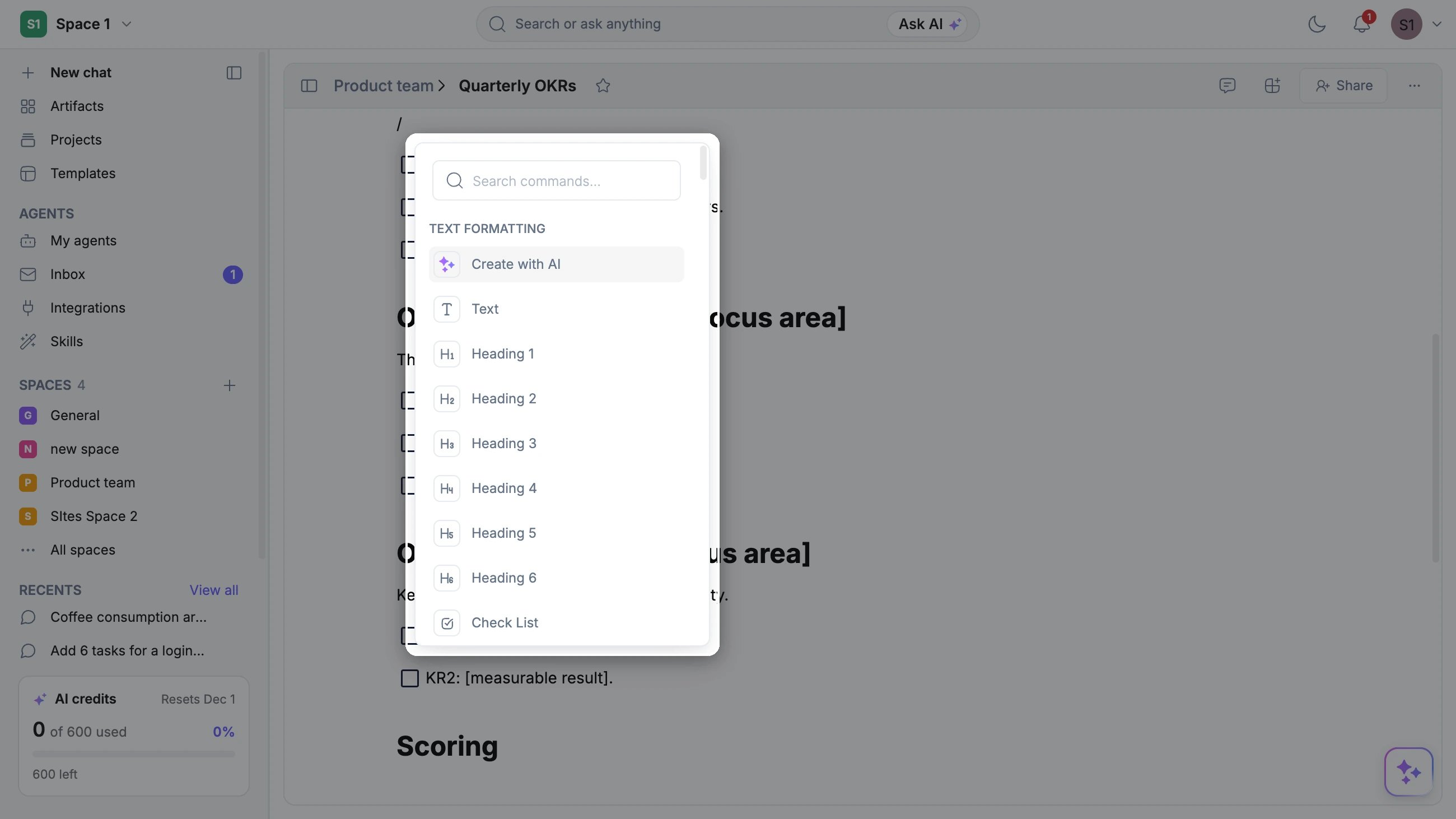
Pick what to embed: Website, Figma, Google Drive, Google Maps, Miro, Loom, YouTube, Audio or GIPHY.
Paste the link in the pop-up.
Show a Figma file, a YouTube video, a Google Drive file or a web page right inside a doc or on a canvas.
Open the doc and click an empty line.
Type / to open the slash menu, and find the Embeds group.
Pick what to embed: Website, Figma, Google Drive, Google Maps, Miro, Loom, YouTube, Audio or GIPHY.
Paste the link in the pop-up.
The embed shows in the doc. Its toolbar has Open source, Expand, Full width, Comment and More, where you can Hide preview, Copy link or Convert to URL.
Press Esc on an empty embed to remove it.
You can also type /iframe to embed any page by its code, or /link to paste a link as a bar.
The slash menu's Views group embeds a project board in the doc as a Task Table, List, Board, Calendar, Timeline or Gallery, with its view tabs. Pick the view, then pick the board.
Open the canvas.
In the bottom toolbar, click + (More tools).
Search for "iframe" and pick Embed iFrame Code.
Click on the board to place it, then add the embed code of the page you want to show.