Your Files, below Make something new on the Artifacts page, lists every artifact you can open, with tabs, sorting, two views and AI summaries.
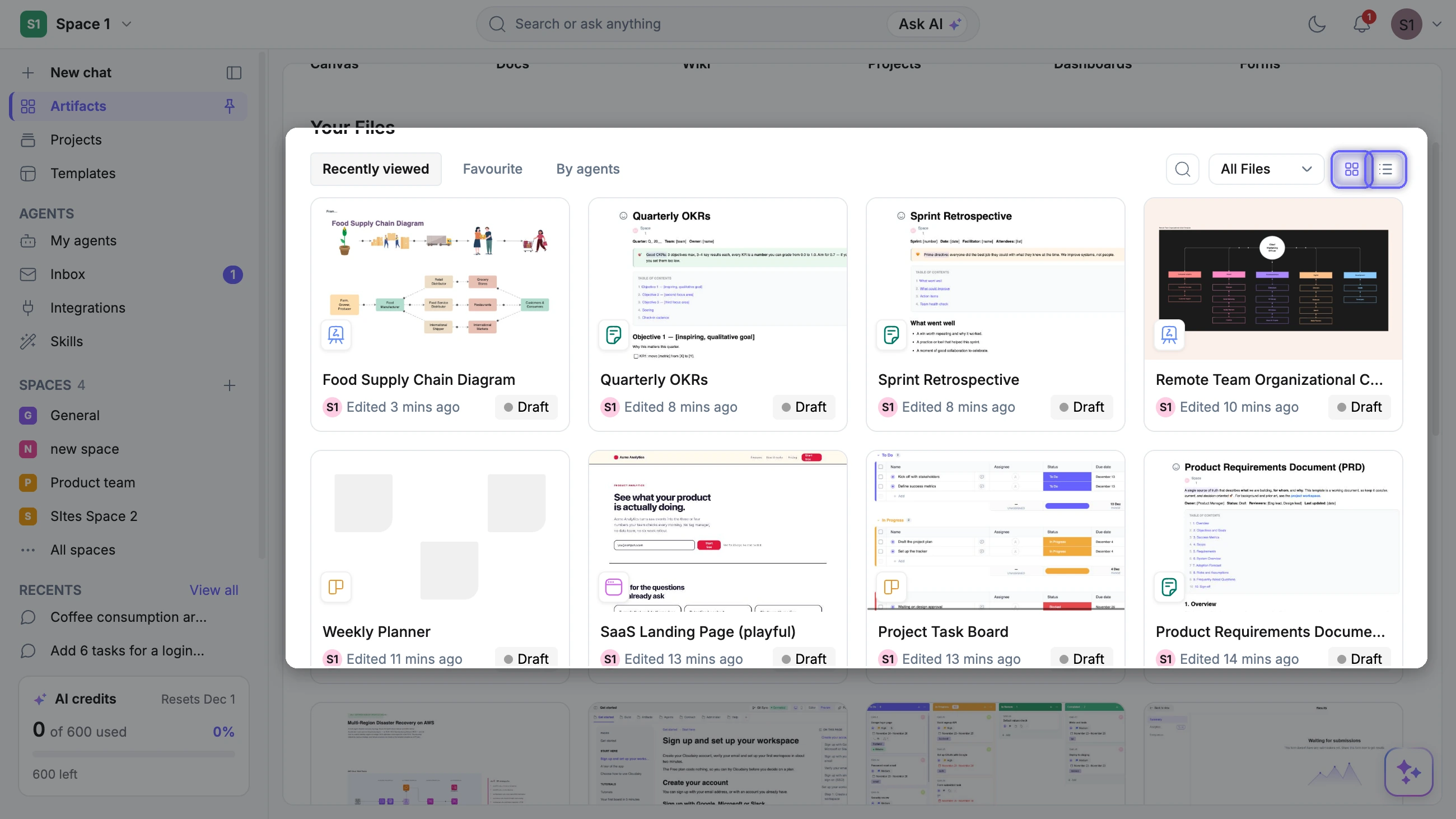
In the left sidebar, click Artifacts.
Scroll past Make something new to Your Files.
Pick a tab:
| Tab | Shows |
|---|---|
| Recently viewed | What you opened last. It opens first. |
| Favourite | Files you starred. |
| By agents | Files your AI agents made, grouped per agent. |
Each card has a star (favourite) and a ⋯ menu with Share, Copy link, Open in new tab, Add to Favourite, Status, Rename, Duplicate, Details, Move to and Delete. See the file menu.
The list has columns Name, AI summary, Space, Created by, Created and Last modified.
Click the By agents tab.
Files are grouped per agent, with how many items each made and when it last made one.
Click a file to open it.
If no agent has made anything yet, you see "No agent files yet". To build an agent, see Agents.
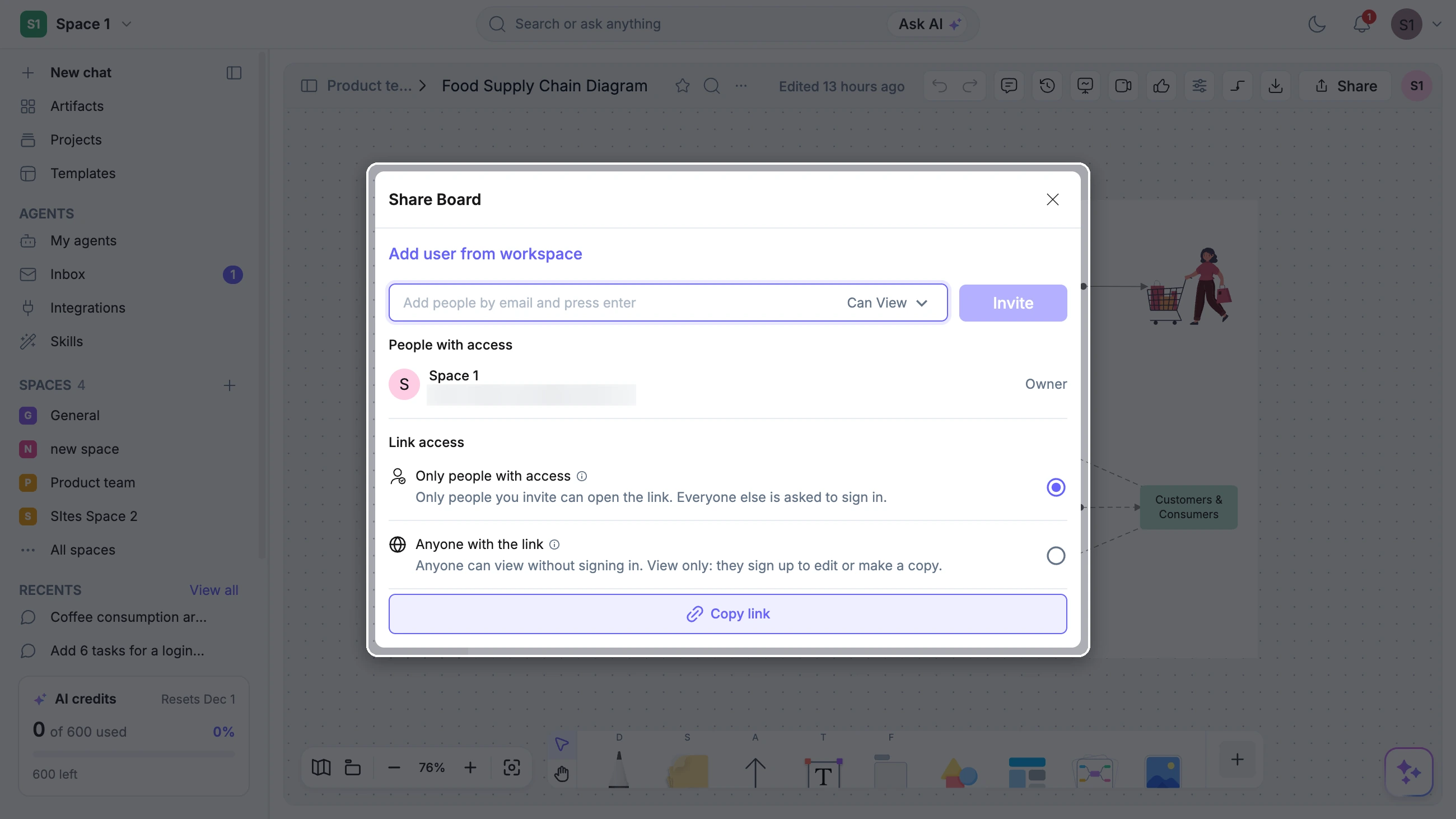
Click ⋯ on the file, then Share.
Type an email and pick Can View or Can Edit, then invite.
Under link access, choose only people with access or anyone with the link.
Click Copy link to share the link.