Your work sits in layers: a workspace holds spaces, a space holds folders and artifacts, and a project can hold its own files too.
| Layer | What it is | Where you see it |
|---|---|---|
| Workspace | Your team's account in Cloudairy, with its own plan, members and billing | The workspace name at the left of the top bar |
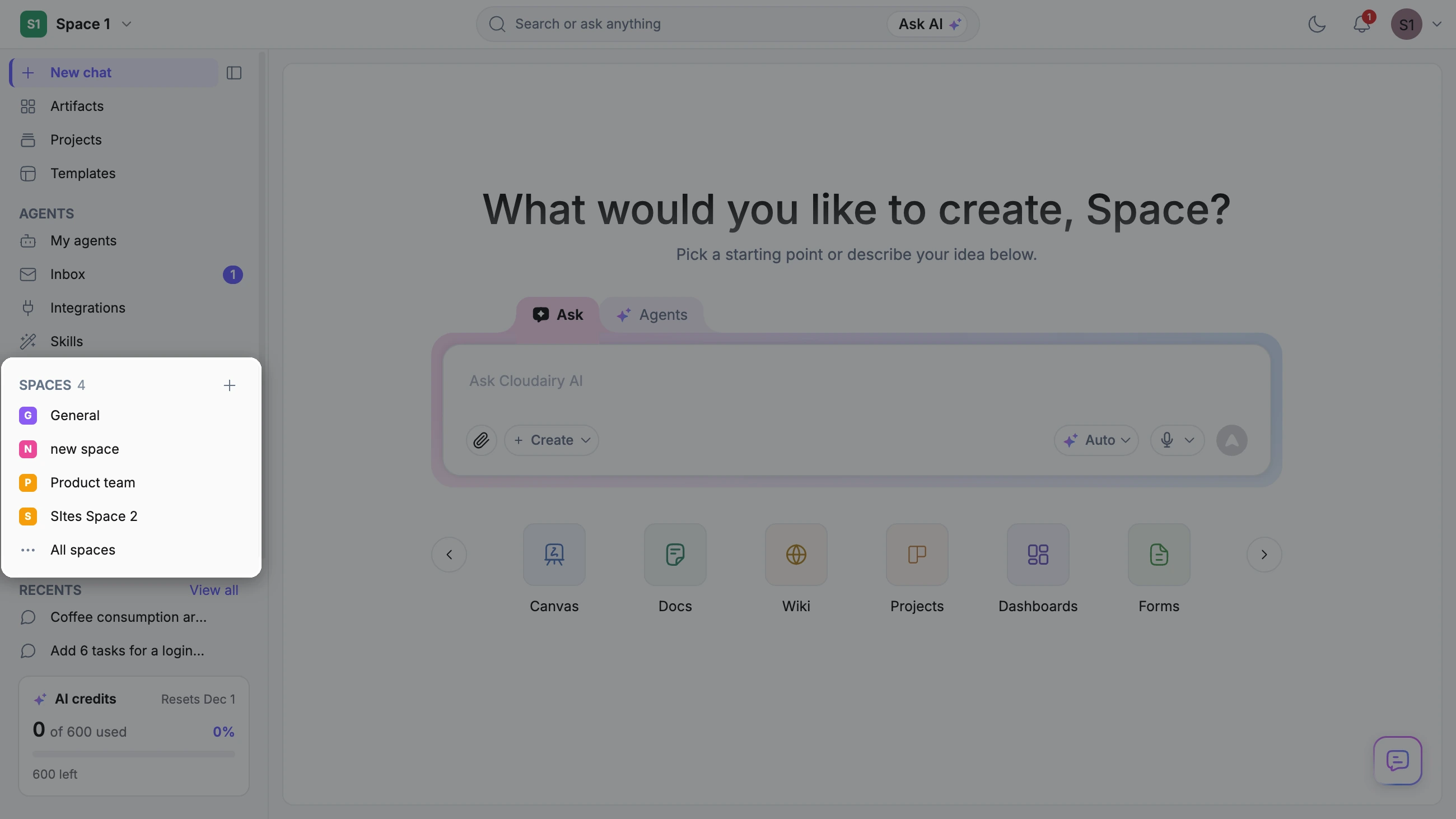
| Space | A shared folder for a team or topic. Everything for one piece of work in one place | Left sidebar › SPACES, and All spaces |
| Folder | A group of items inside a space or a project | Inside the space or project |
| Artifact | One item: a canvas, a doc, a site and so on | Everywhere: Artifacts, spaces, search |
| Project (artifact) | A container for one piece of work, with its own task boards, docs, canvases, forms and dashboards | Opened from Artifacts › Your Files, or the space it lives in |
Click the workspace name at the left of the top bar to see its plan and member count, open Settings or Invite people. If you belong to more than one workspace, use the avatar menu › Switch team to move between them. Everything on this page belongs to the workspace you are in.
Running the workspace (members, roles, billing) is covered in Administer.
New items are filed in a space. Your spaces are listed under SPACES in the left sidebar, and All spaces shows them all as cards.
Folders keep a busy space or project easy to scan. Make one from Create new › Folder. See Folders.
Each artifact and each space has its own sharing. Share an item from its ⋯ menu › Share, or share a whole space from the space's ⋯ › Share space. People you invite get Can view or Can edit:
| Access | What it means |
|---|---|
| Can edit | Can create and change work. Uses a paid seat. |
| Can view | Free. Can look at everything, but cannot edit, create or use AI. |