Everything you make is kept in your workspace; this group shows where to find it, how to keep it tidy and how to clear it out.
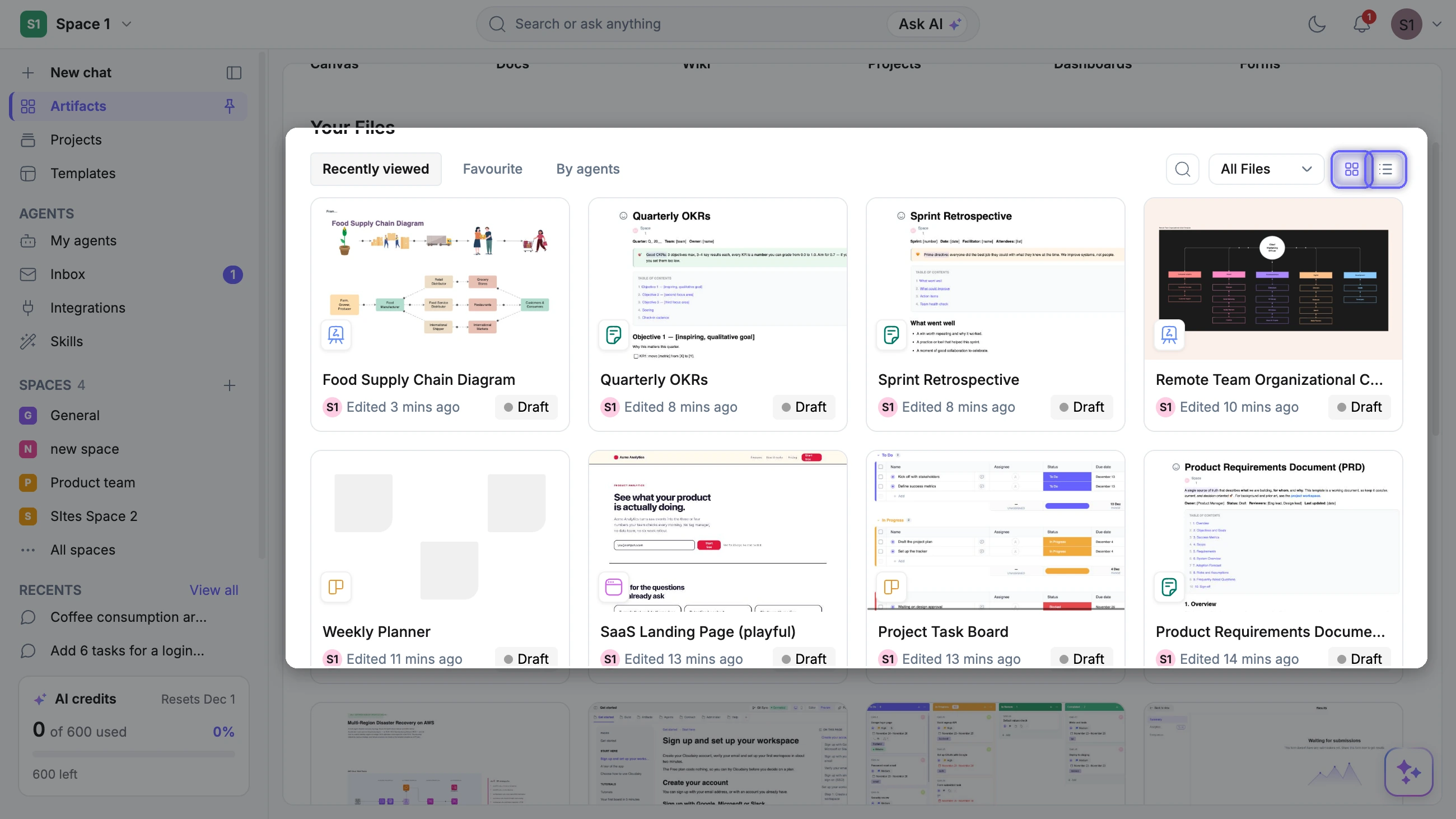
| To… | Go to | Page |
|---|---|---|
| See everything you made, newest first | Left sidebar › Artifacts › Your Files › Recently viewed | Your Files |
| Open what your agents made | Artifacts › Your Files › By agents | Your Files |
| Work in one team's or topic's files | Left sidebar › SPACES › a space | Spaces |
| Group files inside a space or project | Create new › Folder | Folders |
| Keep your most-used files and products close | Star a file, pin a sidebar row | Favourites, recents and pins |
| Put a file somewhere else | ⋯ › Move to, or Move files here | Move items |
| Find anything by name | Top bar › Search or ask anything (Cmd/Ctrl+K) | Search your work |
| Bring back or remove work for good | Avatar › Archive | Archive and delete |
Every file has the same ⋯ menu, on its card in Your Files, on its row in a space and in a project. Some names include the type, for example Copy board link, Rename board and board Details on a canvas.
| Action | What it does |
|---|---|
| Share | Invite people by email (Can View or Can Edit) and set link access. |
| Copy link | Copies the file's link. |
| Open in new tab | Opens the file in a new browser tab. |
| Add to Favourite | Stars the file. See Favourites, recents and pins. |
| Status | Marks it Draft, Complete, Review, Approved or Rejected. |
| Rename | Gives it a new name. |
| Duplicate | Makes a copy. You name the copy (" (copy)"). |
| Details | Shows details about the file. |
| Download board backup | Canvas only: saves a backup file of the board. |
| Move to | Moves it to another space or folder. See Move items. |
| Delete | Deletes it after you confirm. See Archive and delete. |