Templates are ready-made canvases, whiteboards, projects, docs and sites you can preview and copy into a new item of your own.
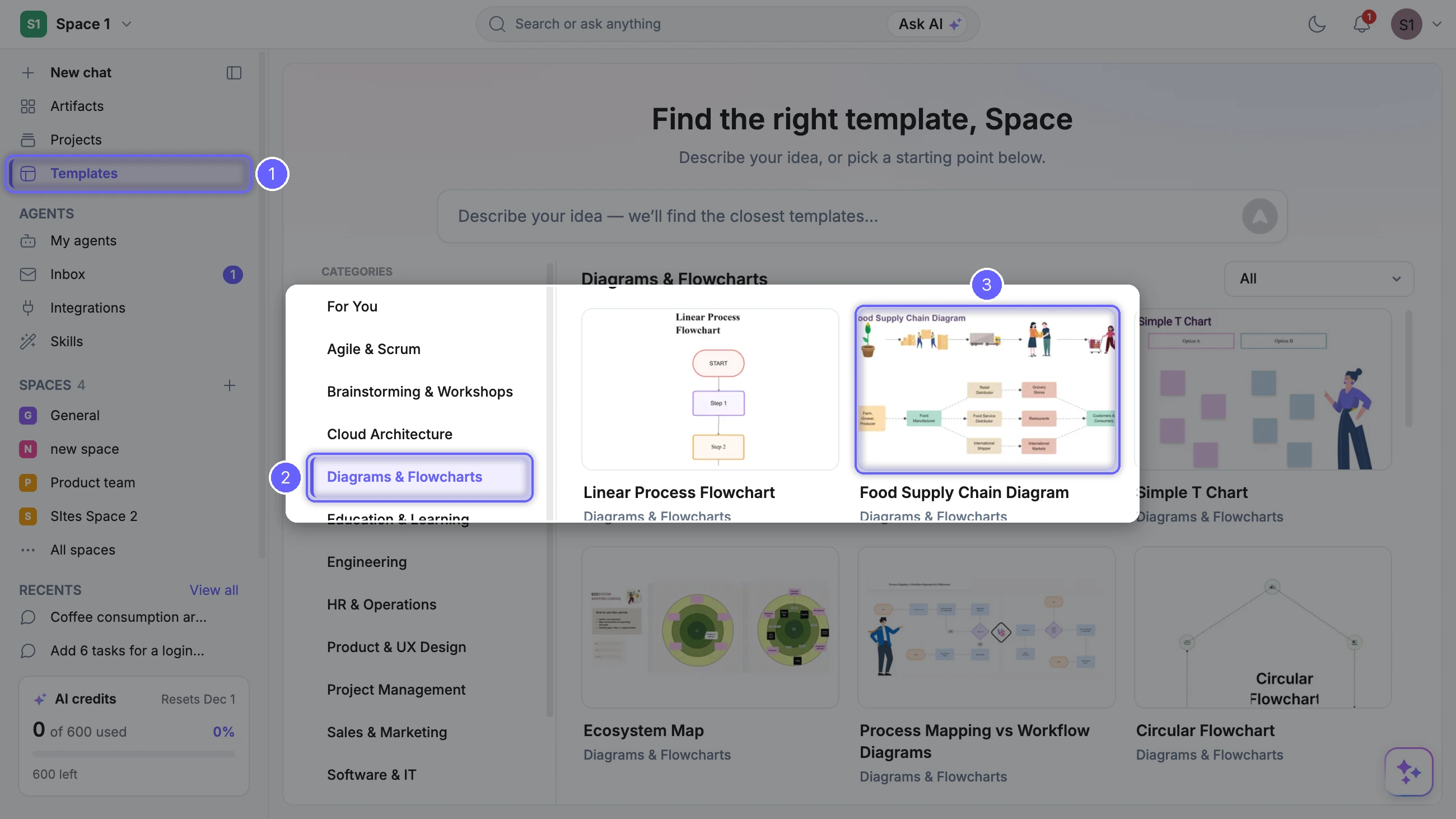
In the left sidebar, click Templates. The page opens on Find the right template.
Use any of these, or mix them:
Picking a new category resets the type filter to All. If a filter has no match, you see "No templates found".
Premium templates show a crown. On the Free plan they show an upgrade prompt when you use them. See Plans.
| Where | How |
|---|---|
| A New dialog | Start blank › pick a starter under Or start from a template, or Browse templates |
| A space or project | Create new (or +) › Template center |
| Inside a canvas | Templates in the bottom dock drops a template into the board you are on |
| A new wiki | Choose how you want to start › Start from a template |
| A new task board | Create a new project shows template previews (Blank, Product launch, and more) |
| A new dashboard in a project | Create a new dashboard lists templates (Project status, Workload, Budget, and more) |
| Ask AI | Ask for what you want in plain words. See Create with Ask AI |