Make, organise and improve your work in Cloudairy: every way to start an artifact, where your files live, templates, and AI inside the editors.
An artifact is anything you make in Cloudairy: a canvas, a doc, a wiki, a site and ten more. Learn the types and where they live.
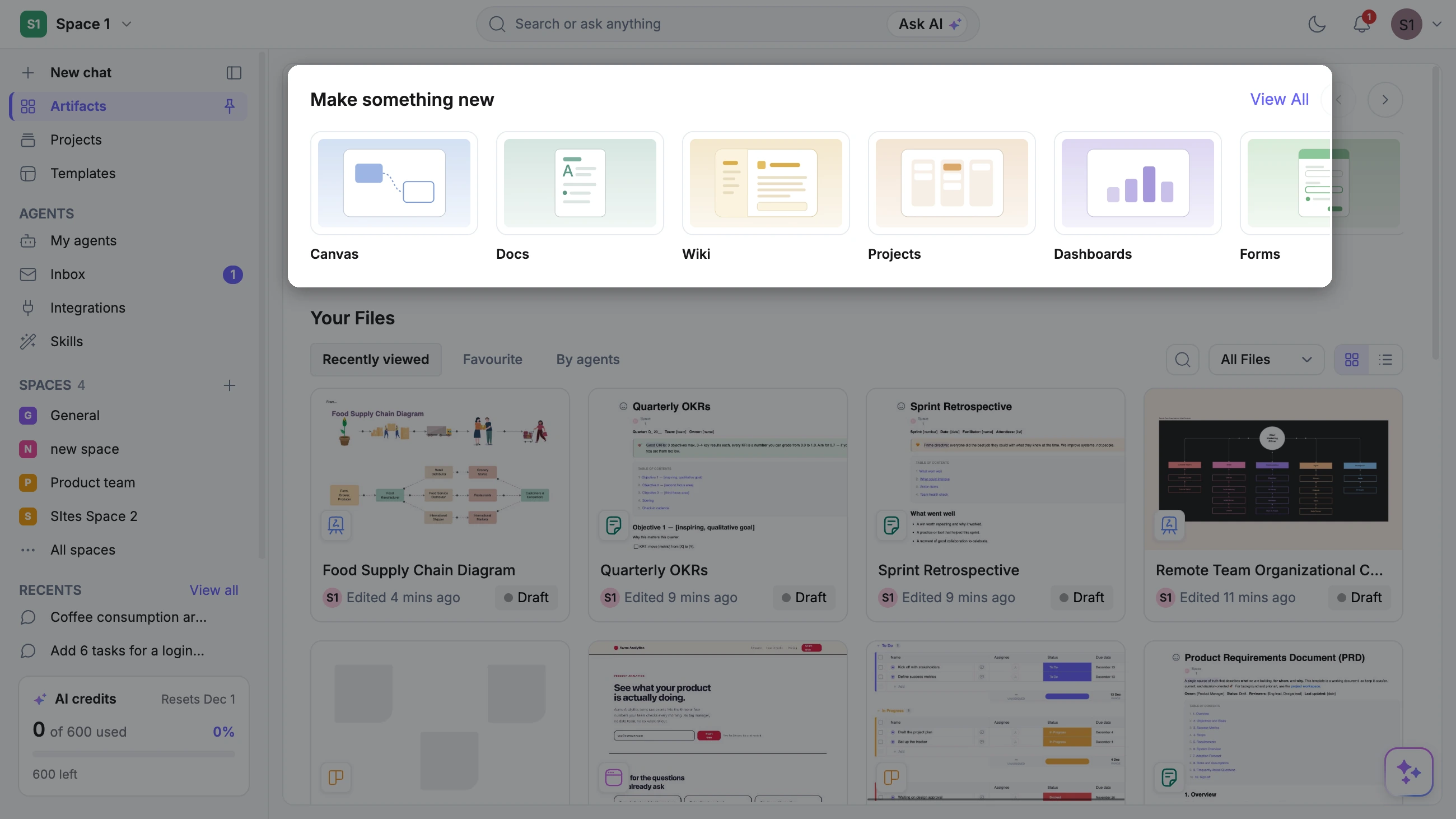
Start from a prompt, a blank page, a template or a file you already have. Every way leads to a real item you can edit.
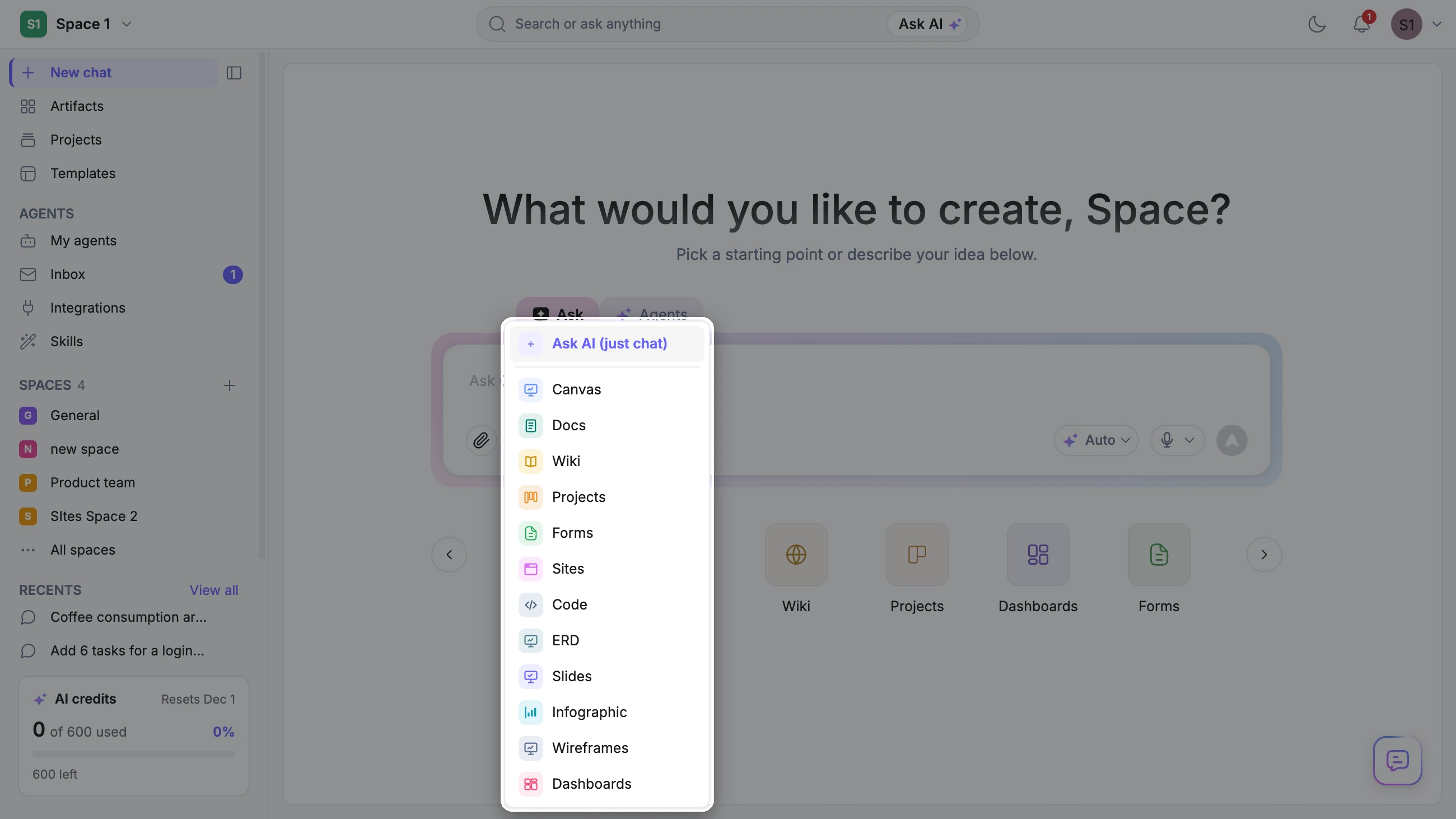
Find, sort, star, move, share and clear out your work.
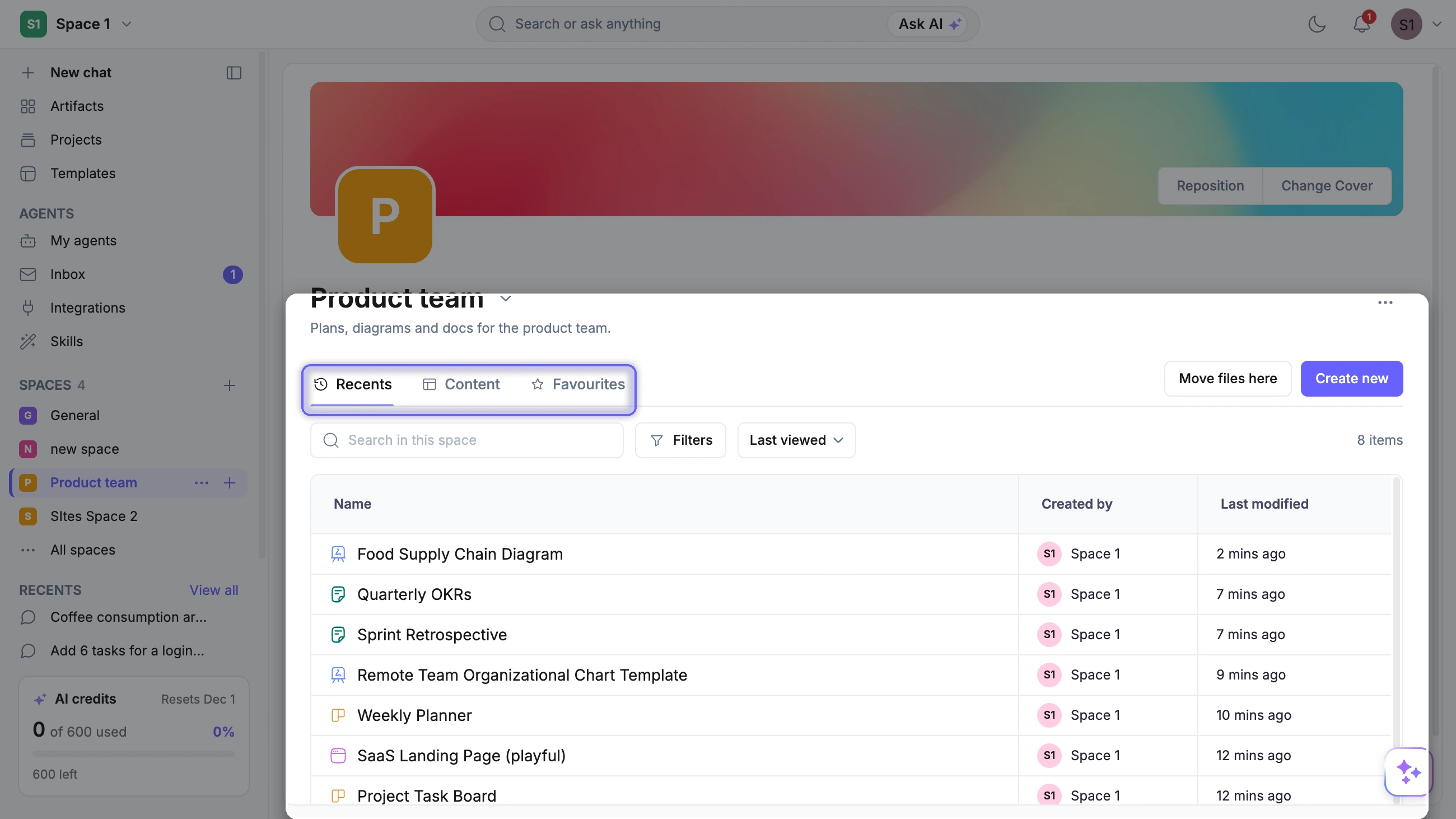
Copy a ready-made board, doc, project or site, or turn your own work into a template for your team.
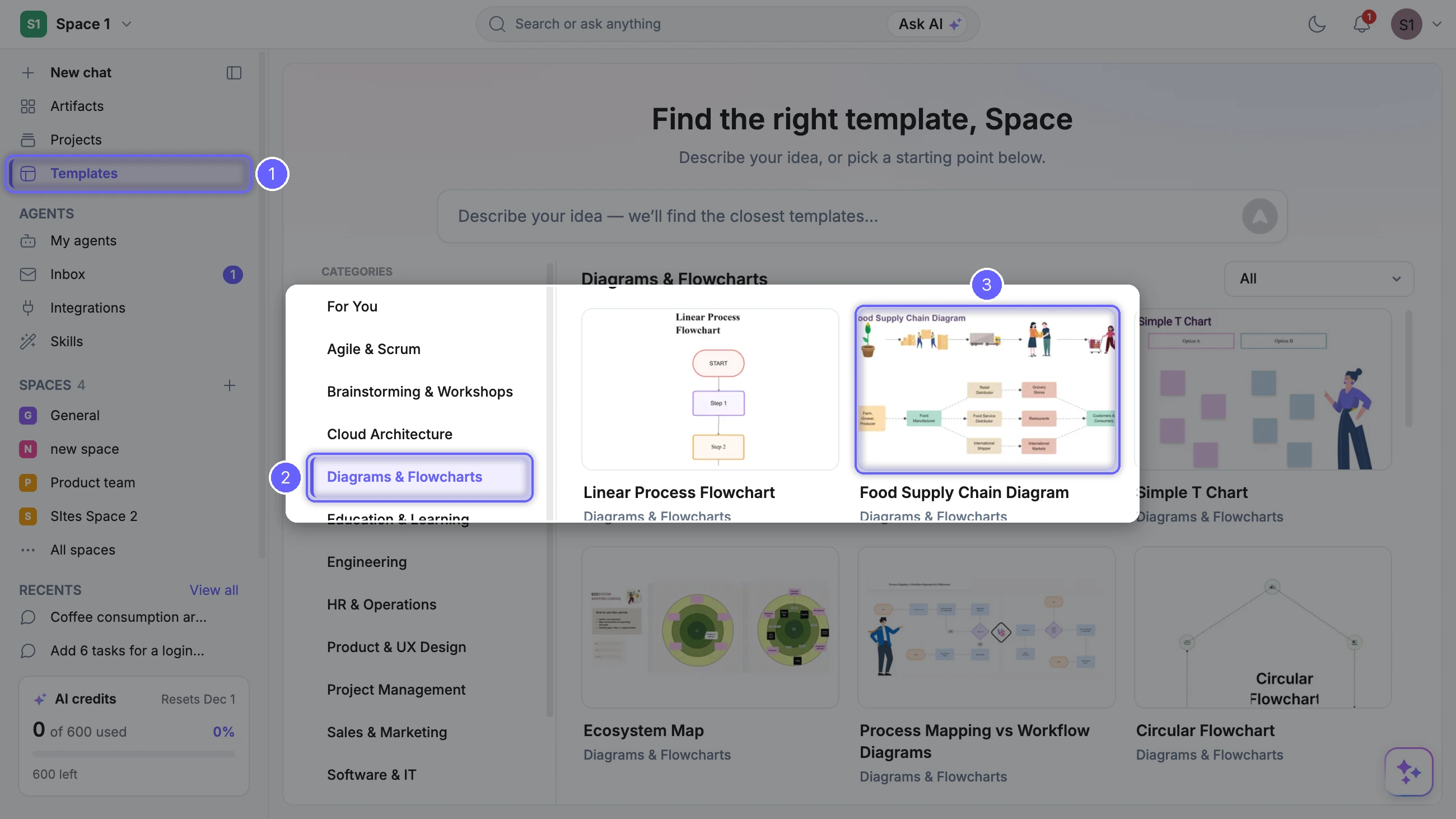
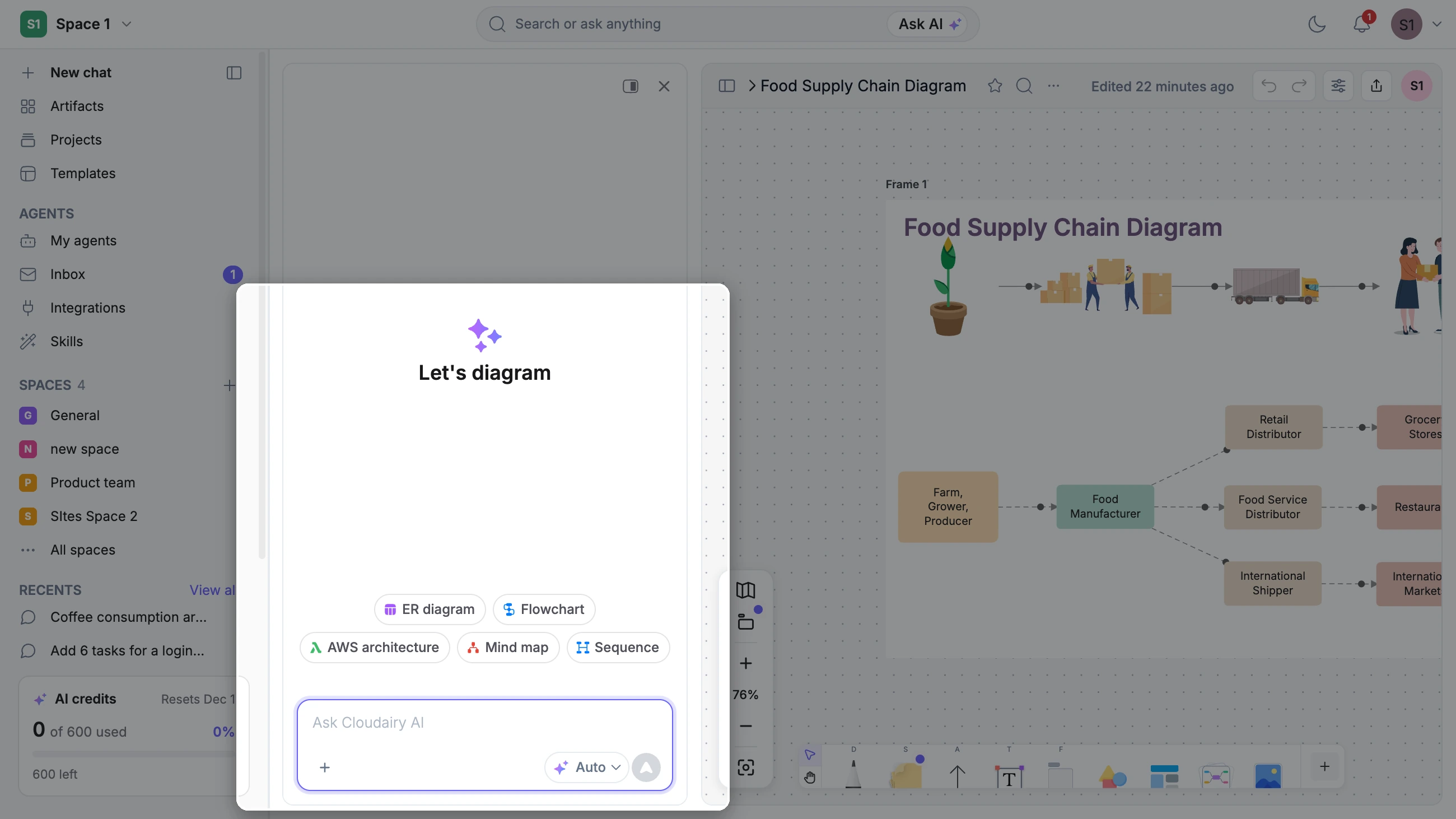
Keep building with Cloudairy AI after the item exists: chat beside a canvas or doc, fix text, fill a table column, and keep chats together in Projects.
Search, draw, write and present without reaching for the mouse.
