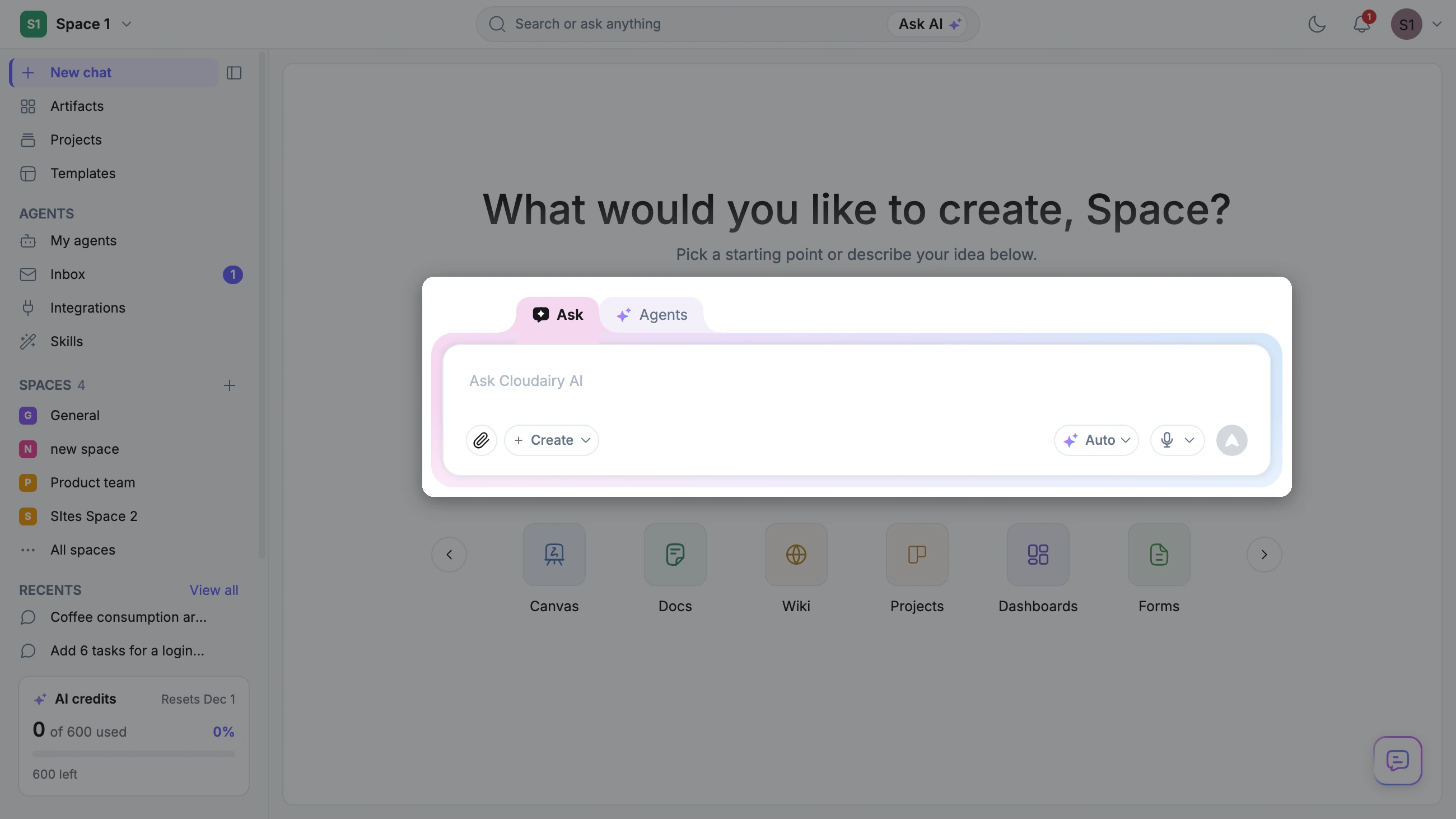
There are six ways to make something new in Cloudairy; pick the one that matches what you have in hand.
| You have… | Start here | Page |
|---|---|---|
| An idea you can describe in words | Left sidebar › New chat, pick a type in Create ▾, and describe it | Create with Ask AI |
| A type in mind, and want to start blank or with AI | Left sidebar › Artifacts › Make something new | Artifacts › Make something new |
| A space where the work should live | A space › Create new (or hover the space row › +) | Create in a space or a project |
| A project the work belongs to | Project page › + | Create in a space or a project |
| A common format (a retro, a roadmap, a PRD) | Left sidebar › Templates › Use | Find a template |
| A file already (Word, Markdown, Lucid, a spreadsheet) | A New dialog › Import | Import a file |
Whichever way you start, the result is the same kind of item. You can switch between hand and AI at any time: draw a canvas by hand and ask AI to extend it, or let AI draft a doc and edit it yourself.
Canvas, Docs, ERD and Forms open a New dialog with up to three choices:
| Choice | What it does |
|---|---|
| Generate with AI | Describe it, or click an example chip. Cloudairy AI builds it. |
| Import | Turn a file into an editable item (not for Forms). |
| Start blank | Name it, or pick a template starter. |
See Use the New dialog for each choice step by step.