On a canvas you can chat with Cloudairy AI beside your board, change AI diagrams in place, fix the wording of text, and make images.
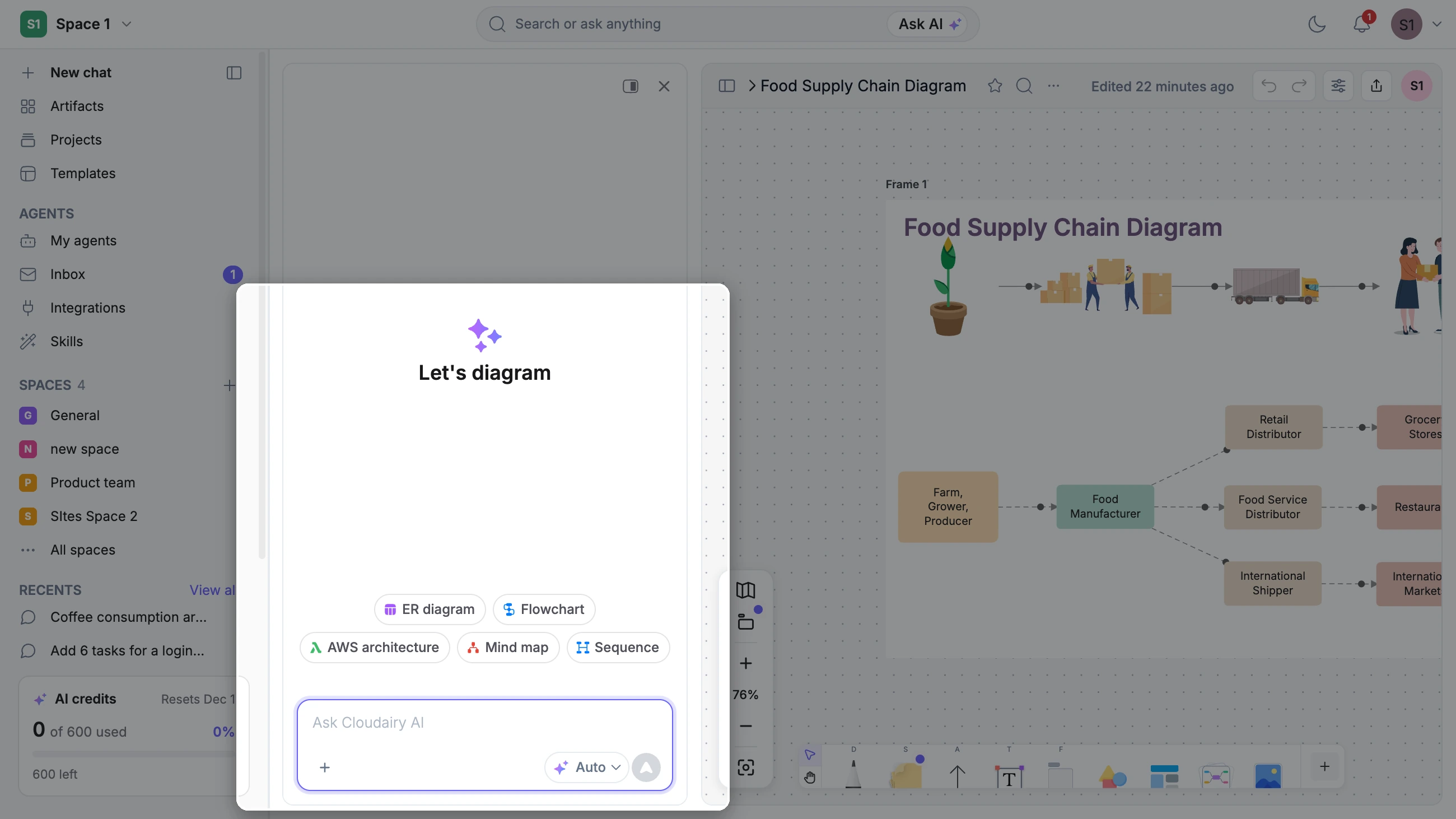
Open a canvas (left sidebar › Artifacts › Your Files › a canvas).
At the top left of the board, click Show AI chat.
Type your request and send. Or click a chip to start: ER diagram, Flowchart, AWS architecture, Mind map, Sequence or Image.
If the board was made from an Ask AI chat, the panel shows that same conversation, so you carry on where you left off. Ask for changes in plain words: "Add a cache between the API and the database", "Group the services by team".
Click the view icon to the left of the panel's ✕ and choose Sidebar, Floating or Full screen. Floating docks the panel at the bottom right, below the top bar.
A diagram from Cloudairy AI sits in its own frame on the canvas. Select the frame to see its toolbar at the top right corner.
| Control | What it does |
|---|---|
| Edit with AI | Opens the AI chat for this diagram, so you can ask for changes in words. |
| Preview | Shows the drawn diagram. |
| Code | Opens the diagram's source next to a live preview, so you can edit it directly. |
| Tables | On an ER diagram, shows the tables. |
The same toolbar has Copy code, Download preview (a PNG) and Fit to screen.
Select a text box, a shape with text, or a sticky note. (Locked items don't show the button.)
In the toolbar above it, click AI.
Choose an action:
| Action | What it does |
|---|---|
| Fix grammar and spelling | Corrects mistakes and keeps your meaning. |
| Rewrite for clarity | Makes the text easier to read. |
| Change tone | Rewrites it as Friendly, Professional, Business or Fun. |
| Translate | Translates it into a language you pick, such as Spanish, German, French, Japanese or Hindi. |
The text on the board is replaced with the new version. Press Cmd/Ctrl+Z to get the old text back.
In the bottom dock, click Images. Next to photo search and upload, the panel has Make an image, which makes a picture with AI. You can also ask for one in the AI chat with the Image chip.
Click New chat in the left sidebar, pick Canvas in Create ▾, and describe the diagram. See Create with Ask AI.