Publish a branded help centre, product docs or team handbook, built from spaces and pages, with an AI assistant for readers and analytics for you.
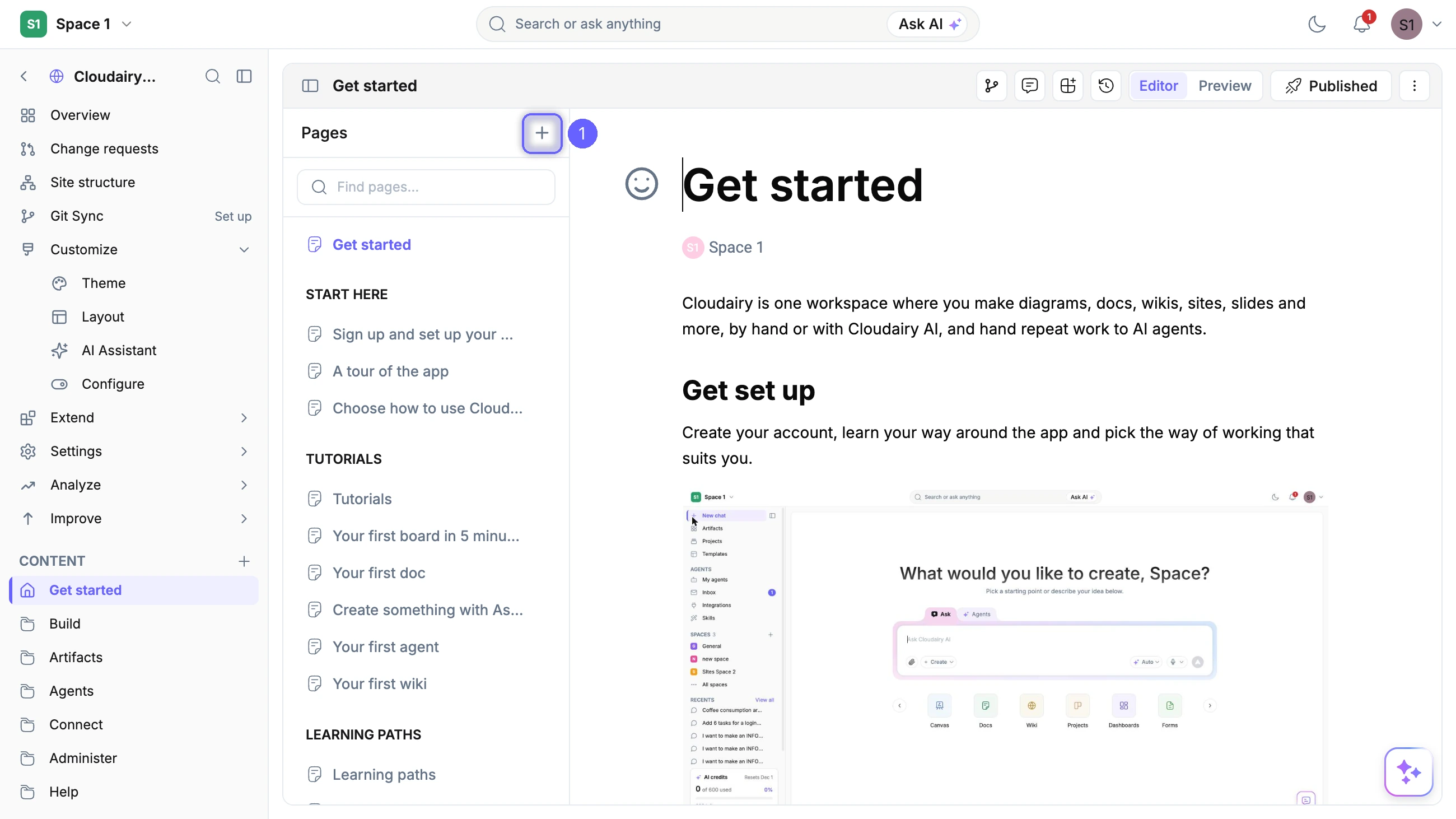
Every wiki page is a doc, so you write with the same blocks and slash menu as in Docs.
Pick a starter wiki, import files or a public docs site, start blank, or sync with Git.
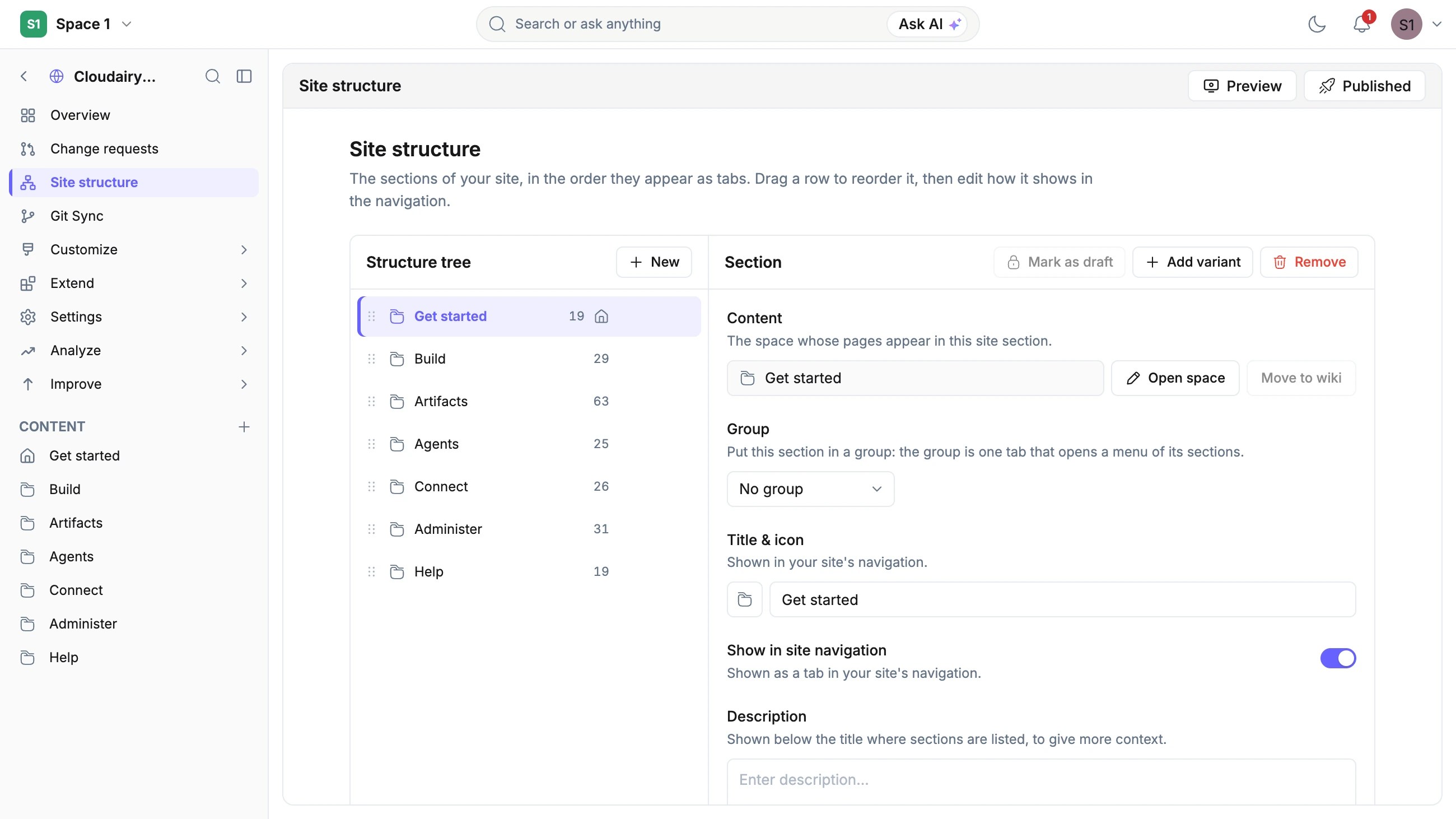
Spaces become the tabs of your site. Drag pages into order, group them, hide them, duplicate them or export them as PDF.
In Site structure, set each section's title, icon, slug and draft state, and pick the home section.
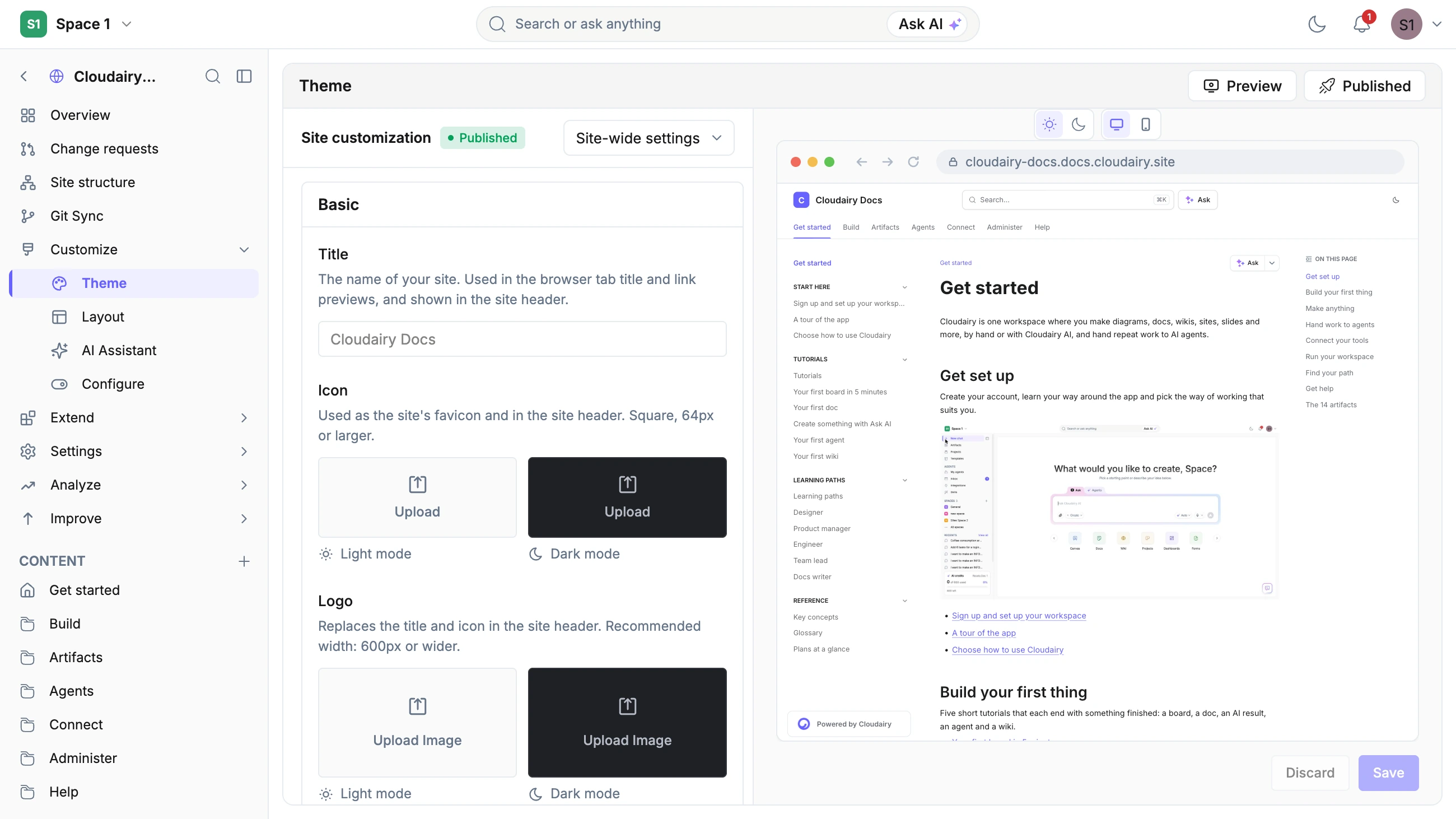
Set logos, theme, colours and fonts, the header, announcement, footer and social links, with a live preview in light or dark and on desktop or phone.
Turn on the AI Assistant so readers get answers from your content. Every page also offers Copy page, View as Markdown, open in ChatGPT, Claude or Perplexity, and Connect with MCP.
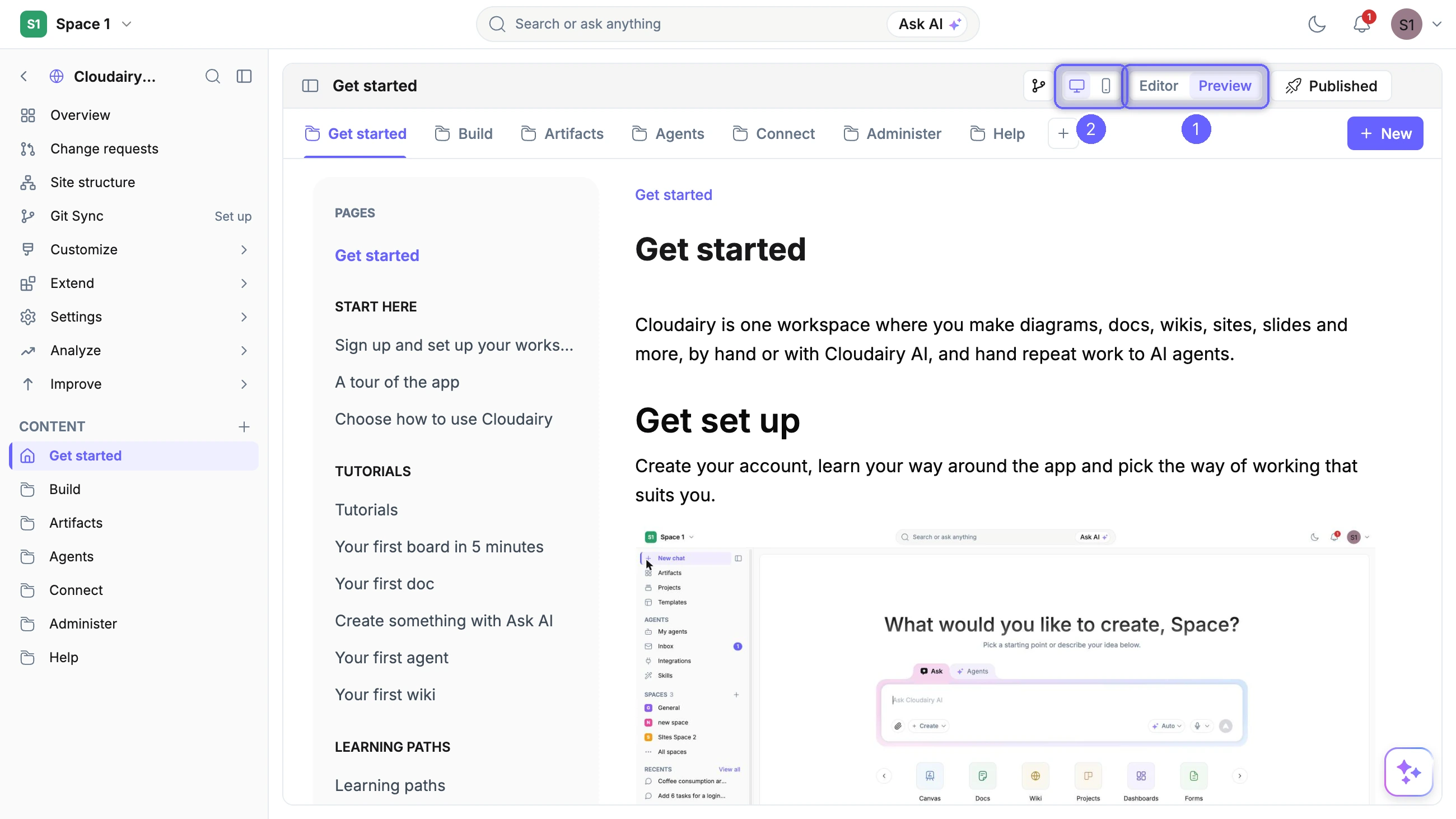
Publish as Public or Private, propose edits in Change requests without touching the live site, and use Analyze and Improve to see traffic, content gaps and broken links.
| Where | What to click |
|---|---|
| Artifacts | Make something new > Wiki. An "Untitled wiki" is created and opens on Choose how you want to start. |
| New chat | Click Create and pick Wiki, then describe it. Cloudairy AI plans the spaces and writes the pages. |
| A space or project | Create new (space) or + (project) > Wiki. |
| Your Files | Artifacts > Your Files > a wiki. |
See Start a wiki.
| Free | Pro | Business | Enterprise | |
|---|---|---|---|---|
| Wikis | A wiki counts once toward 3 items in total; its pages do not count | Unlimited | Unlimited | Unlimited |
| AI credits | 100 | 1,000 | 2,500 | Unlimited |