Place working widgets such as kanban boards, timelines, timers and retro boards right on your canvas.
In the bottom dock, click +.
Browse the panel, or type in its search box. Search also finds widgets that sit in no tab, for example Org chart, embed / iFrame, calendar and to-do.
Click a widget. Most then say "Click on the board to place · Esc to cancel".
Click the board where it should go.
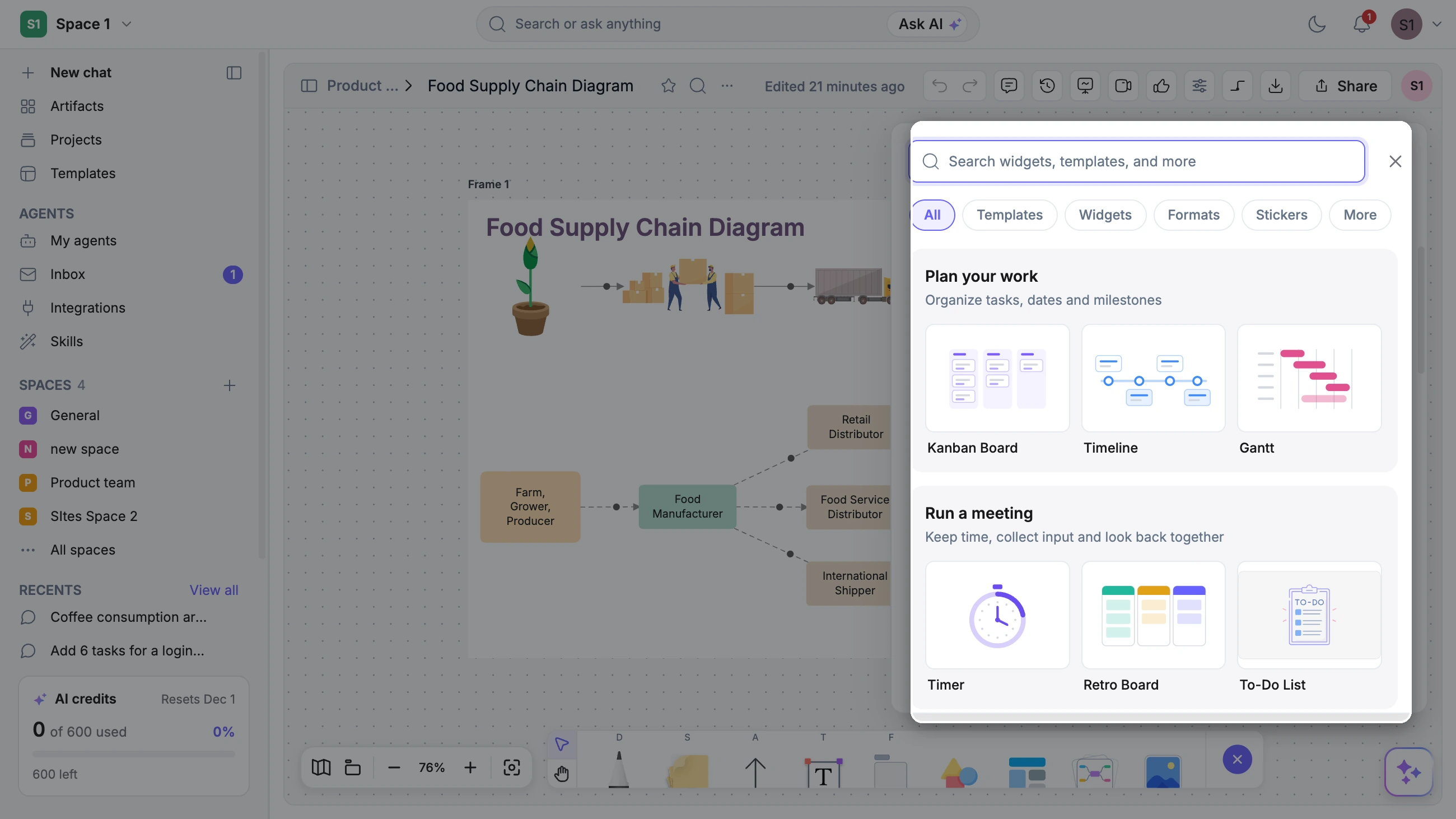
| Kind | Widgets |
|---|---|
| Plan work | Kanban, Timeline, Gantt, Task Table, To-Do, Weekly Planner, Story Point |
| Run a meeting | Timer, Retro Board, Brainstorm, SWOT Analysis, Dot Voting, Polling, Sticky Stack |
| Content | Doc, Banner, Callout, Quote, Code, Quick Access, People, Illustrations, Google Images |
| Files and embeds | Upload (image, PDF, DOCX), Embed iFrame Code |
| Templates | Popular templates |
| Fun | Stickers, emoji and GIFs |
In More tools, pick To-Do List and click the board.
Click + Add task. A task detail window opens.
Switch between the Open and Done tabs. Columns show Done, Task, Due date and Owner.
The Retro Board has a live poll. Click Start Poll, let everyone vote, then End poll for all.
Timer starts a countdown everyone on the board sees. Set the time with − and + or a preset, turn Sound on or off, and click Start. While it runs it shows as a pill with Pause and Stop.