Decide the order of your sections and how each one appears in the site's navigation.
In the wiki sidebar, click Site structure.
Pick a section in the tree.
Set its title, icon and slug, mark it as a draft, or Set as home.
Click Save. You see "Section saved".
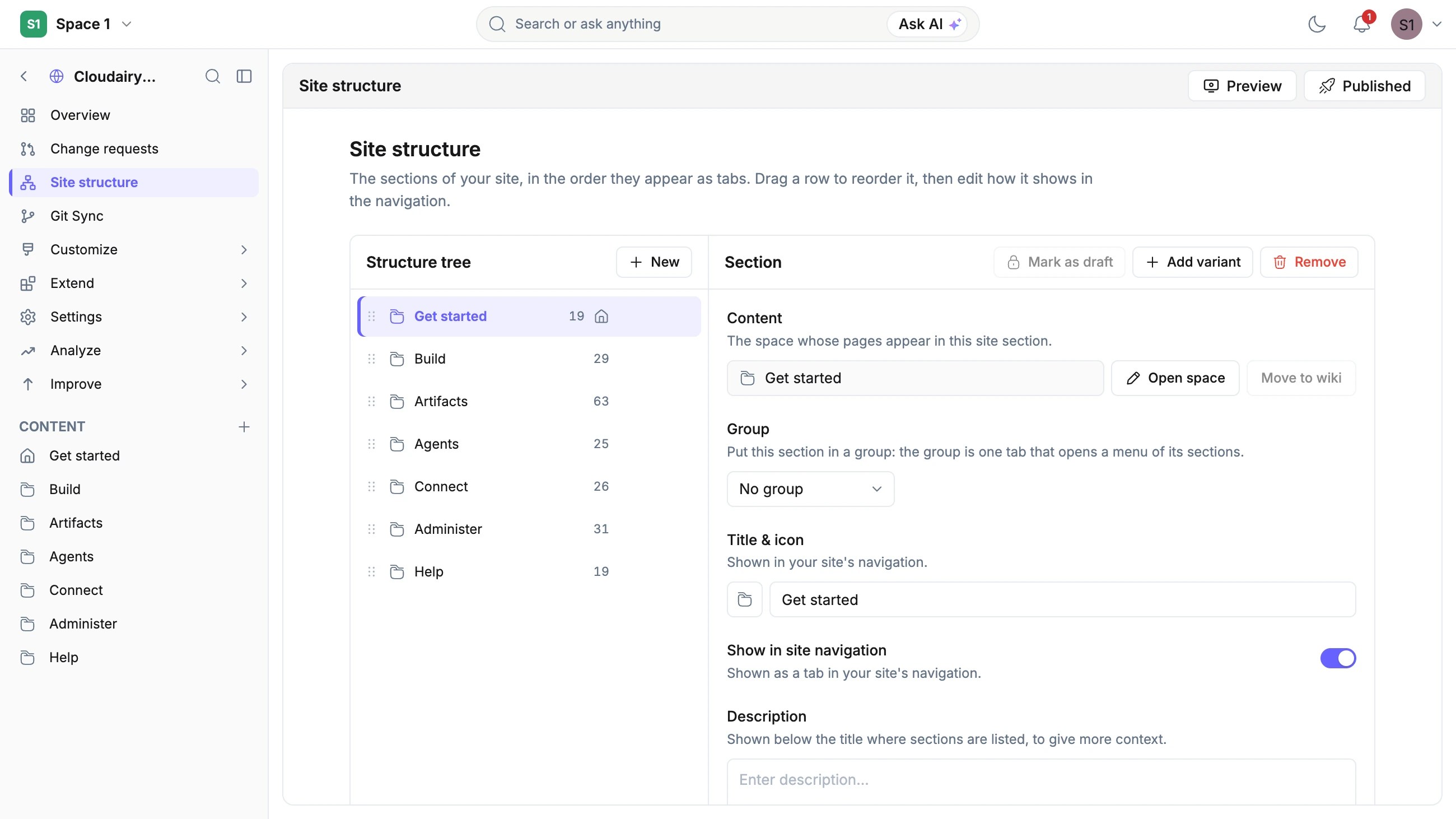
| Setting | What it does |
|---|---|
| Title and icon | The name and icon in the navigation |
| Slug | The address segment for this section |
| Draft | Keeps the section off the published site |
| Set as home | The section readers see first |
The home section cannot be a draft.
Navigation links in the header, an announcement bar, pagination and the footer are set in Customize > Layout. See Customize your wiki.