See your wiki the way readers will, on desktop and phone, and learn the actions readers get on every page.
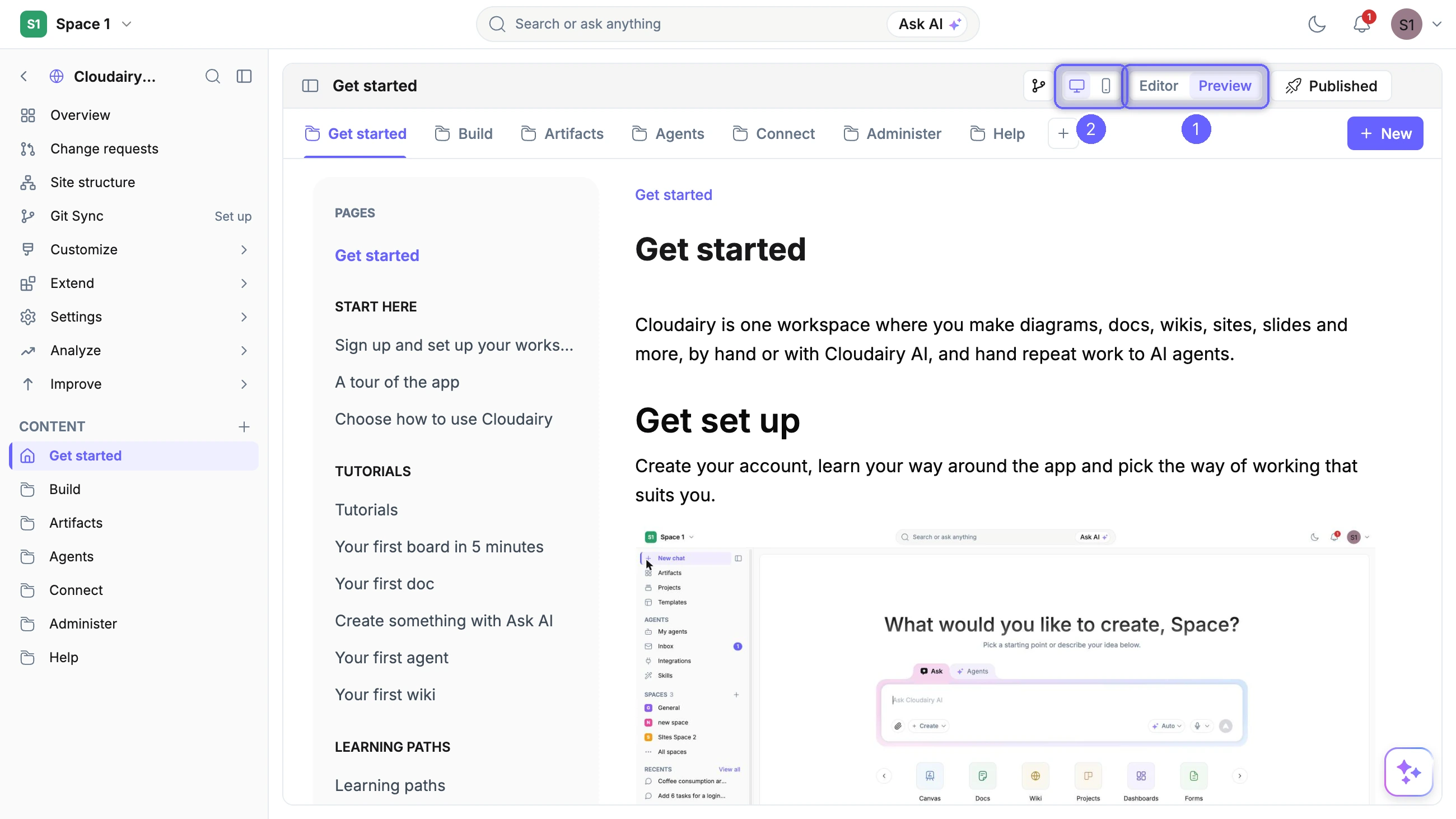
In the wiki sidebar, click Preview, or use the Preview switch in the header.
Switch between desktop and phone, and between light and dark.
Click a space tab, open a page from the page tree, or use Search docs (Cmd/Ctrl+K).
On a phone the navigation opens as a drawer, and an Ask button opens the assistant.
| Action | What it does |
|---|---|
| Assistant | Ask the wiki's AI assistant |
| Copy page | Copy the page text |
| View as Markdown | Show the page as Markdown |
| Open in ChatGPT, Claude or Perplexity | Ask an AI app about the page |
| Connect with MCP, VS Code, Cursor, Claude Code, Codex | Use the docs from AI coding tools |
| Export as PDF | This page, or the whole wiki as a .zip |
Each page also has an ON THIS PAGE list of its headings.