Present your frames, comment with your team, find text and go back to an earlier save.
Put Frames around what you want to show.
In the top bar, click Present.
Move with →, ←, Space, Shift+Space, Home and End. Click the Frame n / N counter for the frame list.
Use the timer button to run a countdown (− / +, presets from +30s to +10m, Sound, Start).
Click Stop. If you changed anything, Cloudairy asks whether to keep the changes.
In the top bar, click Comment. A hint says "Click on the board or a shape to add a comment".
Click the board or a shape and type. Use @ to mention someone.
Reply in the thread, add reactions, or resolve it. Hover a reply for Edit reply and Delete reply.
In the top bar, click Find.
Type a word. Jump to a match, or Select all.
To replace, type the new text and tick Match case if you need it.
In the top bar, click Version history. Saves are grouped by day.
Click a save to preview it, then Restore it.
Use a save's menu to Edit its name or Delete it.
A new canvas shows "No Version History Yet".
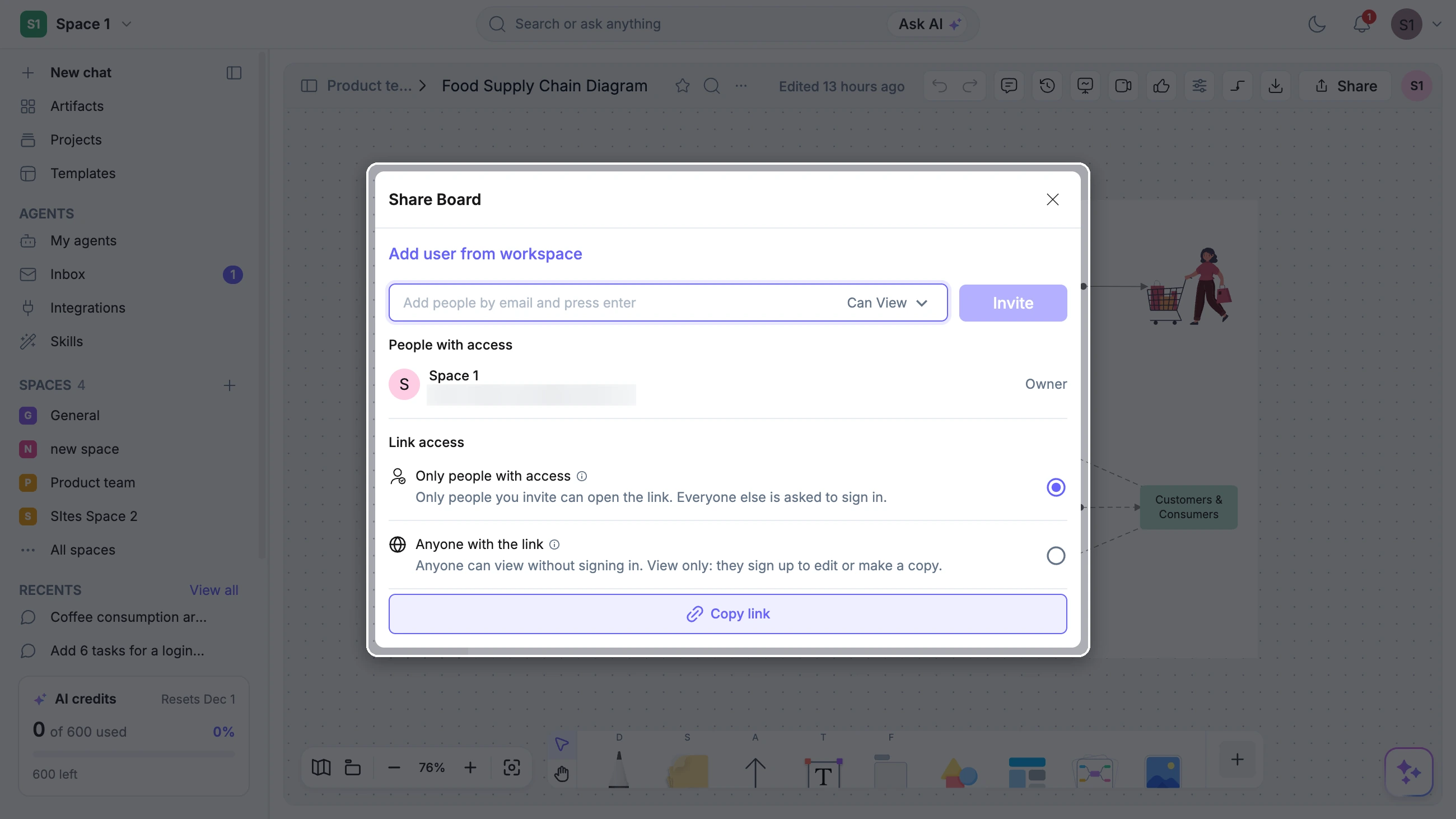
Click Share.
Type an email in "Add people by email and press enter", pick Can Edit or Can View, and click Invite.
Set Link access, then Copy link.