Show your deck full screen or with presenter notes, and download it as PDF or PowerPoint.
Click Present. The deck shows full page.
Use the arrow keys to move. Press Escape to go back to the editor.
Click Presenter view. The presenter page opens, and the audience view opens in a separate window.
You see "Slide N of N", a timer with Reset, the current slide, NEXT and NOTES.
Use Previous and Next to move. Click Exit to stop.
Click Export.
Pick PowerPoint to keep editing in PowerPoint, or PDF.
Pick your computer, Google Drive or OneDrive.
Download.
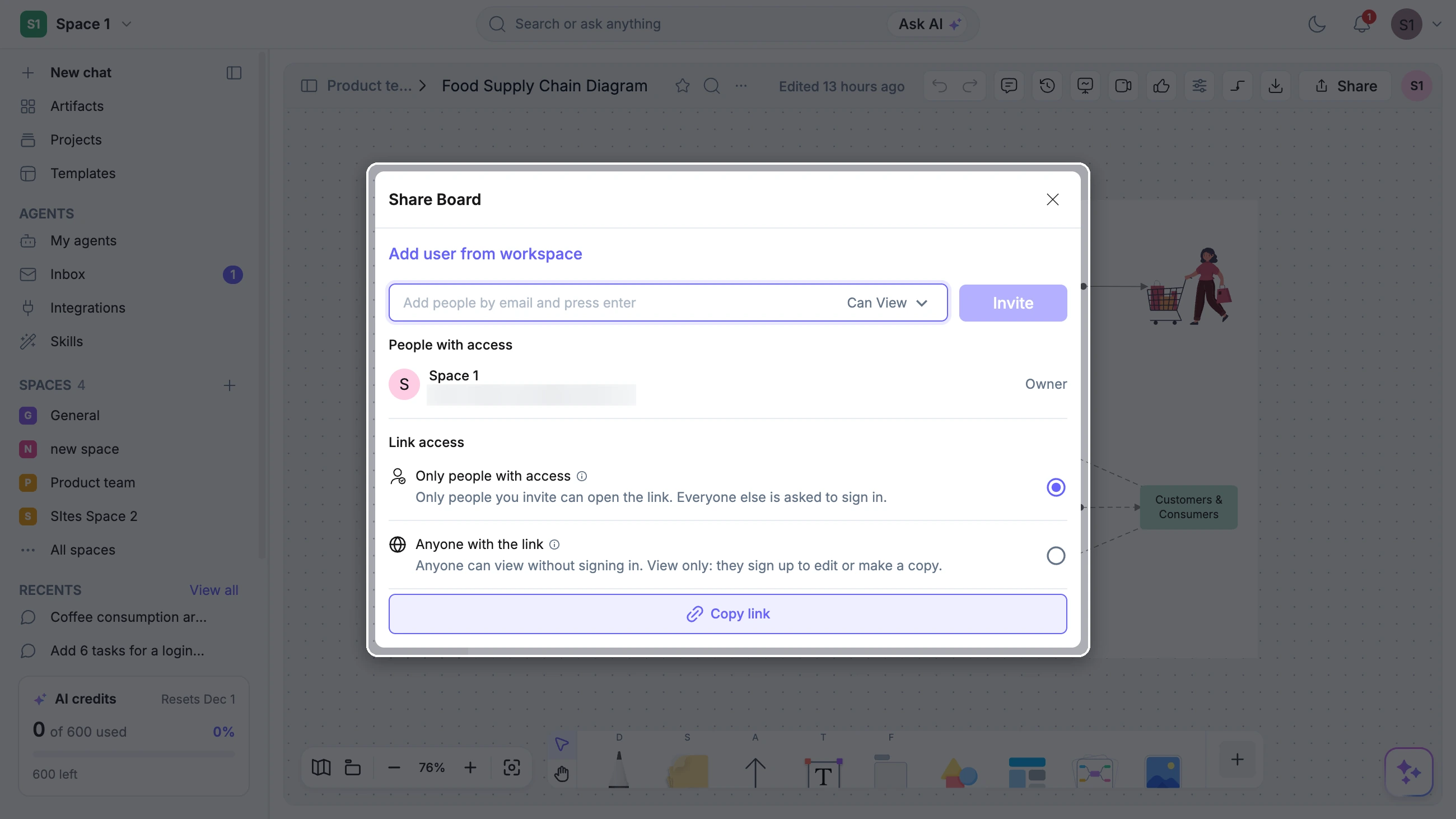
Click Share.
Invite people by email, or set link access and Copy link.