Write anything from quick notes to full specs in a block editor with tables, embeds, charts and live task views, and with AI next to you.
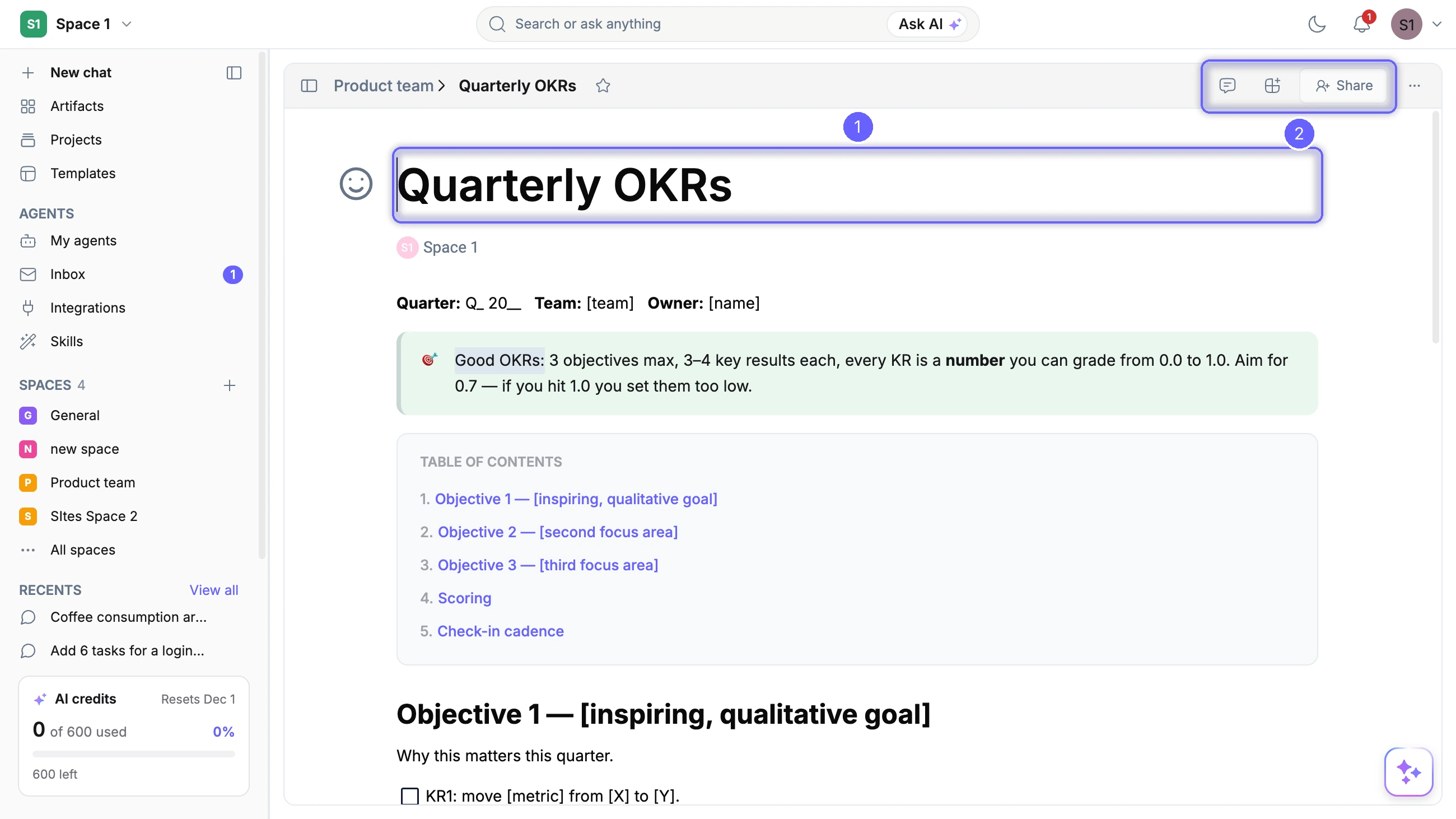
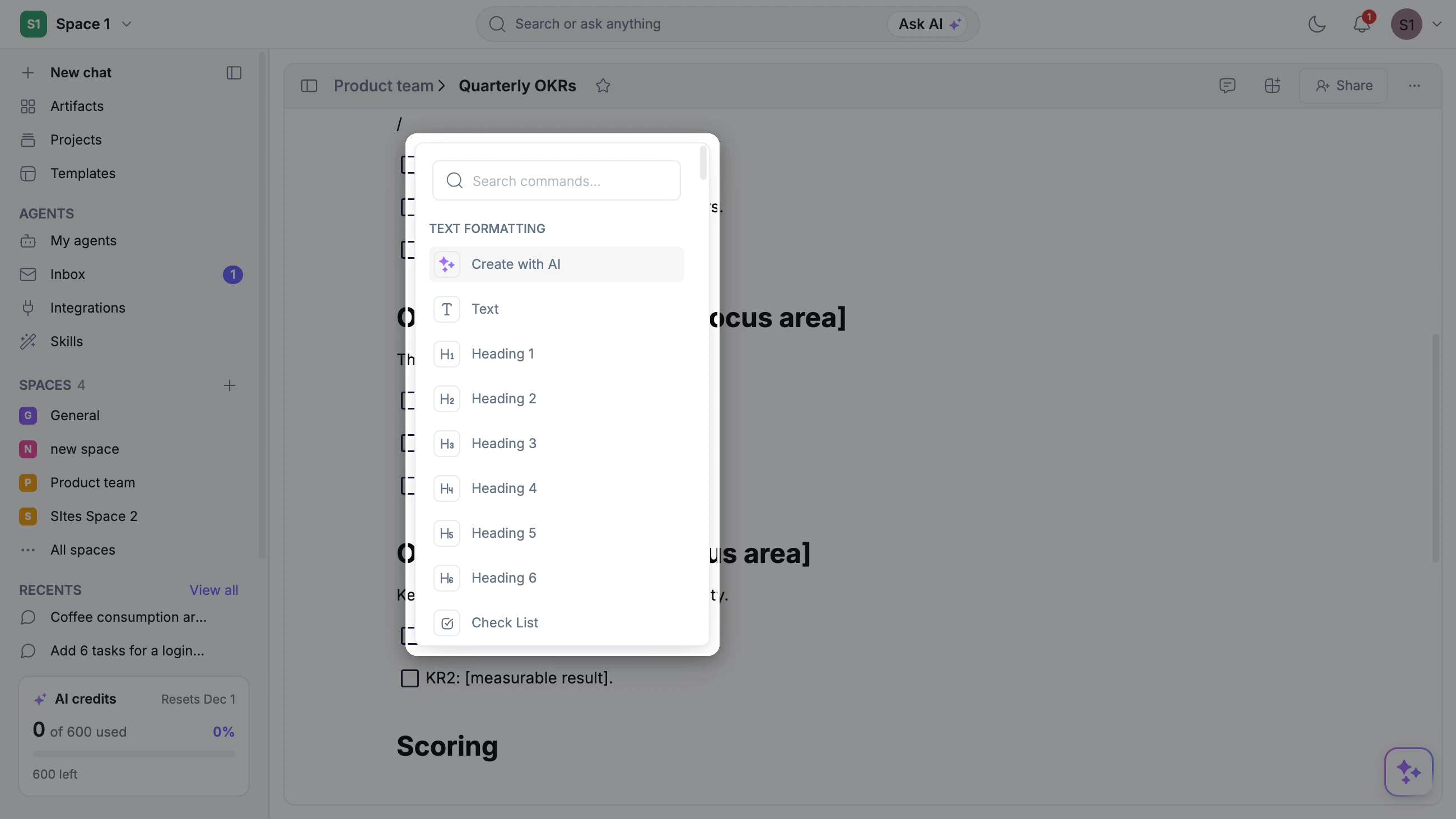
Type / for headings, lists, tables, callouts, code, columns, media, embeds, charts and more, or open the Insert panel (Ctrl+/).
Give table columns types such as Number, Date, People, Select and Status, or Turn into database to make a task database.
Show a task board as a Task Table, List, Board, Calendar, Timeline or Gallery view inside the doc, a canvas as a view-only preview, or embed Figma, Google Drive, Maps, Miro, Loom, YouTube and GIPHY.
Insert an Area, Bar, Bubble, Line, Pie or Scatter chart, a Mermaid diagram you can open on a canvas, smart layouts of cards, and math equations.
Comment inline, @mention teammates, and switch on Suggest edits so changes arrive as tracked suggestions to Accept or Reject.
Export to PDF, Word or Markdown with page size, margins and a page picker, and restore any version from Version History.
| Where | What to click |
|---|---|
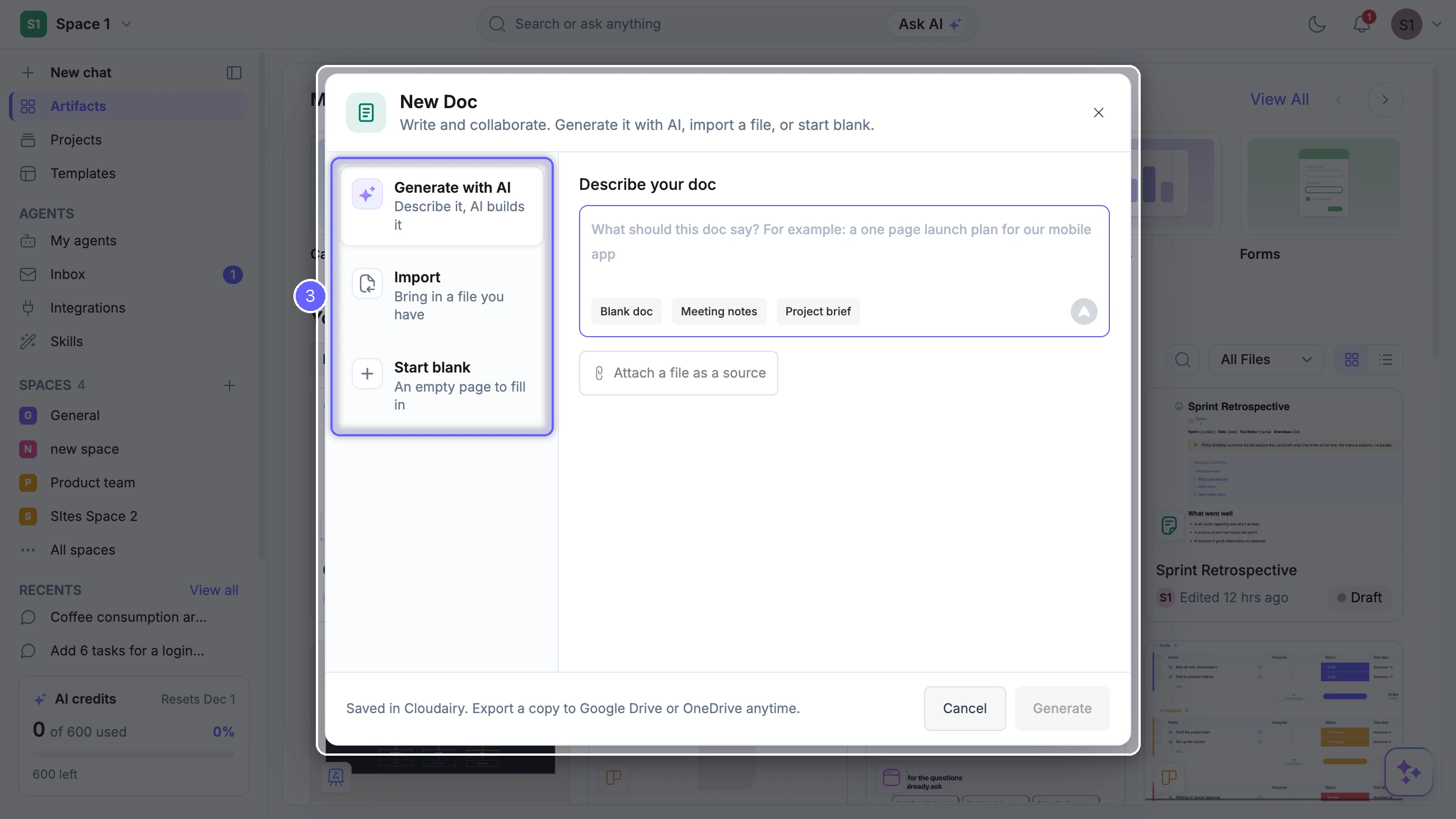
| Artifacts | Make something new > Docs. The New Doc dialog opens with Generate with AI, Import and Start blank. |
| New chat | Create ▾ > Docs, then describe the doc. |
| A space | Create new > Doc. The dialog says "This doc will be created in ." |
| A project | Project page + > Doc. |
| Templates | Left sidebar > Templates > type Docs > Preview or Use. |
| Free | Pro | Business | Enterprise | |
|---|---|---|---|---|
| Docs | Count toward 3 items in total | Unlimited | Unlimited | Unlimited |
| AI credits | 100 | 1,000 | 2,500 | Unlimited |