An infinite board for diagrams, flowcharts, mind maps and whiteboards that you draw by hand, build with AI, and work on with your team at the same time.
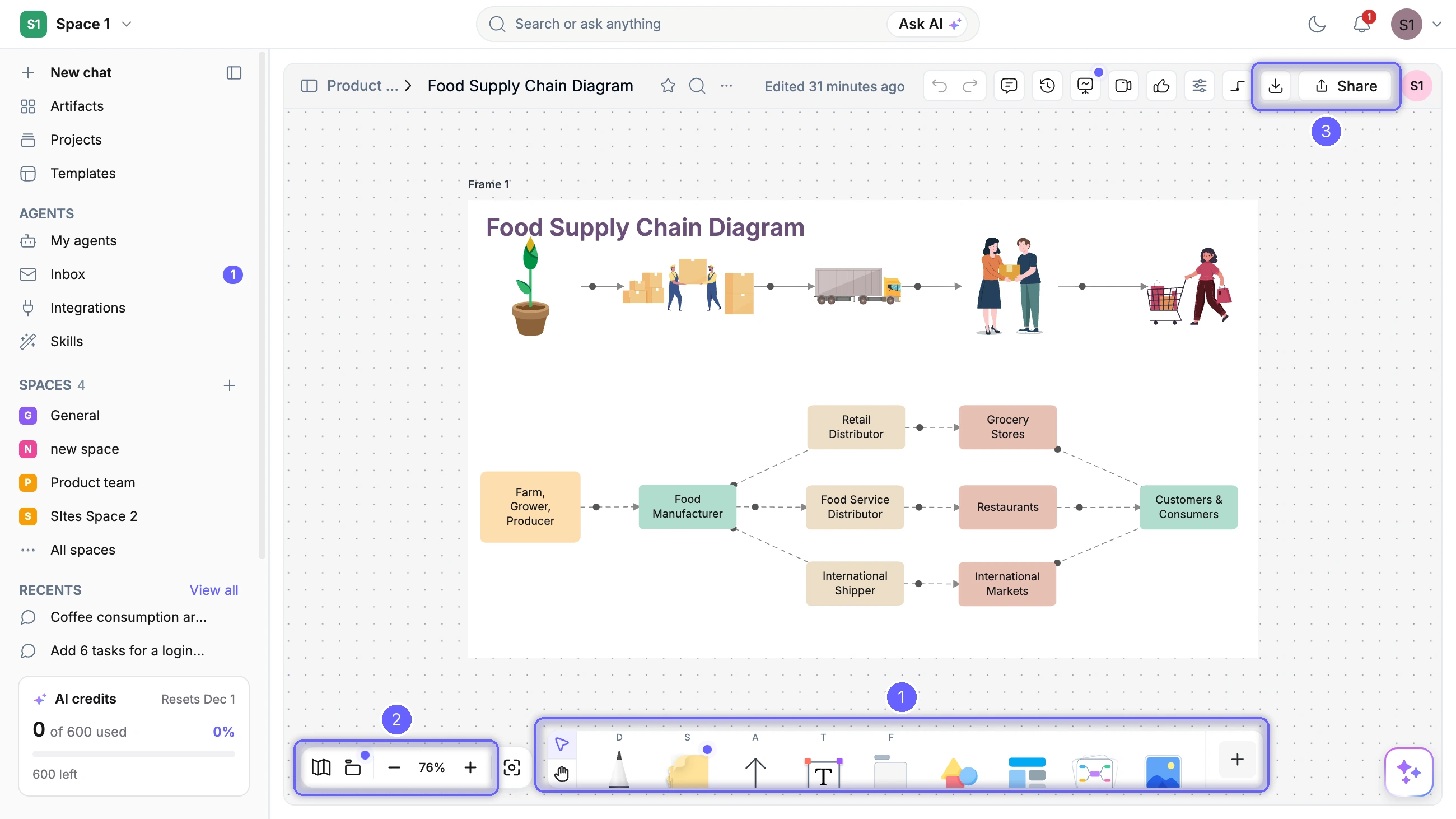
Use a canvas when an idea is easier to draw than to write: a process, a system, a plan or a brainstorm. Everything saves as you work.
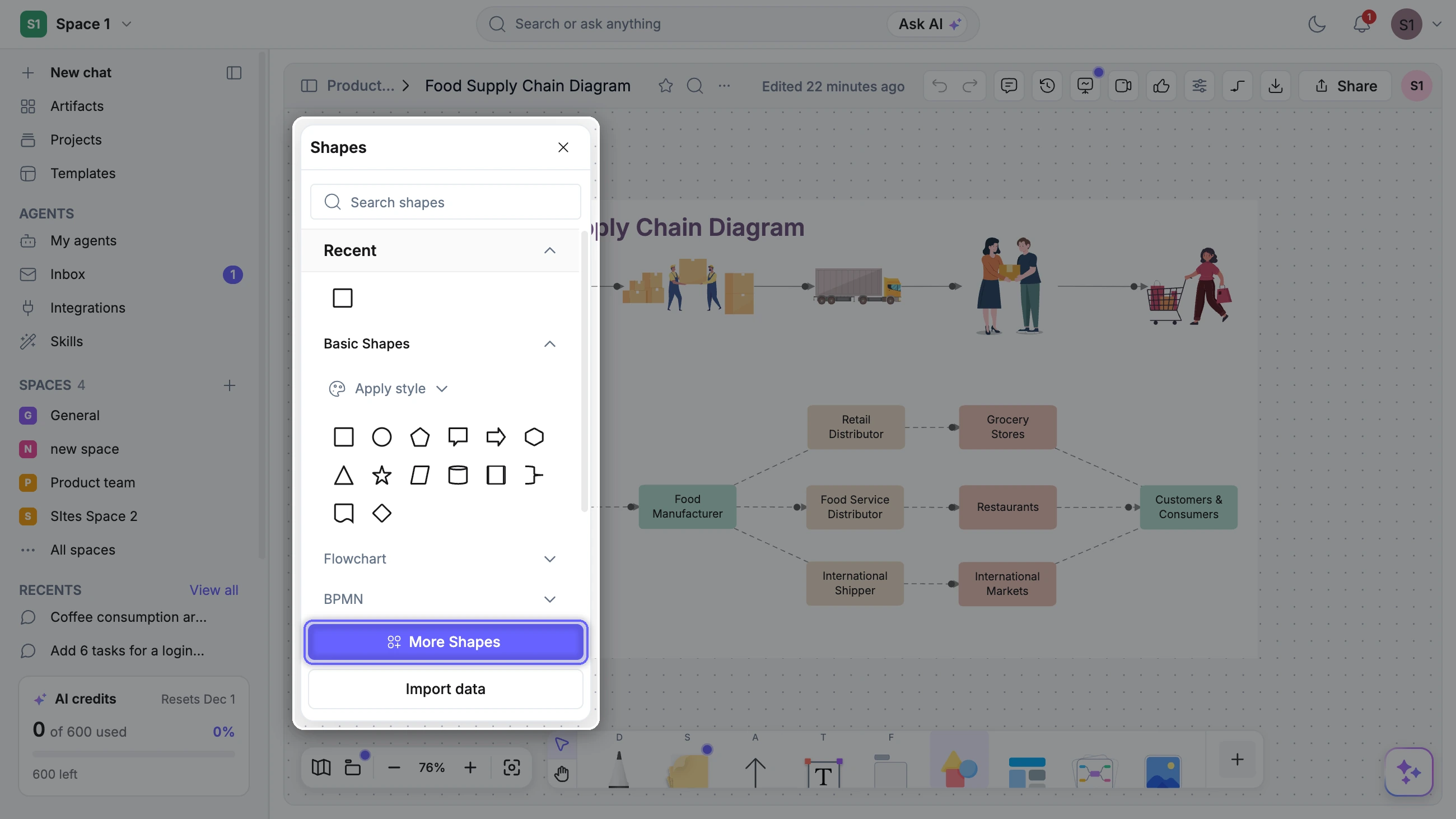
Pick from basic and flowchart shapes, or open the full shapes panel for BPMN, data flow, ERD, UML, icons and cloud architecture libraries such as AWS and Cisco. Connect shapes with four line types, markers and labels.
Drop sticky notes with colours, tags and reactions, peel new ones off a Sticky Stack, write with text styles, and sketch with a pen, highlighter, eraser or magic pen.
Add a mind map from the dock and switch between 10 layouts.
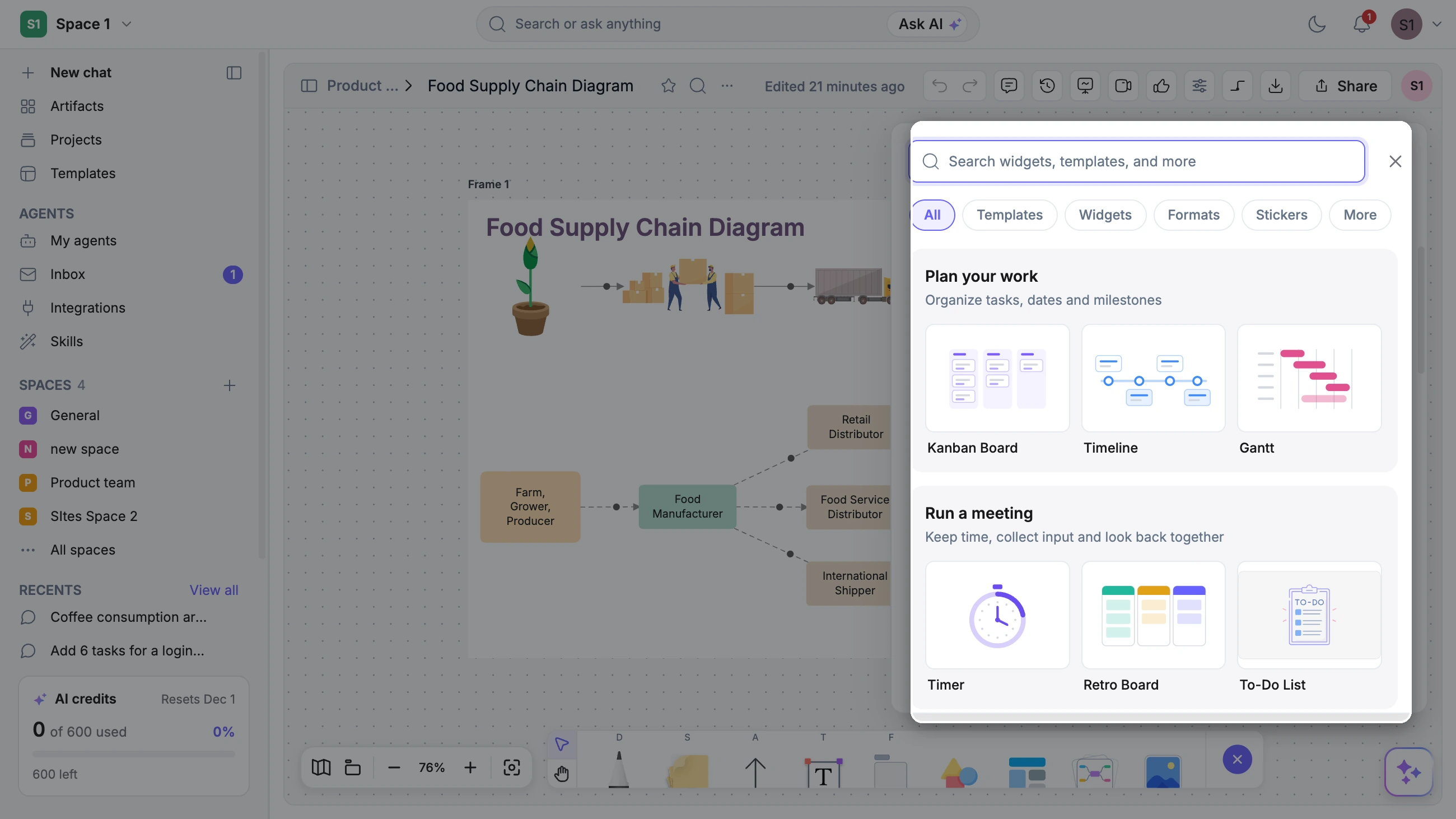
Place a Kanban, Timeline, Gantt, Task Table, To-Do list, Timer, Retro Board, SWOT or Weekly Planner right on the board, plus stickers, emoji and GIFs.
Group content into frames, then Present them one at a time with a timer and a frame list.
See each other's changes live, leave comments with @mentions, send reactions, run a shared timer, and go back to any earlier save in Version history.
| Where | What to click |
|---|---|
| Artifacts | Make something new > Canvas. The New Canvas dialog opens with Generate with AI, Import and Start blank. |
| New chat | Click Create and pick Canvas, then describe the diagram. |
| A space | Open the space, click Create new, then Canvas. |
| A project | On the project page, click +, then Canvas. |
| Templates | In the left sidebar, click Templates, filter by Canvas or Whiteboard, and click Use. |
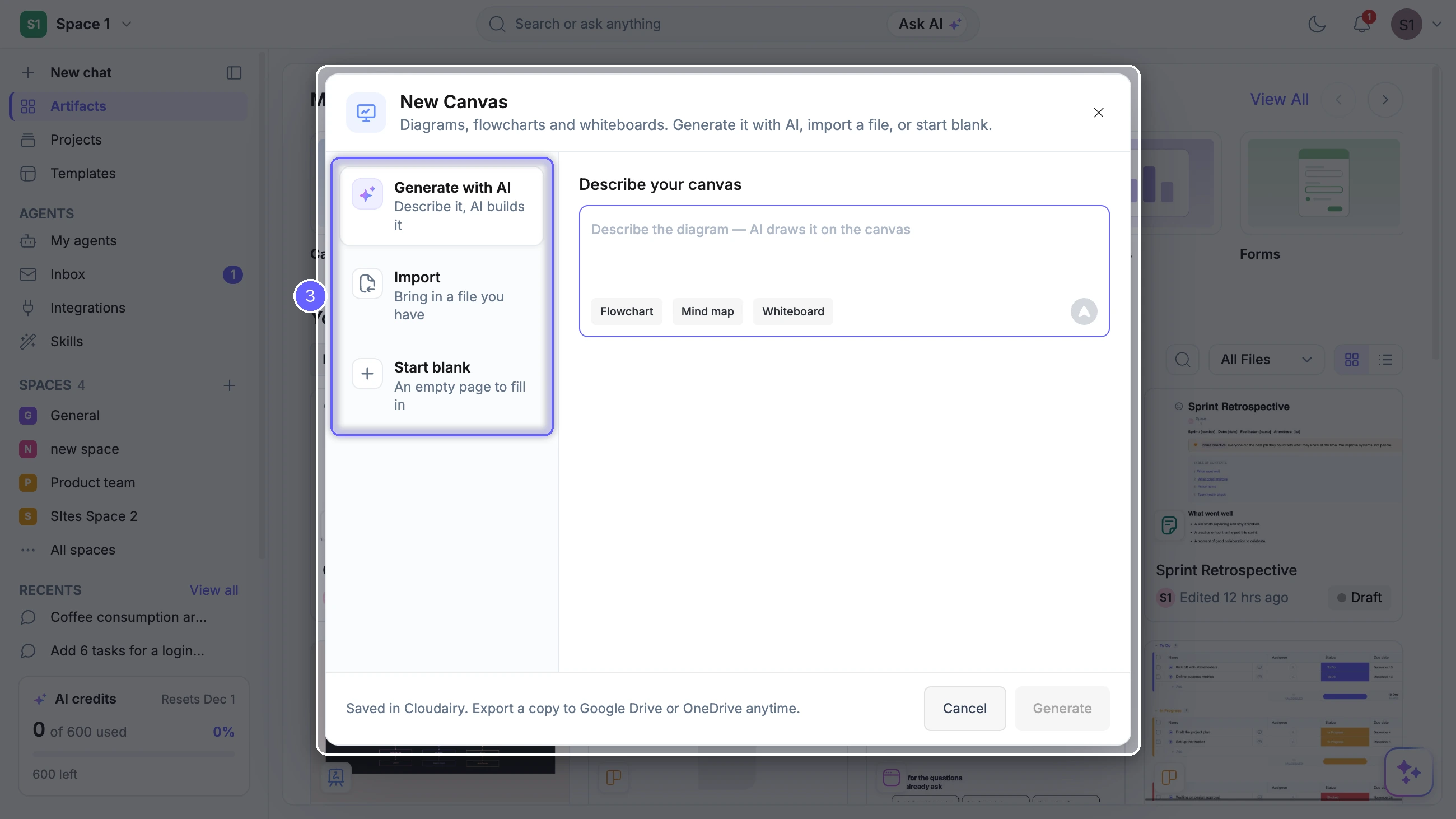
See Create a canvas for each option step by step.
AI uses AI credits. See AI credits.
See Import and export a canvas.
| Free | Pro | Business | Enterprise | |
|---|---|---|---|---|
| Canvases | Counts toward 3 items in total | Unlimited | Unlimited | Unlimited |
| Export PNG and JPG | Yes | Yes | Yes | Yes |
| Export SVG and PDF | Upgrade prompt | Yes | Yes | Yes |
| Import a file into a new canvas | Upgrade prompt | Yes | Yes | Yes |
| AI credits | 100 | 1,000 | 2,500 | Unlimited |
See Plans.