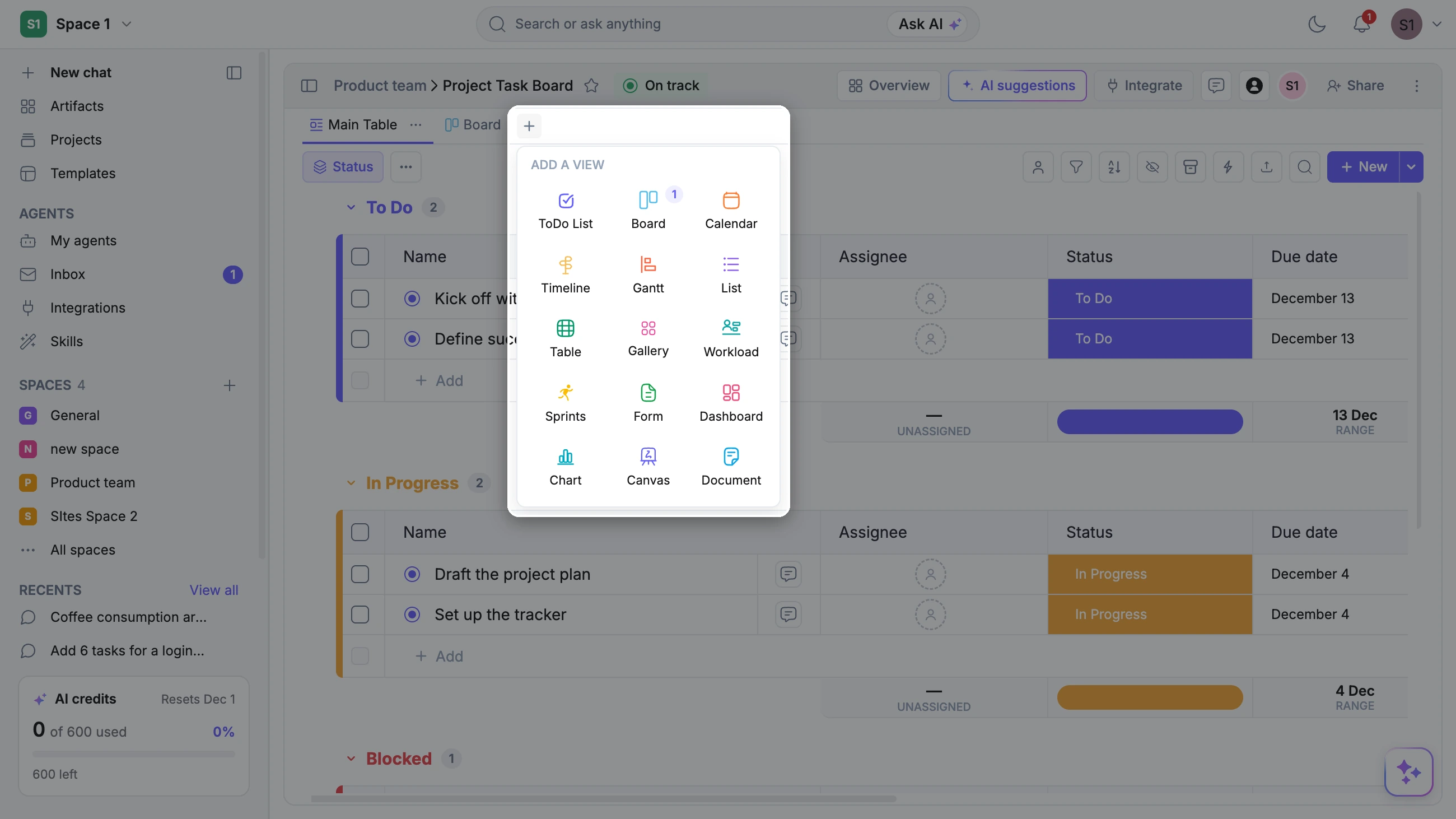
Add views to see the same tasks as a kanban, a calendar, a timeline, a Gantt chart and more.
On a board, click + after the view tabs.
Pick a view. Adding a view never moves or changes your tasks.
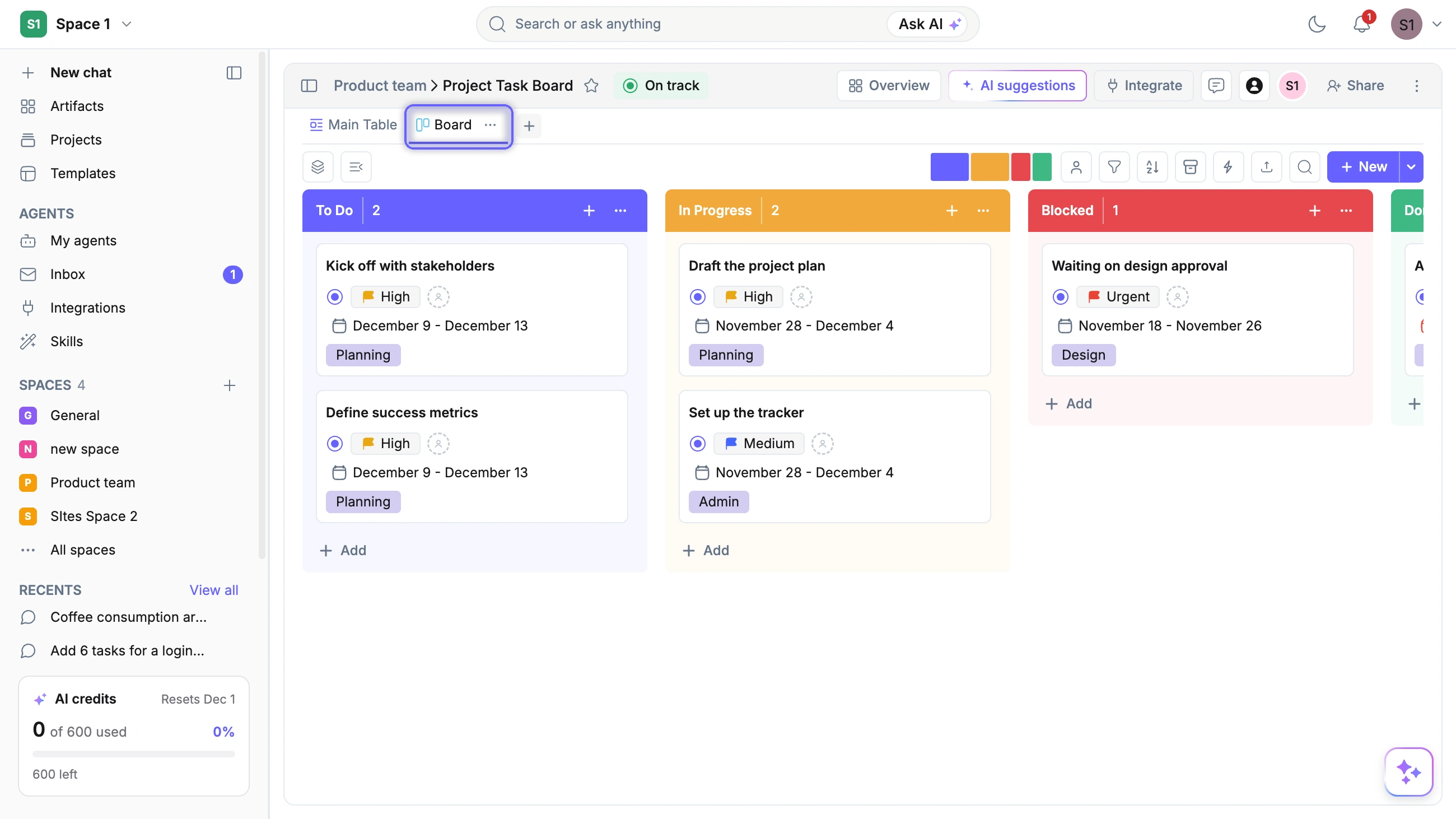
A view tab's ⋯ has Pin, Rename, Duplicate, Share view (copies the view link), Lock view, Reorder and Delete view.
| View | What it shows |
|---|---|
| ToDo List | A flat checklist |
| Board | Kanban columns by status |
| Calendar | Tasks by Day, Week or Month |
| Timeline | Tasks across time |
| Gantt | A schedule with dependencies |
| List | Tasks in status sections |
| Table | Rows and columns |
| Gallery | Cards with covers |
| Workload | Work per person against capacity |
| Sprints | Sprints and the sprint backlog |
| Form | A form whose answers become tasks |
| Dashboard and Chart | Charts from the board's tasks |
| Canvas and Document | A linked canvas or doc for this board |
Click a day to create a task with that date. Tasks without date lists the rest.
Click empty space for an inline "Create new task" bar, or press t. Gantt draws dependencies you set on the task card.
Click a person's capacity chip and pick Set capacity to set how much they can take on. Set Duration, Time frame and Grouping, and the Measure capacity over setting. Use → and ← to step through periods.
Click + New sprint and set a name, goal, dates and capacity.
Plan from the Sprint Backlog, then Start and Complete the sprint.
Use Open as board to work the sprint as a board.
Sprints belong to the project, so a Sprints view on another board in the same project lists them too.