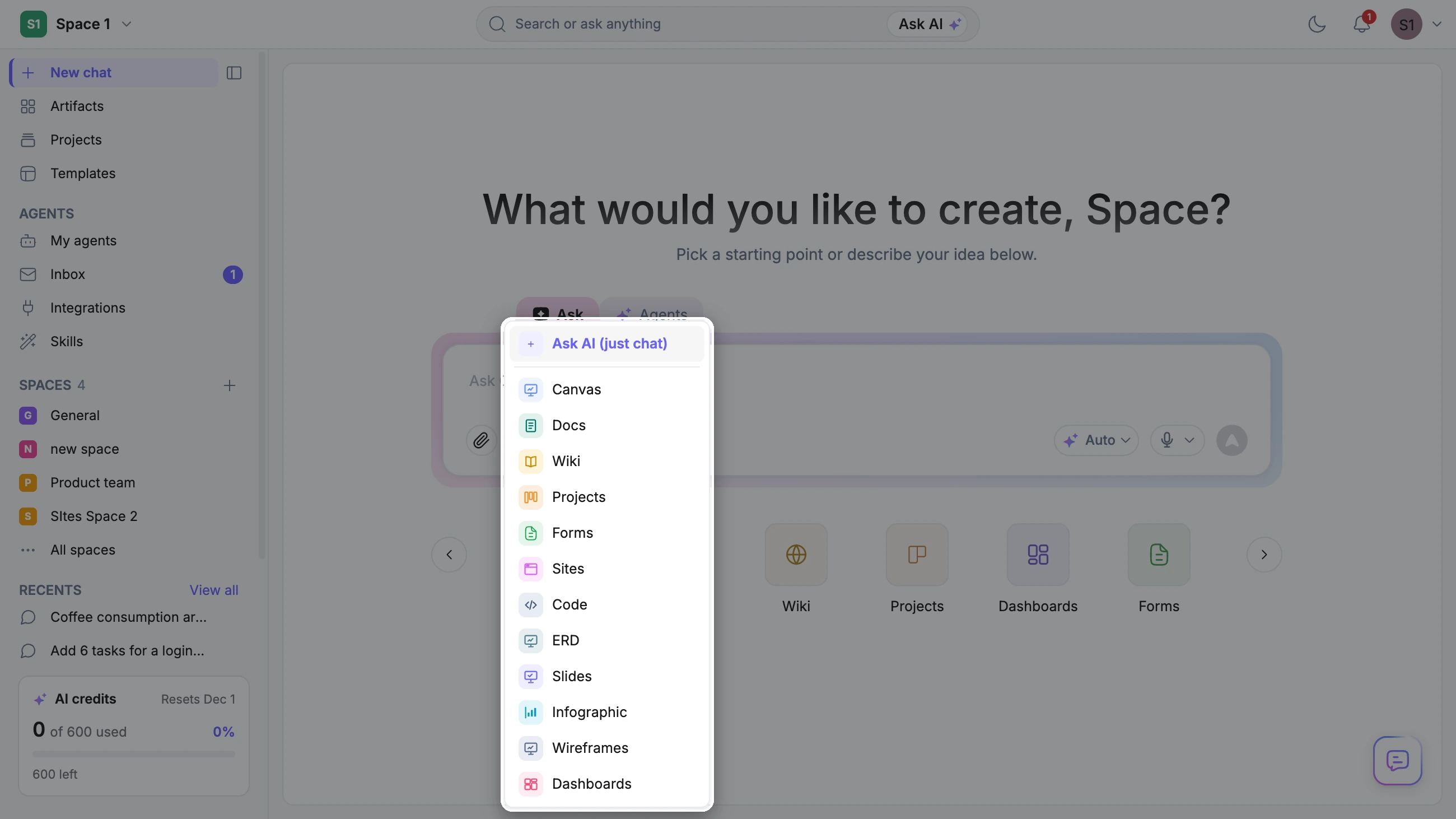
The catalog of everything you can make in Cloudairy, one detail page per artifact, with what it does, every way to start one, its AI, sharing and plan limits.
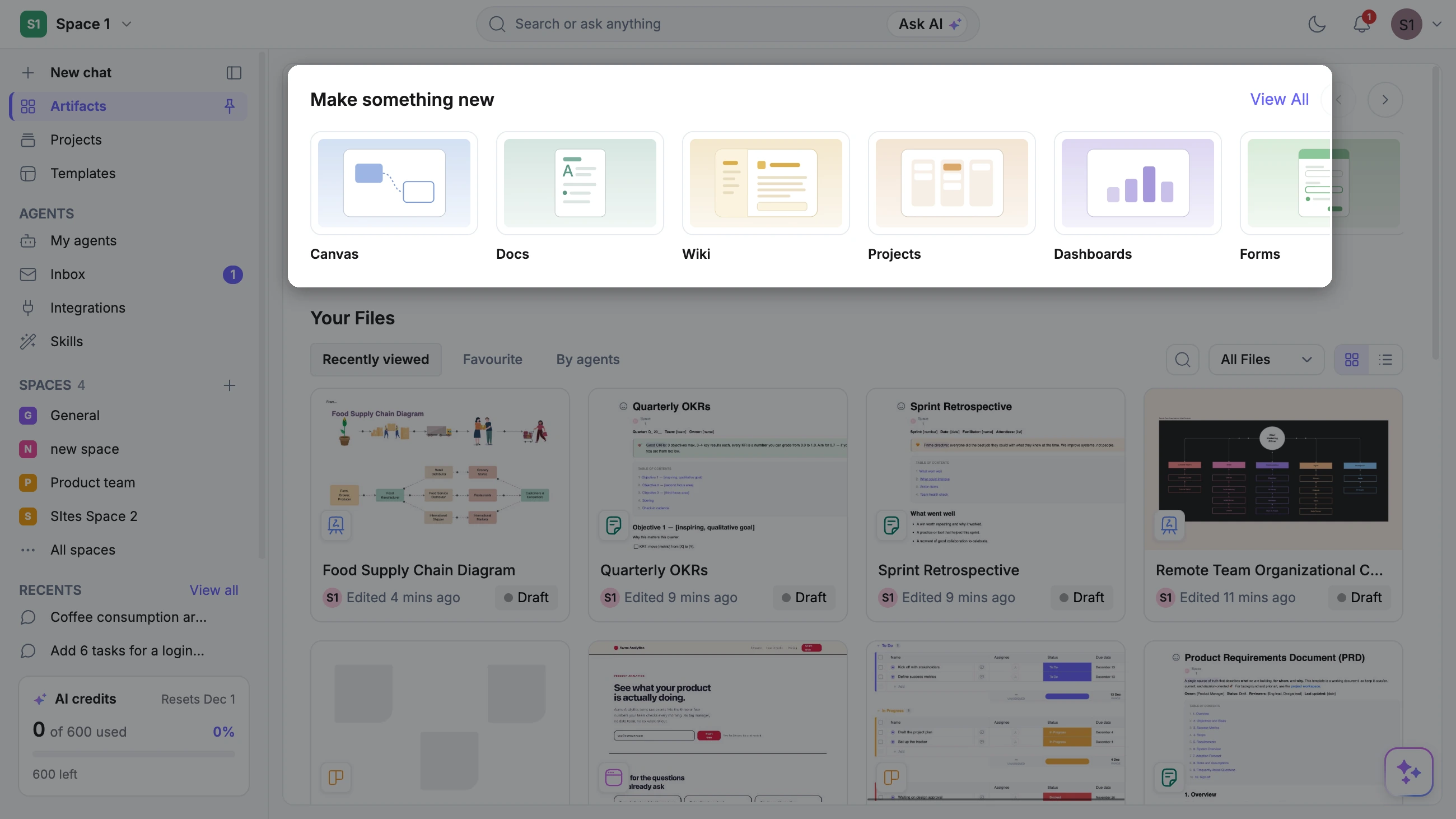
Every artifact starts from Artifacts > Make something new in the left sidebar, from New chat with Create, from a space's Create new, or from a project's +. On the Free plan you can make 3 items in total; Pro, Business and Enterprise are unlimited.
| Artifact | What it is |
|---|---|
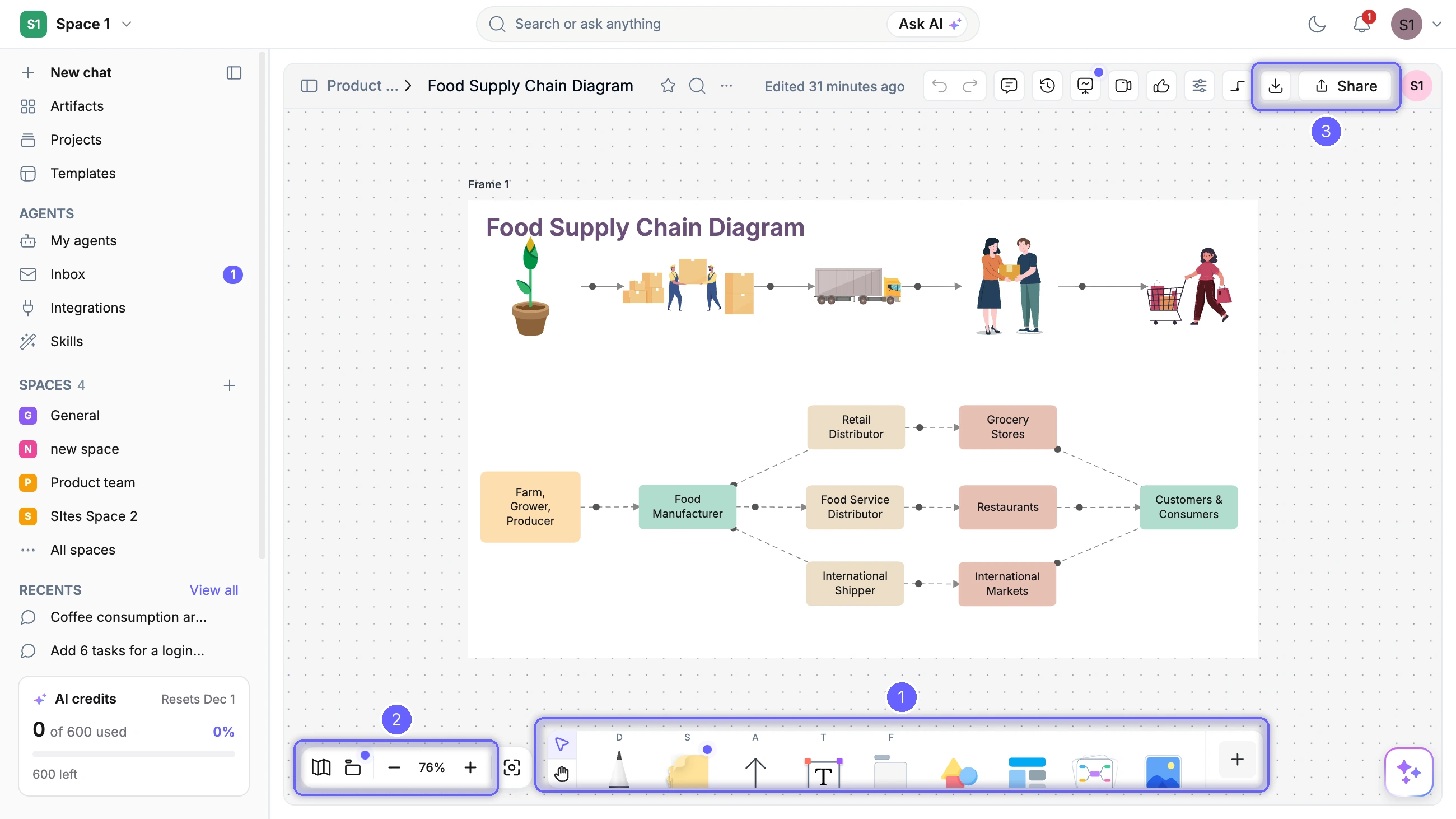
| Canvas | An infinite board for diagrams, flowcharts and mind maps |
| Whiteboard | A canvas for live workshops, retros and brainstorms |
| ERD | Database tables and relationships, with SQL export |
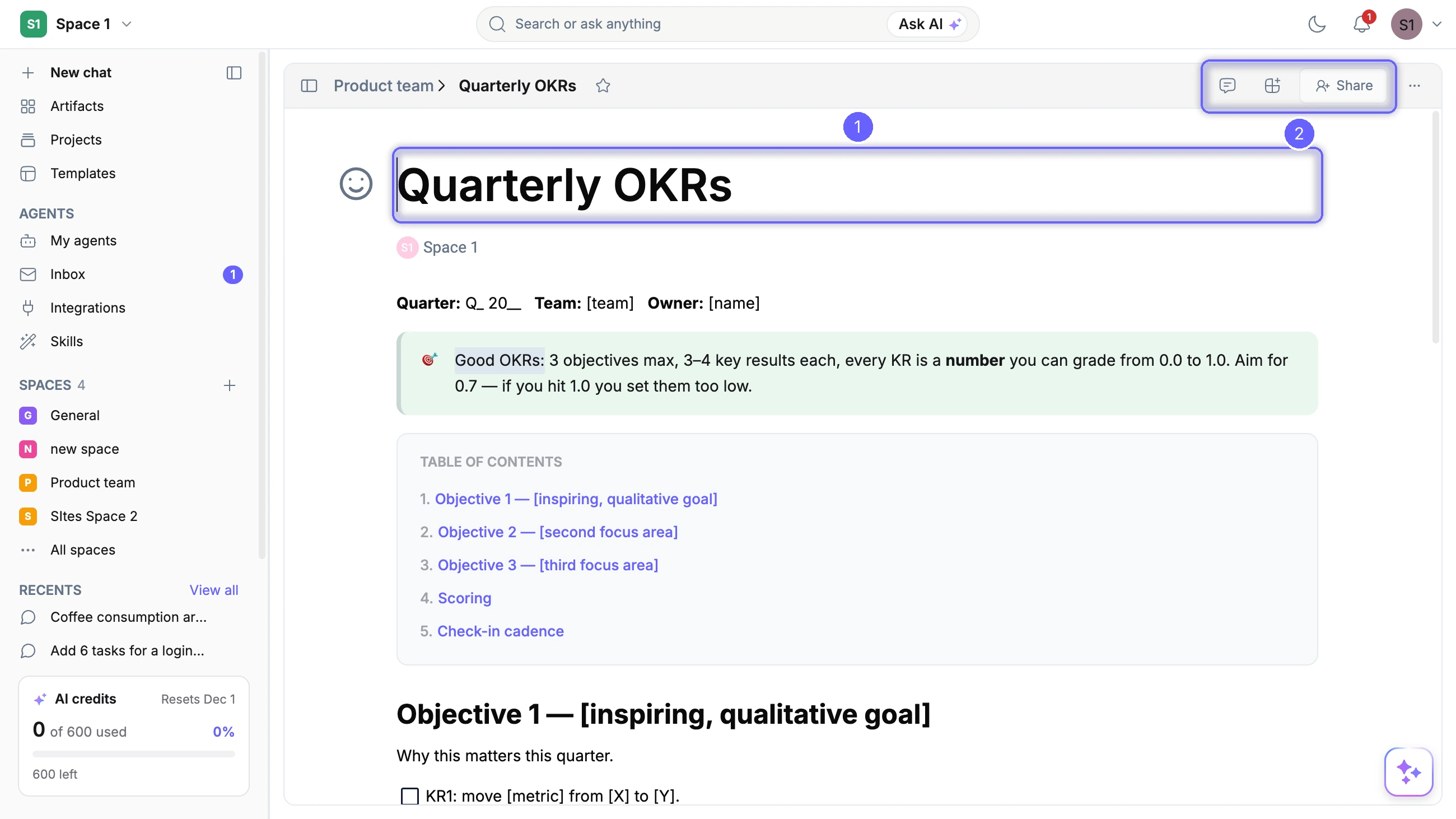
| Docs | Documents with blocks, tables, embeds and live task views |
| Wiki | A published docs site or help centre built from pages |
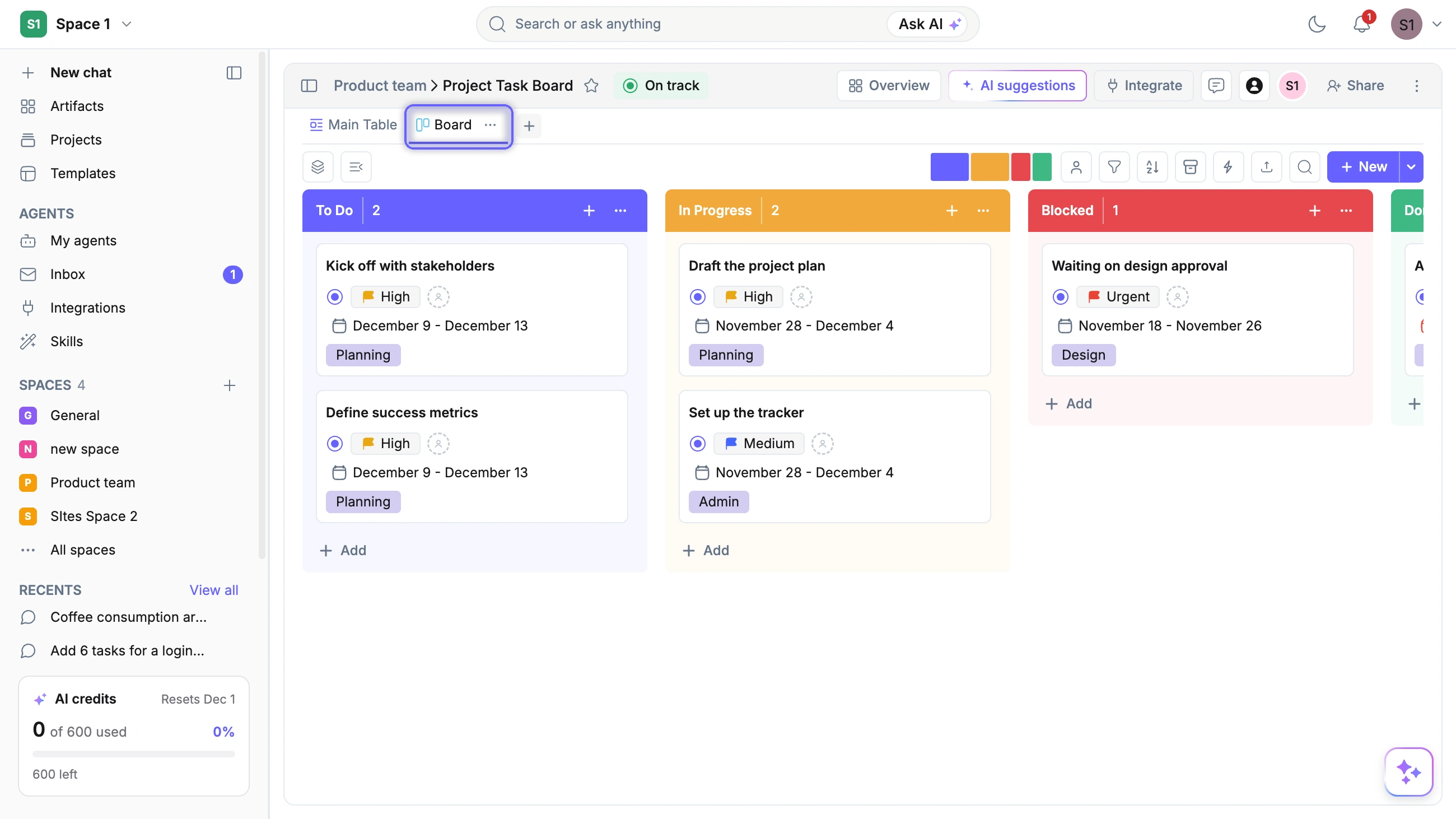
| Projects | Task boards with views, columns, sprints and automations |
| Forms | Forms whose answers land on a board |
| Dashboards | Charts from a spreadsheet or from your boards |
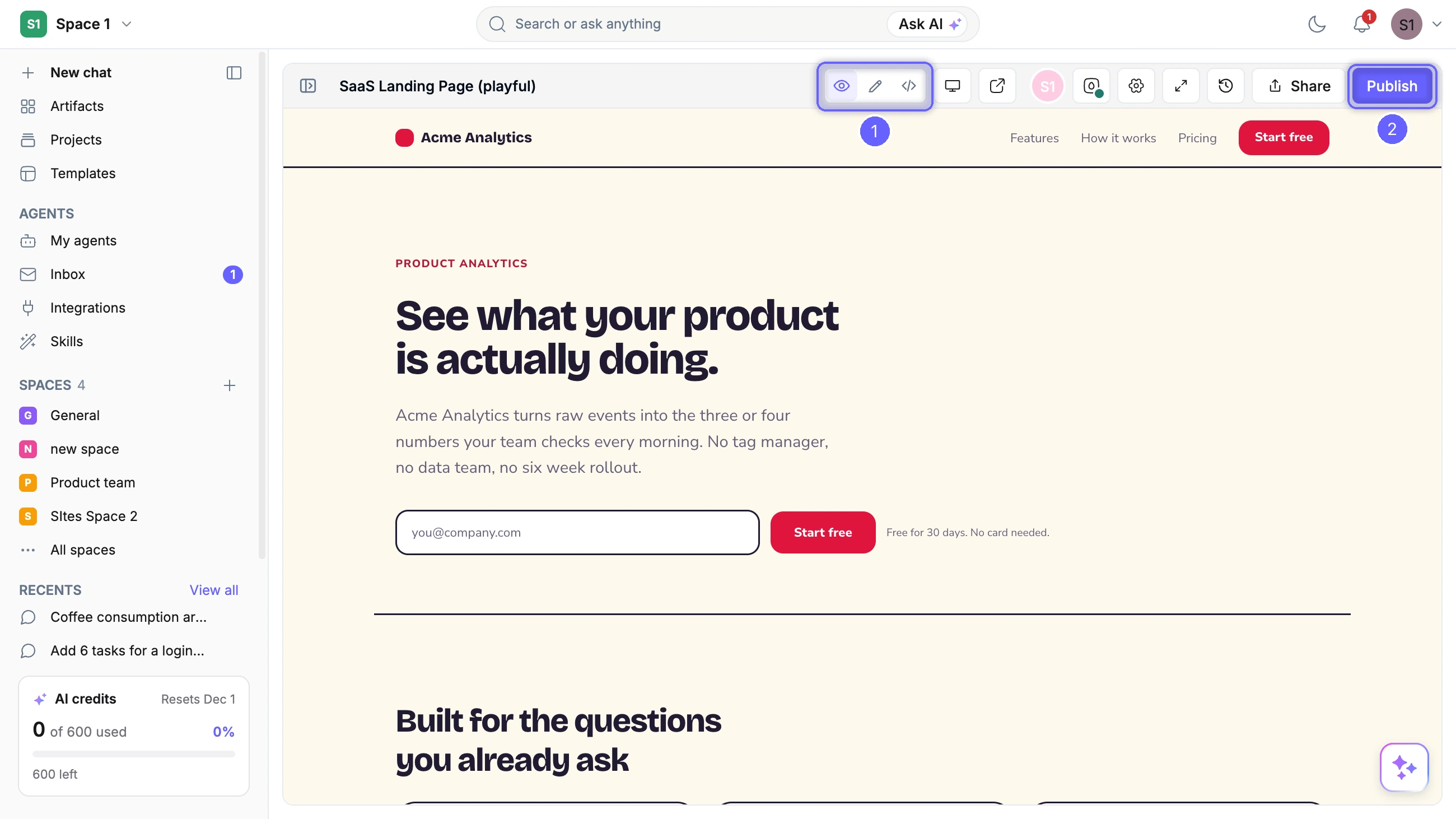
| Sites | Websites built by AI and published in a click |
| Code | Scripts, APIs and infrastructure code written by AI |
| Slides | AI-designed decks you present or download as PowerPoint |
| Infographics | Visual posters in any size, from A4 to a social post |
| Wireframes | Low-fidelity app and website screens |
| Clips | Screen and camera recordings with transcripts |
Draw systems, processes and ideas on an infinite board, and design databases.
Write docs with rich blocks, and publish them as a branded wiki.
Run projects on task boards, collect answers with forms, and chart the results.
Describe a website or a code project and Cloudairy AI builds it.
Get a deck, a poster or app screens drafted from a short description, ready to edit.
Record your screen and share it with a transcript, captions and an AI voiceover.
Every artifact can start from Ask AI, and many from a template or an import.