Run your Cloudairy workspace: choose a plan, pay for it, manage the people in it, keep sign in secure, and look after your own account.
Most of this tab happens in two places, both opened from your avatar in the top bar. Administration is for workspace owners and admins: billing, seats, users and single sign-on. My profile is for you: your name, password and notifications.
Cloudairy has four plans: Free, Pro, Business and Enterprise. See what each one costs and what it unlocks.
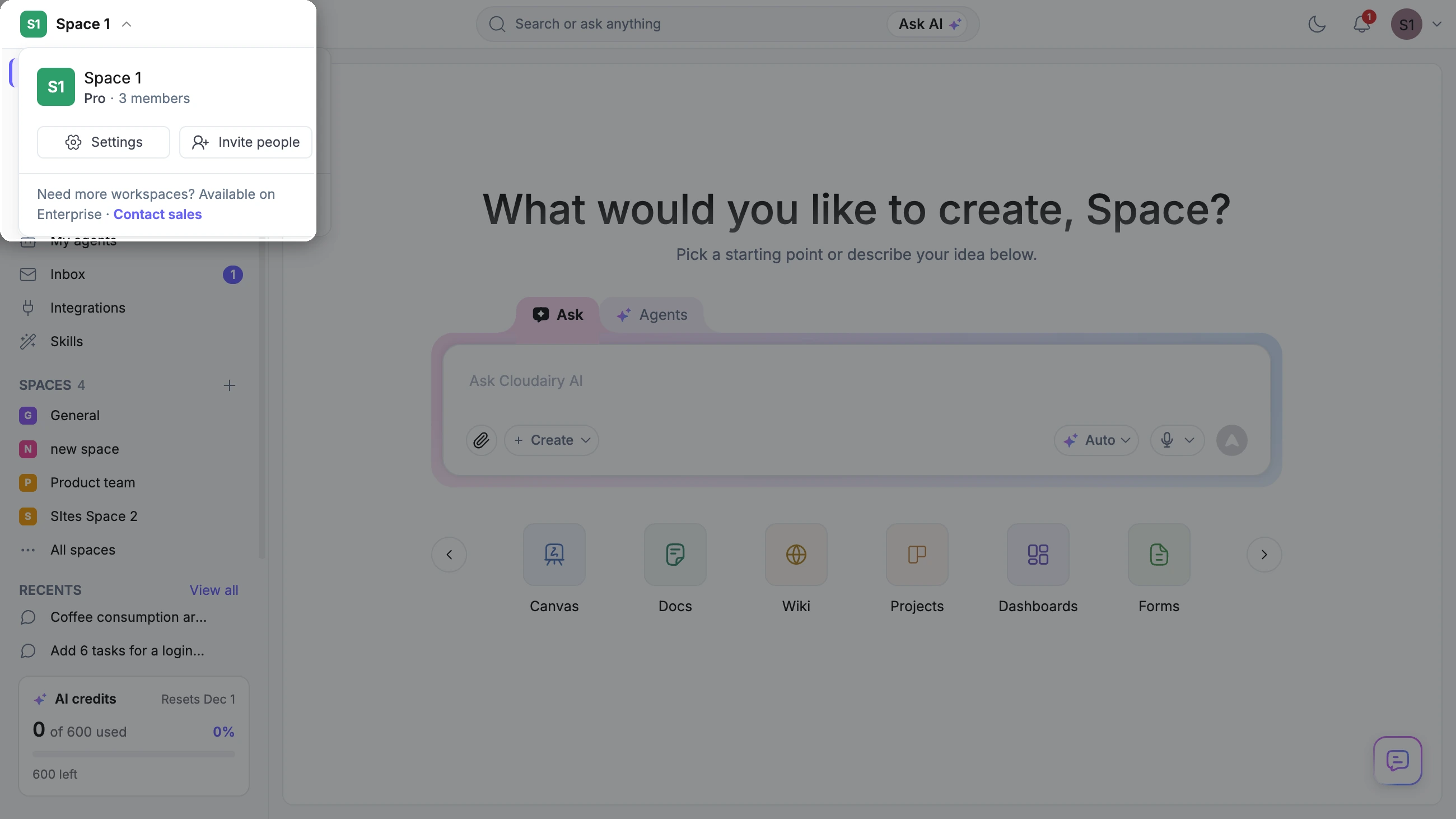
A workspace is your team's home. Switch between workspaces, give each one a name and icon, and set the work types its boards use.
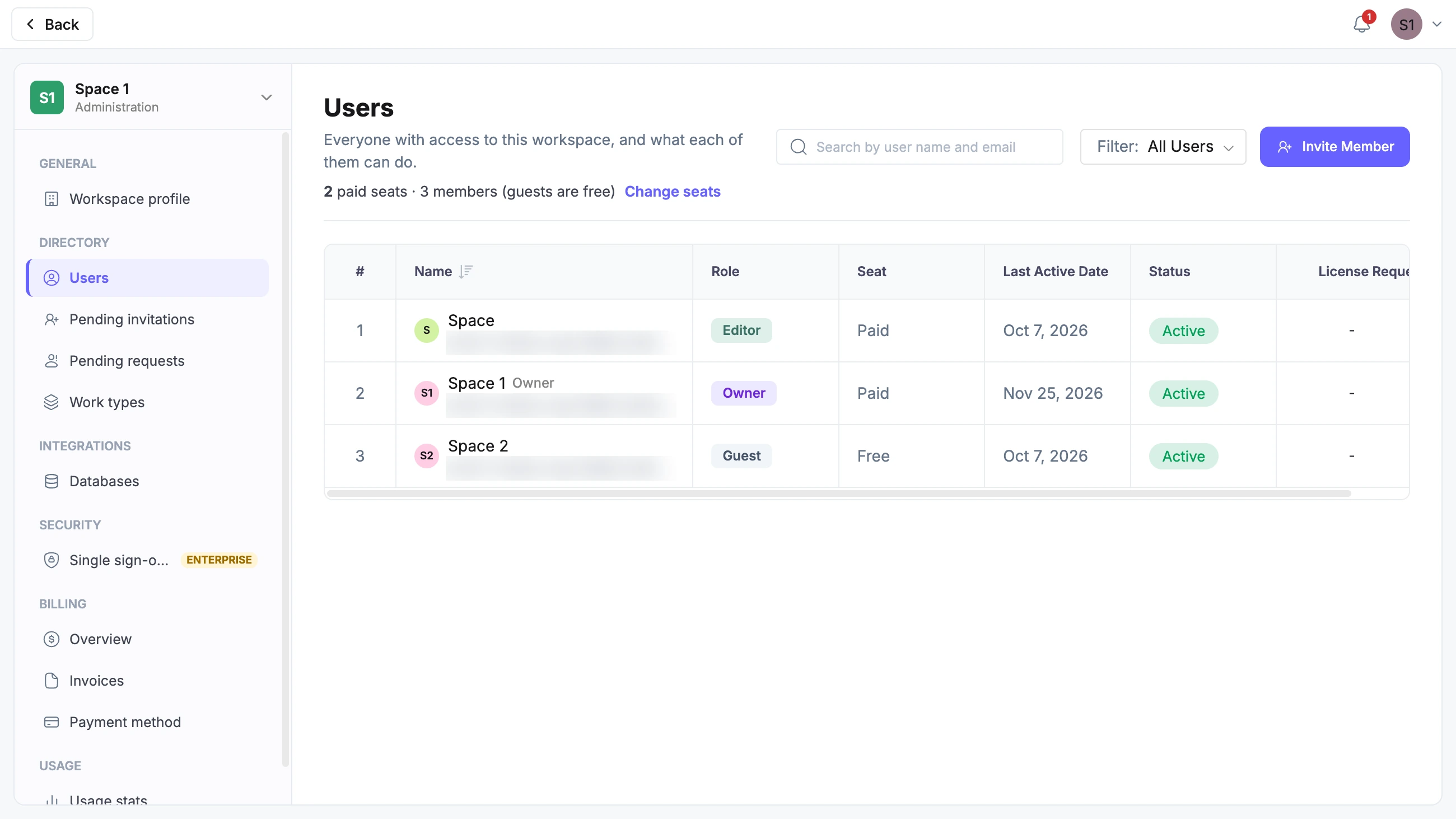
Invite people, choose who can edit and who can only view, and answer requests for access.
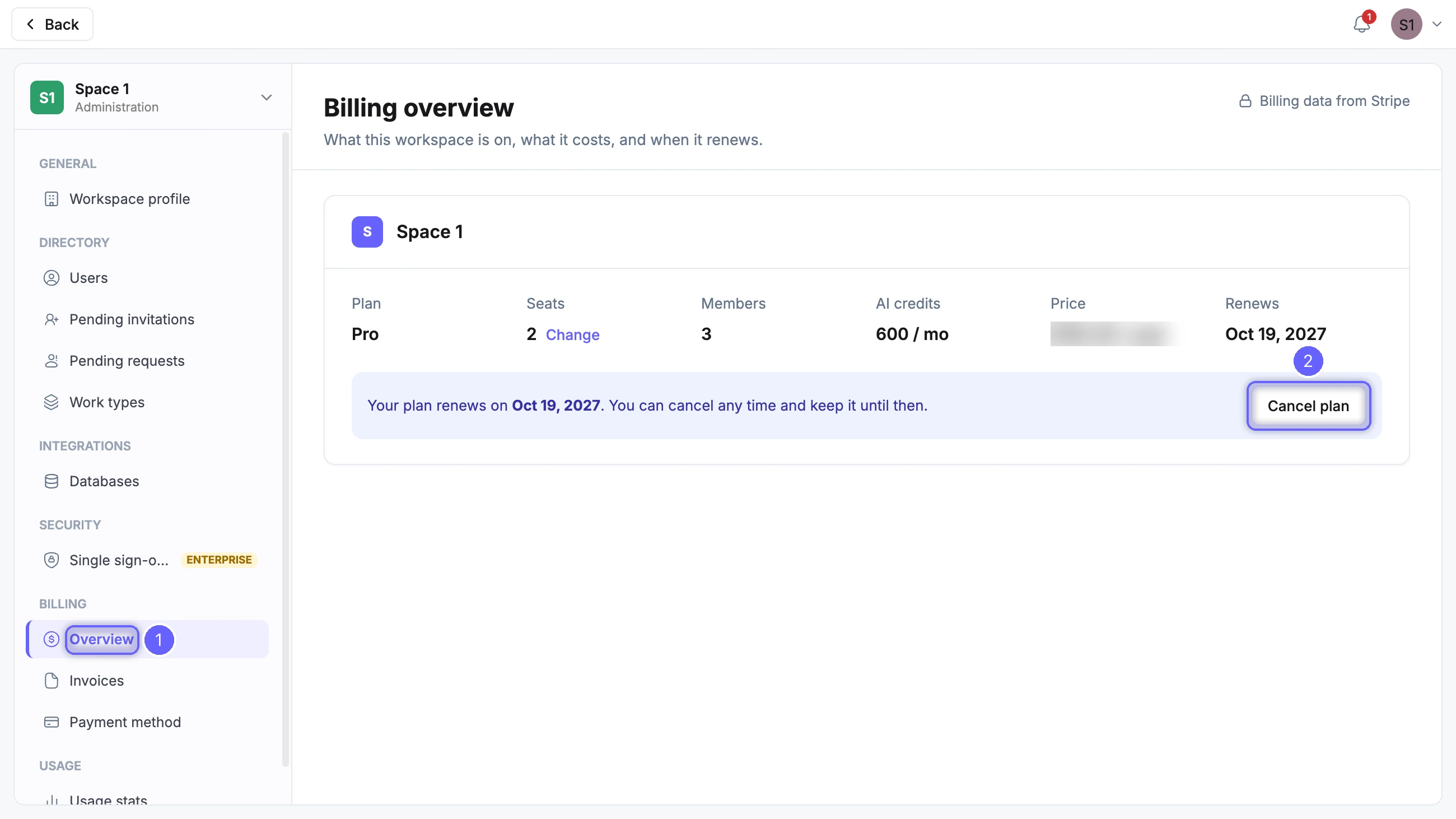
Upgrade, change seats, cancel or keep your plan, download invoices and buy extra AI credits.
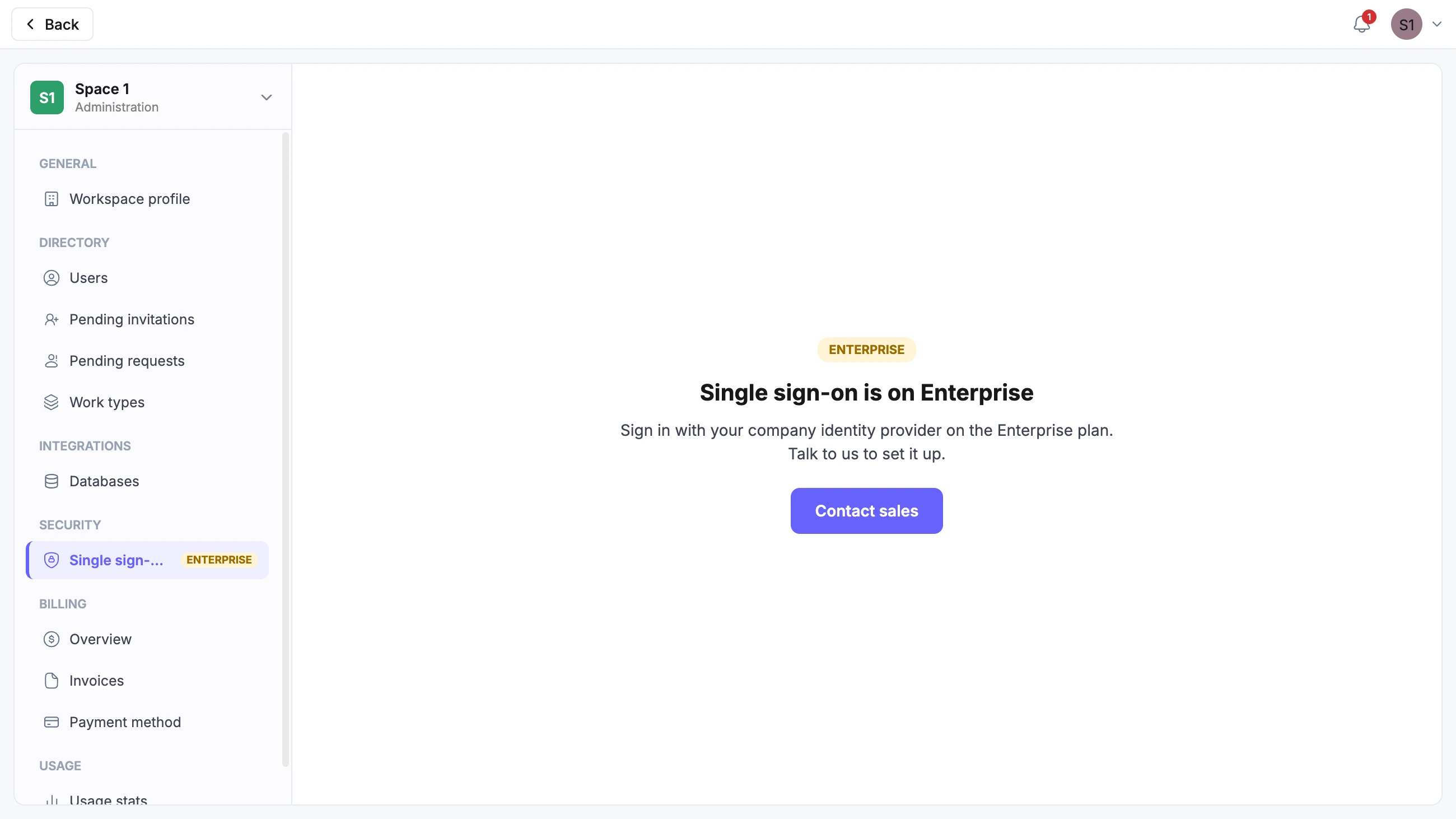
On Enterprise, let your team sign in with your company identity provider and keep users in sync automatically.
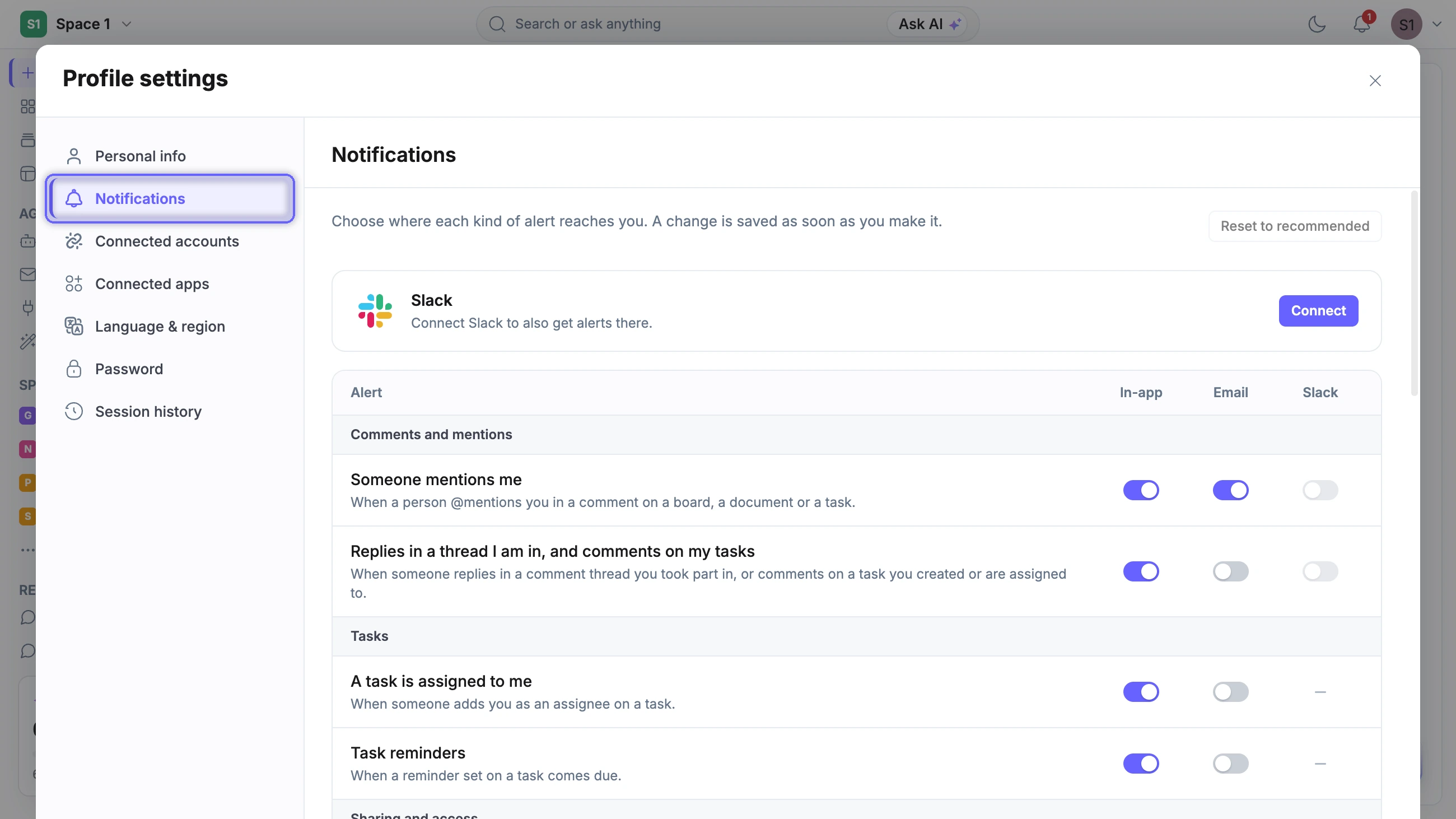
Change your name and photo, your password, the drives and apps you connect, and the alerts you get.
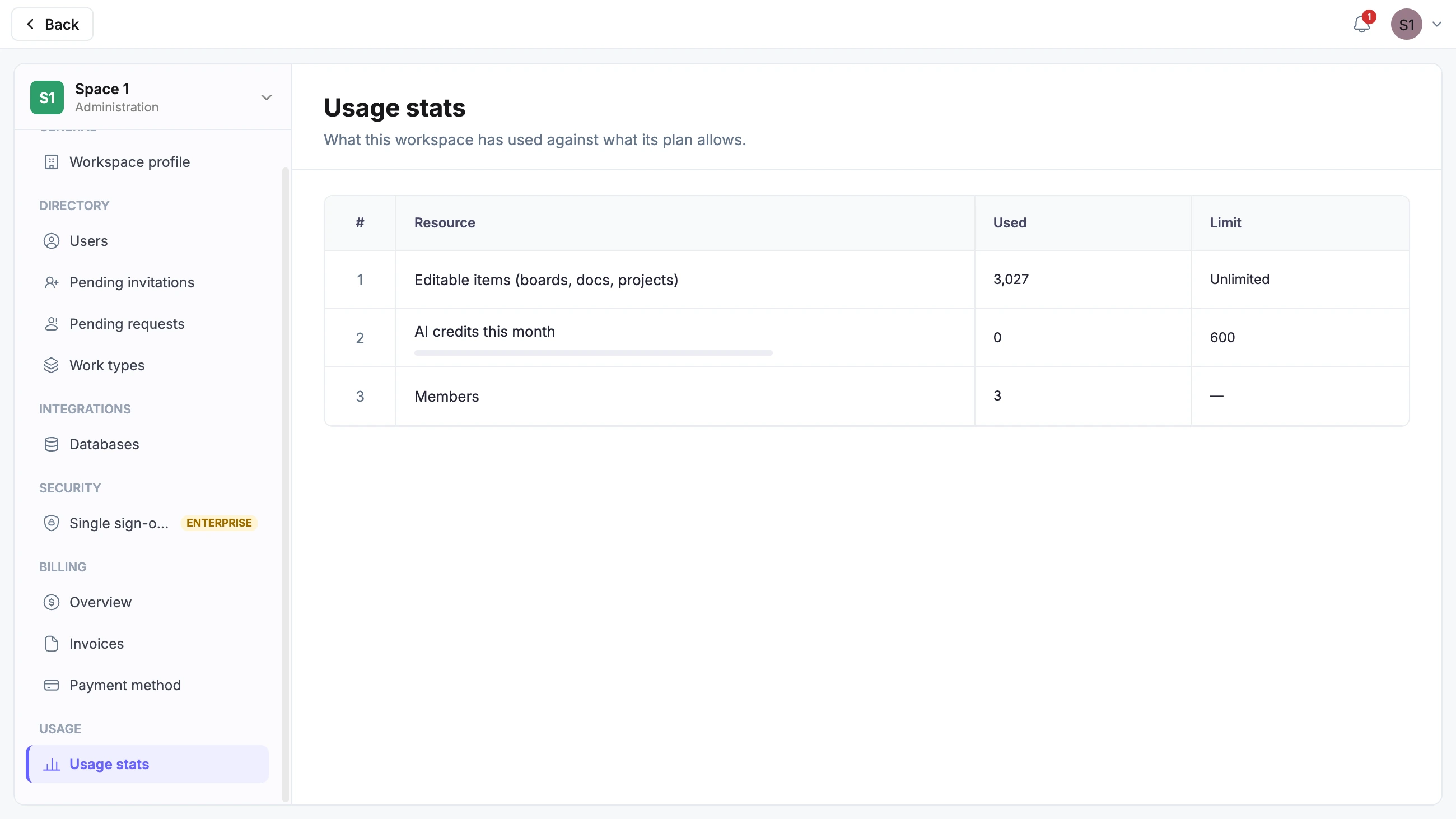
See what your workspace has used against what its plan allows.